
Ragnrok
Members
-
Joined
-
Last visited
Everything posted by Ragnrok
-
-
TaylorSwith do you think you could make a slightly modified version of the impala? just 2 changes to the front.
- 20 comments
- 2 reviews
-
-

- 1
-
-
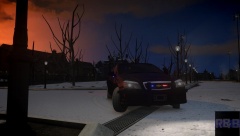 not bad
 -
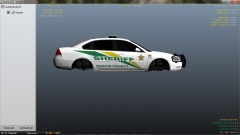 looks nice, although im not a fan of the rambar on an impala
 -
-
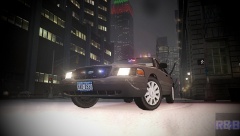 is that the raydian pack unmarked cvpi?
 -
-
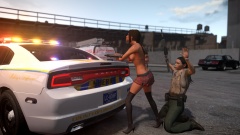 im going to assume that she comes with the car XD
 -
i think the more simple question is what is the point of that? if you are going to do that why didnt they do it for all stores in Australia, not just target? doesnt seem like it achieves much
-
-
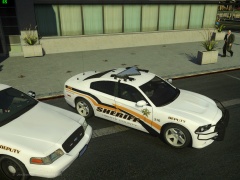 whats the full setup on the cvpi?
 -
well one - that some serious bullshit going on in NCIS LA anyway, thats not a realistic fbi car just saying. nothing wrong with requesting that setup though. there are 2 existing cars that are very similar, one being the LVMPD unmarked cvpi by cj24 and the other is the LAPD unmarked cvpi.
-
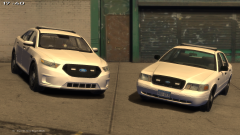 i dont see the rear lights at all. maybe its just the angle in the other pic. what do mean its a customizable lightbar? if it has what you say, then it would be the same as the TG one, but with this customizable lightbar you speak of. PS - sorry HH - we are clogging up your comments
 -
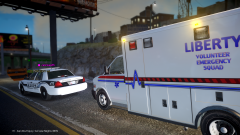 see thats a good cvpi setup
 -
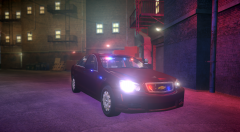 thats an interesting setup
 -
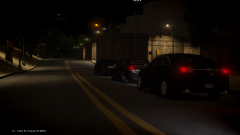 you know im still not sure if i like the FPI better with or without full hubcaps
 -
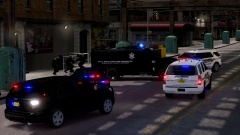 very cool shot.
 -
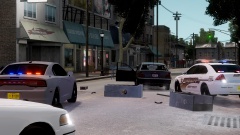 what impala is that? iv been looking for one with that kind of setup
 -
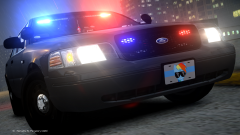 or at least im 80% sure its policewag. #toomanycars
 -
if you guys are looking for a very similar car, policewag has one that has the same front setup. not sure about the rear
-
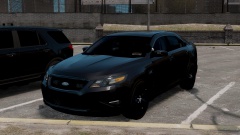 now see that looks the kind of setup i like
 -
-
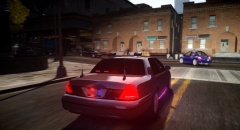 yes if it didnt have runners it would be so much better. looks nice though regardless
 -
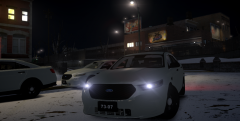 while i do have a few nitpicky points on the finished version (as i said elsewhere) i do very much appreciate that this has no rambar. that said the one you did for TG is very close to perfect for me
 -
appreciate the link ironic, but iv looked all over. nope lacks what im looking for. needs rear deck lights. and im not a fan of that style of lightbar. in case you havent noticed im very picky about lighting setups