


GlitchGamer
Members
-
Joined
-
Last visited
Everything posted by GlitchGamer
-
Have been quite busy lately. I am going to try and upload a "generic light setting" with TA and a few pattern set-ups for modders to base their vehicles from that have TAs without the need to have no environmental lighting. It will have 3 extra settings. All with environmental lighting set up. This will make it easier to switch between all blue to red and blue. Will try and release some vehicles with it, including a re-worked LAFD Ambulance. Let me know what y'all think. All blue w/ Traffic advisor All red w/ Traffic advisor Red and Blue w/ Traffic advisor
-
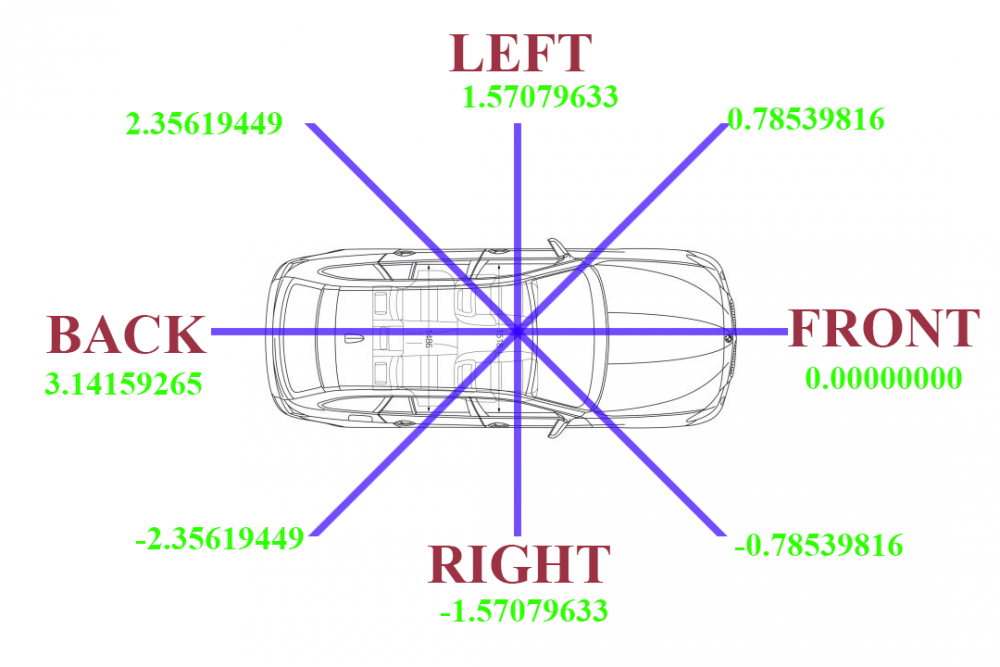
Delta value #s of where the lighting will fall/dummy is.
-
Here is some colors for those who dont know how to read them. Took me a while to figure out. In format of color then color value in that color then below the color value. ie RED- 0xFFFF0000 0xFFFF0000 Put most common colors. Editing the colors in the carcols under setting <color value="0xFFFF0000"/> Have red, blue, green, yellow, and white and a few others in there. HOPE THIS HELPS
-
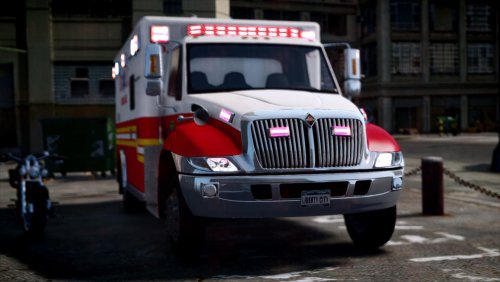 Would I be able to convert this? It says it's unlocked. I just wanna make sure @jjlaupixie
- 17 comments
- 2 reviews
-
-

- 1
-
-
Slow wip
-
Mine are all custom made. I'll have to post some pics or somehting. I like matching.
-
Check my YouTube. I have a video of it. It'll feature a working ladder. Tiller is in very early stages.
-
Working on a Coast guard boat with help of @PNWParksFan. Having trouble getting the body shape down. Suggestions? Looking to make a simlilar model. SO far, having to remake the box. Utilizing the dingy so far.
-
From the album: Nick's WIP
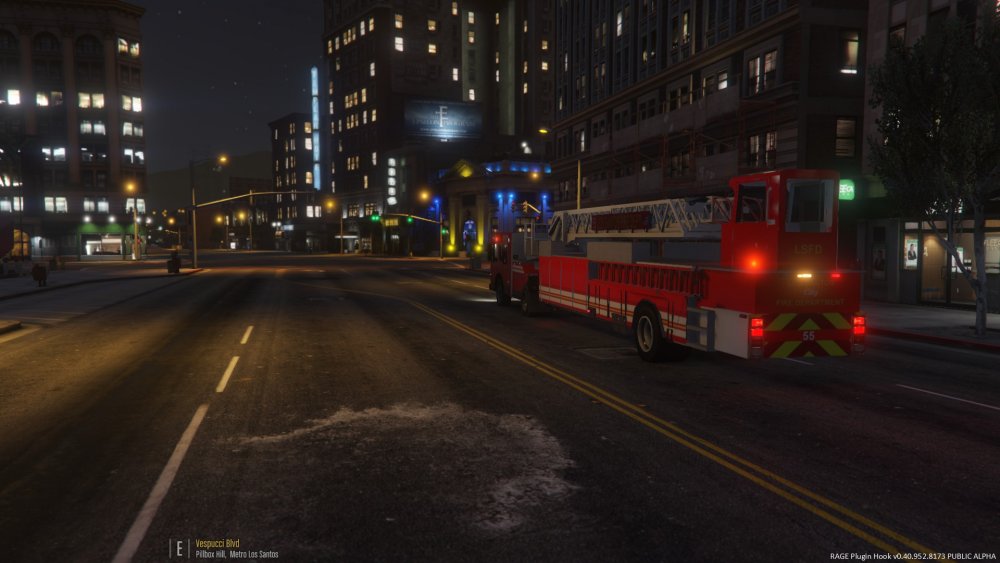
A sneak peak of the project @alexguirre and I are perfecting. Check https://twitter.com/glitchgamerYT and https://www.youtube.com/channel/UCwM0ulWTAMp8YPVIN78YO7w for more. -
A sneak peak of the project @alexguirre and I are perfecting Check https://twitter.com/glitchgamerYT and https://www.youtube.com/channel/UCwM0ulWTAMp8YPVIN78YO7w for more.
-
Will post some updates soon.
-
Been real busy lately and having some Internet issues. Got some surprises for you. One I'm working with @PNWParksFan. It'll be for something he's working on and will be releasedoing with his project. Another Im working on with @alexguirre. He's helping make the model come alive. Should be able to post updates soon. These two amazing people are going to make the next models awesome and purposeful. Cannot wait to show yall and post updates. yes I thought I did. I'll send it when I get home from work.
-
Should be on any of my files I think. @Rosscco I had the wrong email address in lol.
-
Will there be any tutorials on how to create ELS enabled cars?
-
Made the interior walkable. most definitely
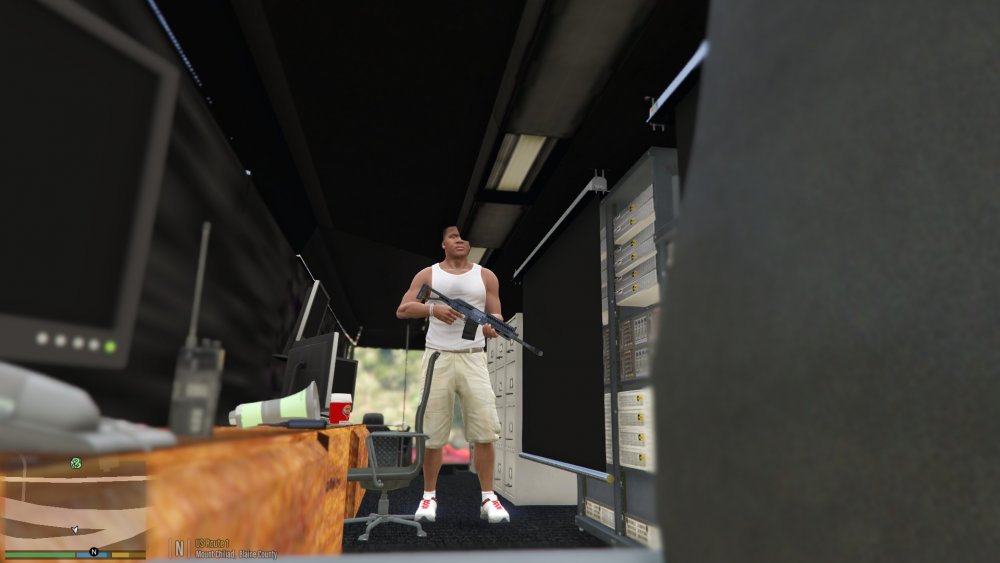
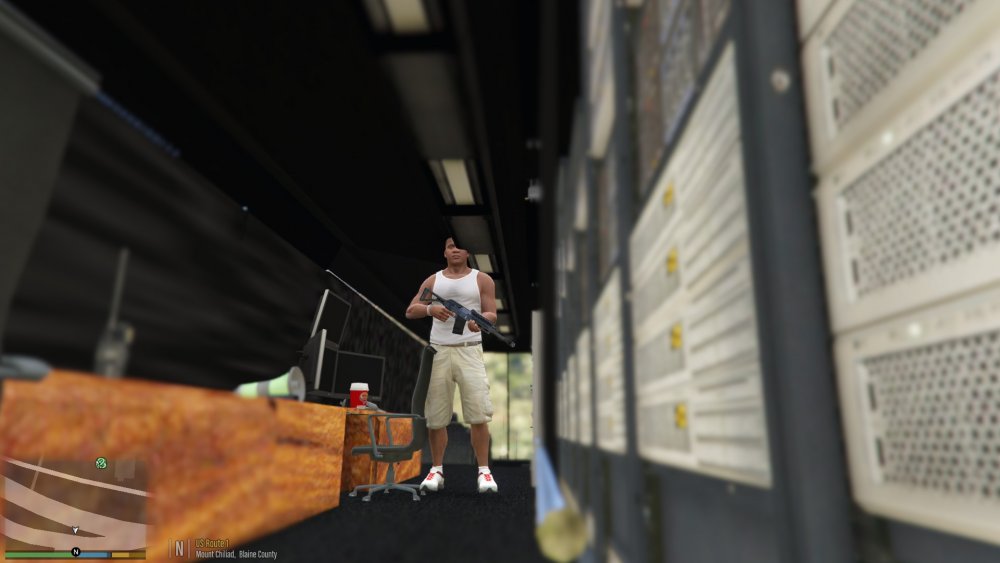
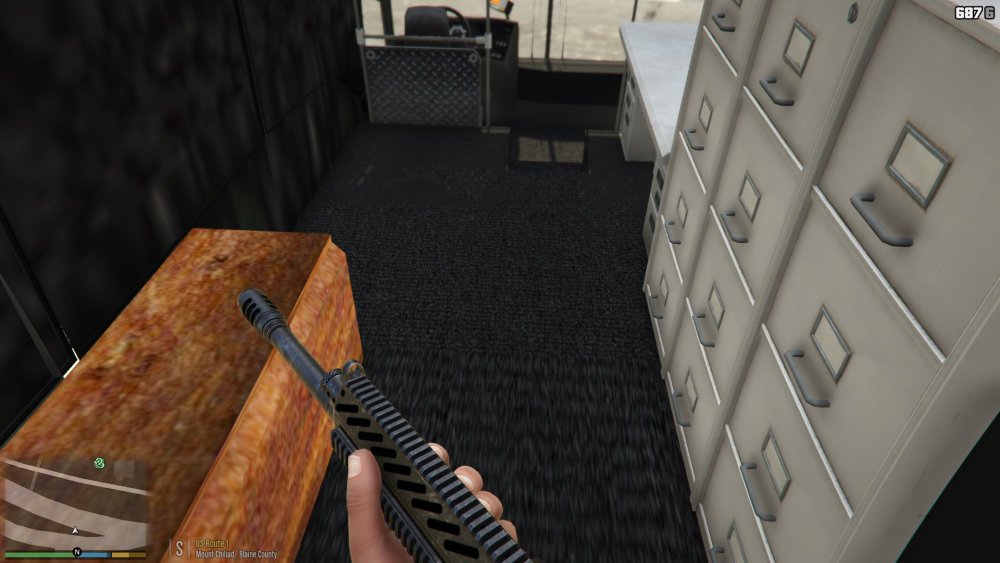
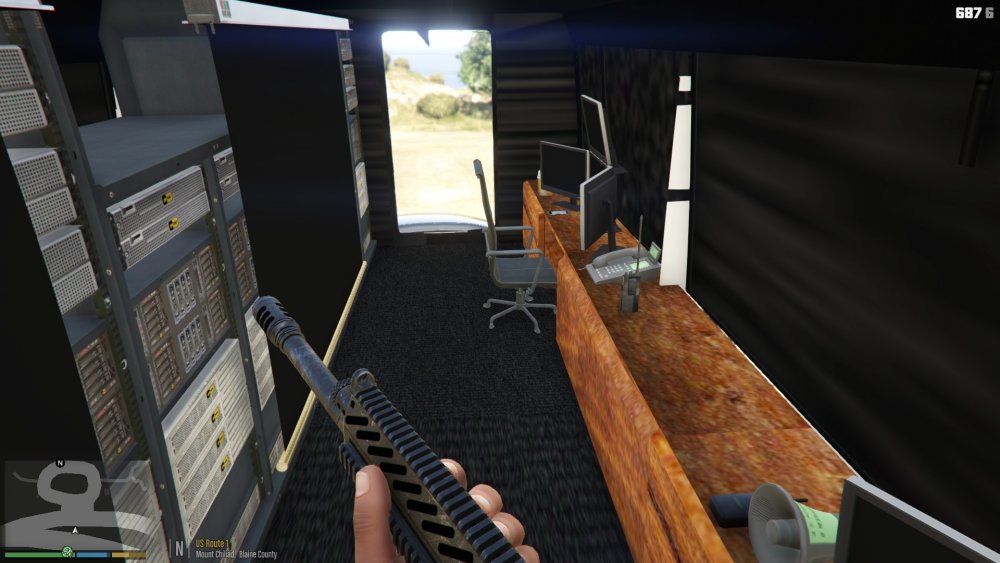 @Rosscco Currently having issues with the rescue. I may have to remake it.Just need to make so the vehicle is abled to be walked in and re do some textures. And put lightning on it.Today. Yes.A MAJOR WIP but, what ya think?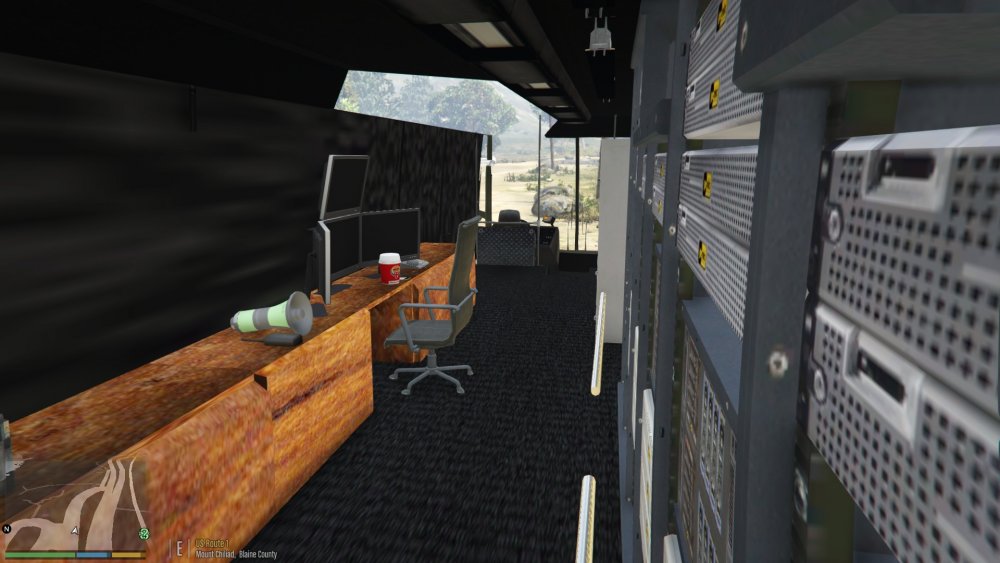
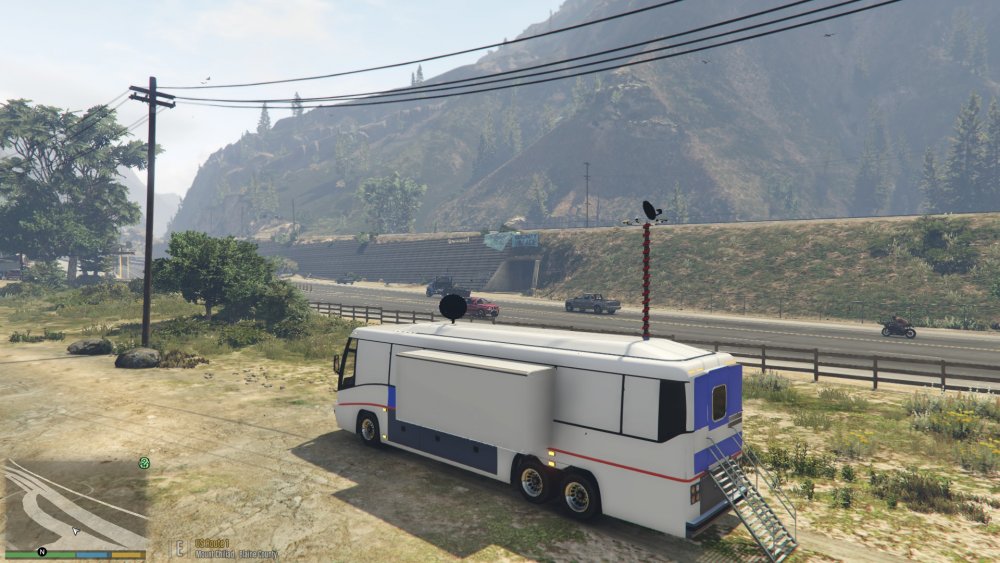
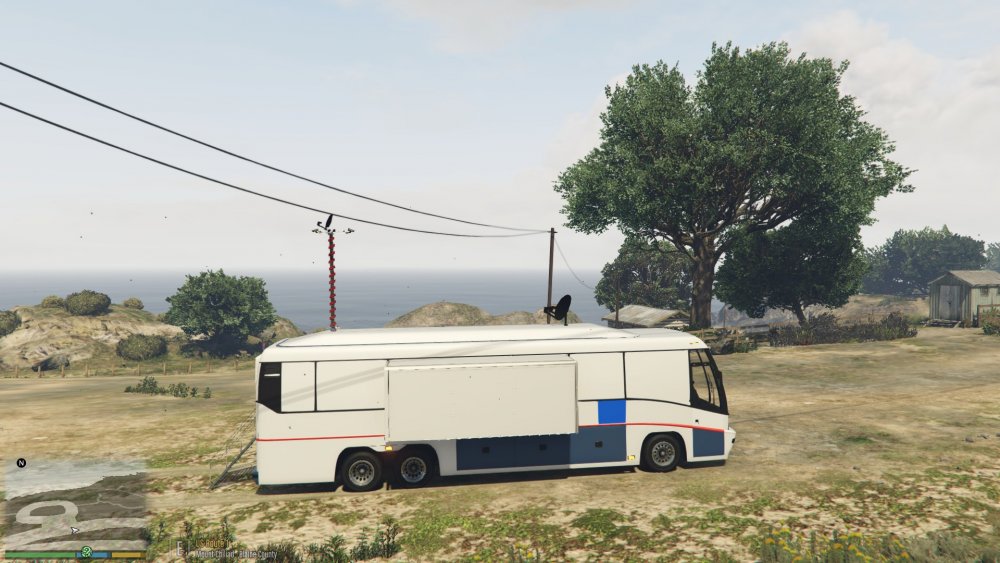
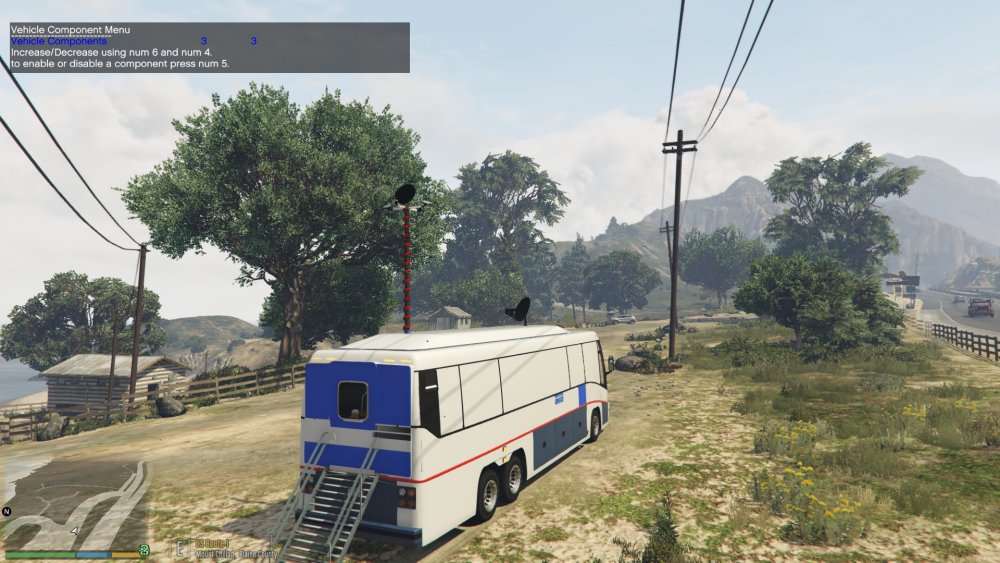
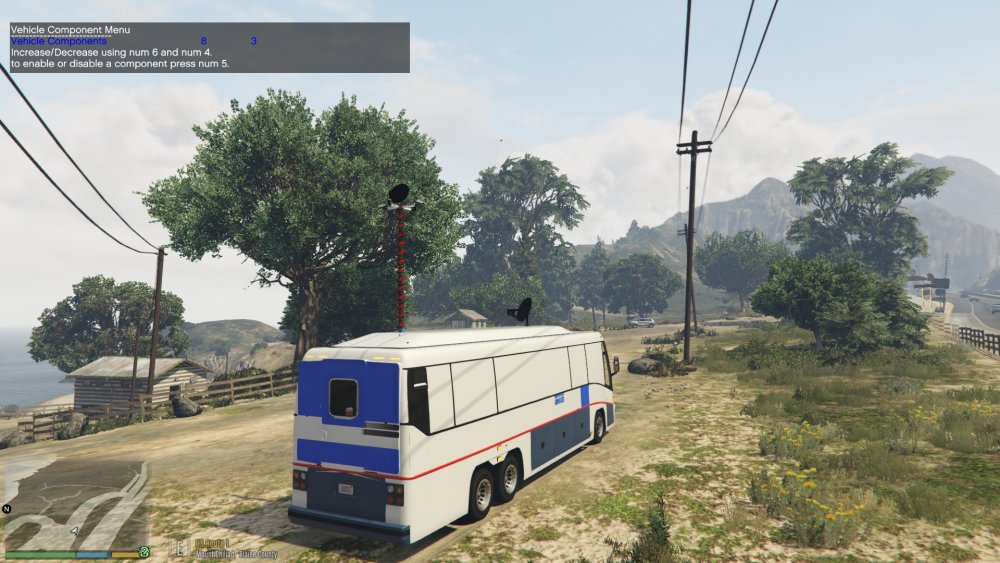
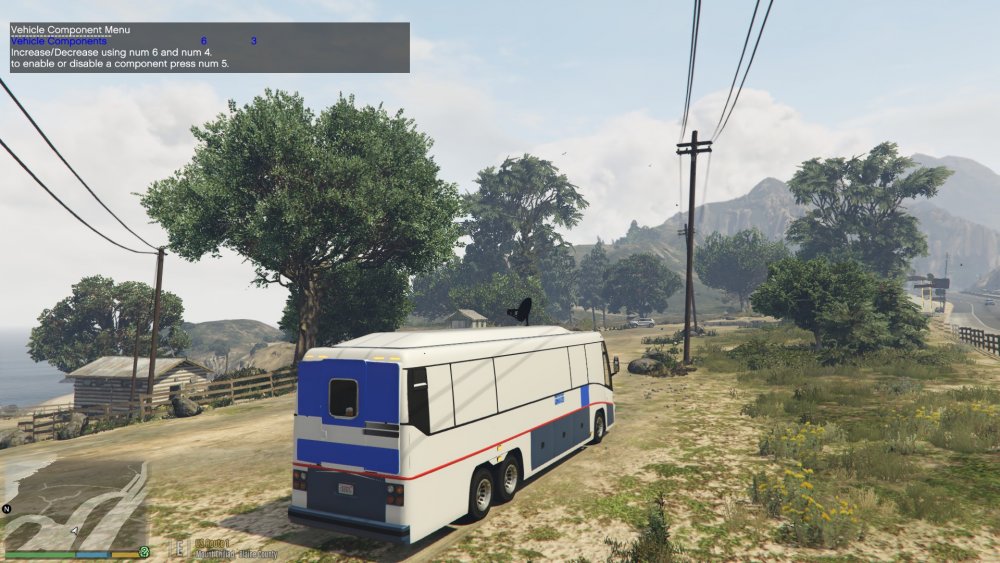
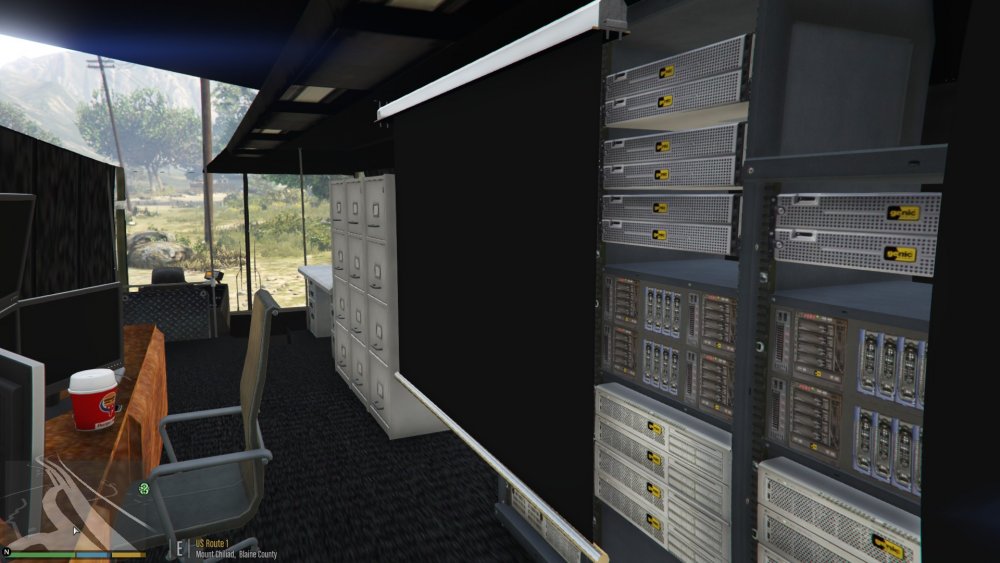
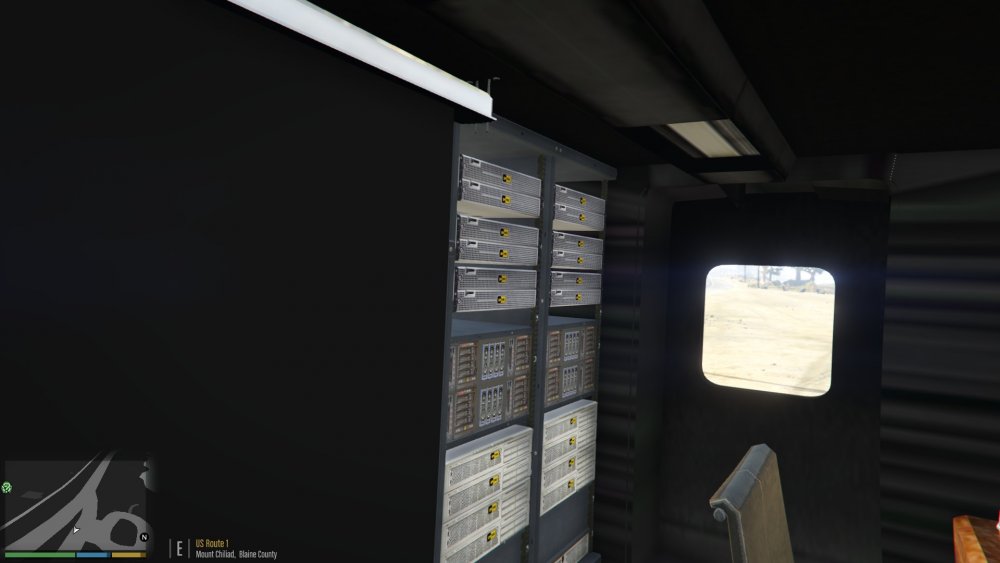
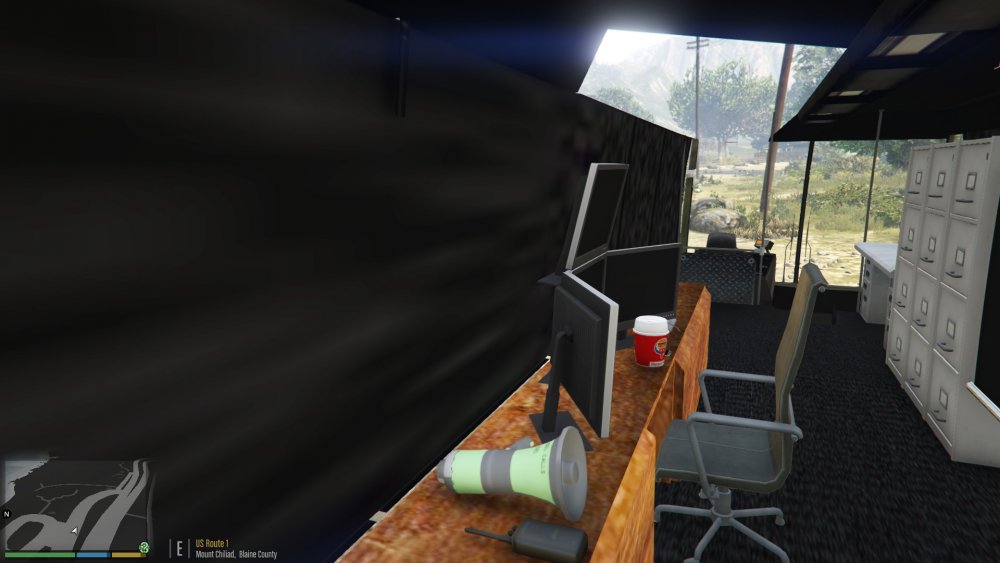
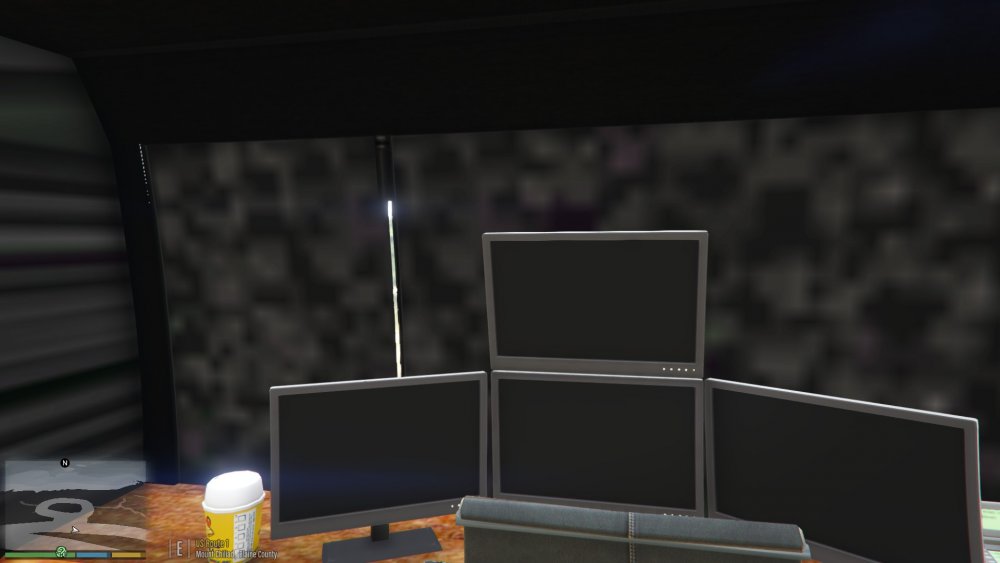 Cannot wait to have an easier and better looking lighting systemTo be honest, it's done. I'll try and post it unlocked by the end of the week. I just been busy working full time.The fire engine?@Harper @Harper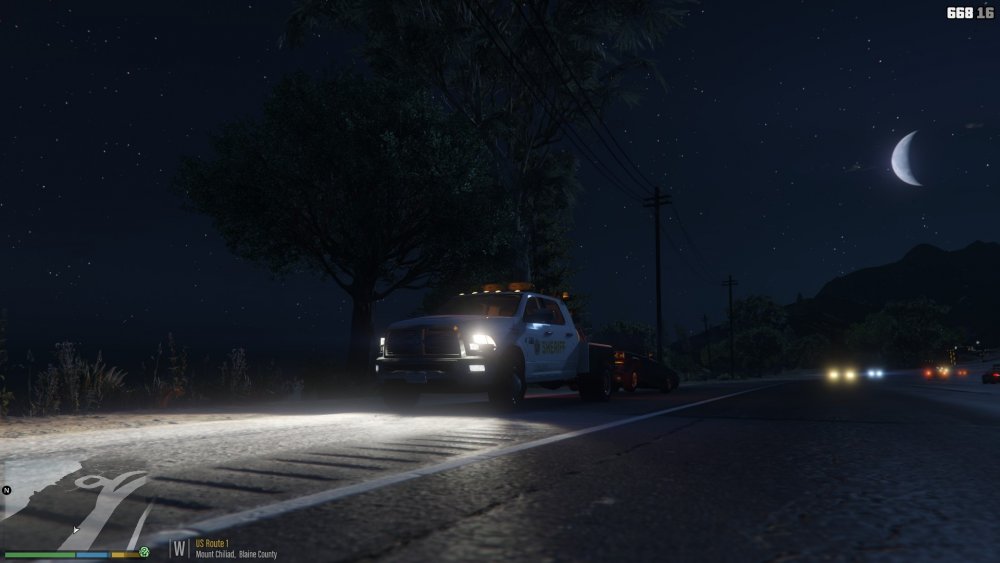
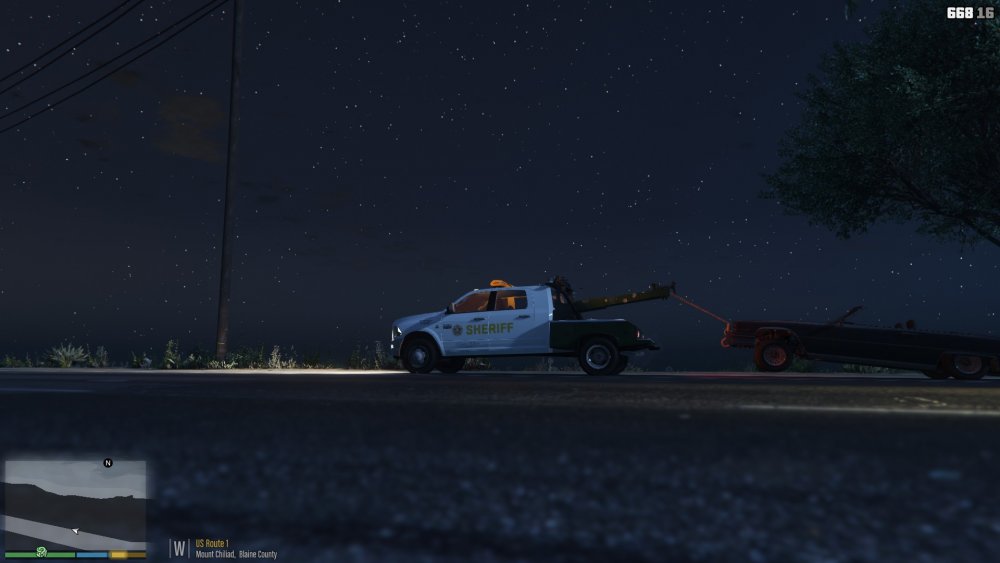
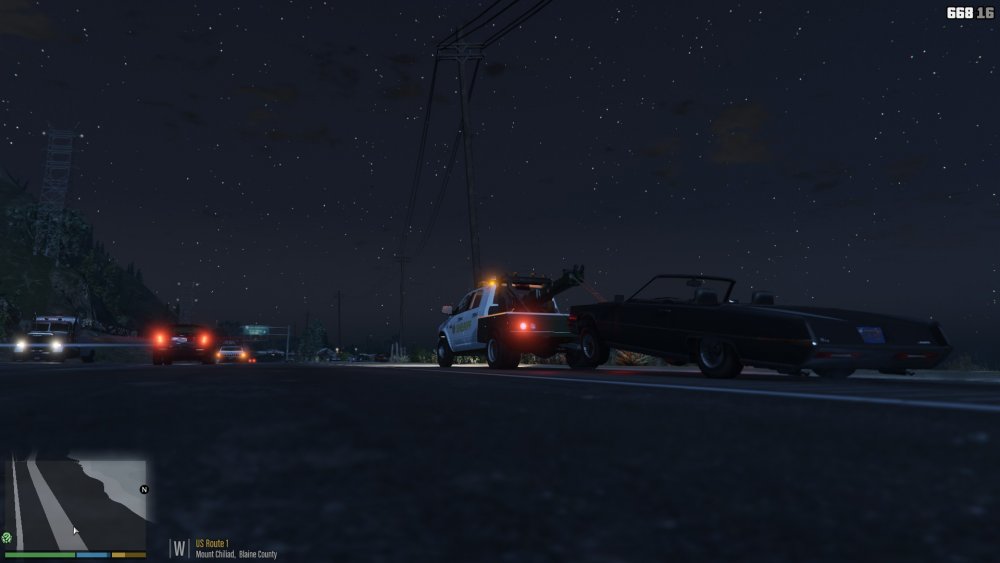
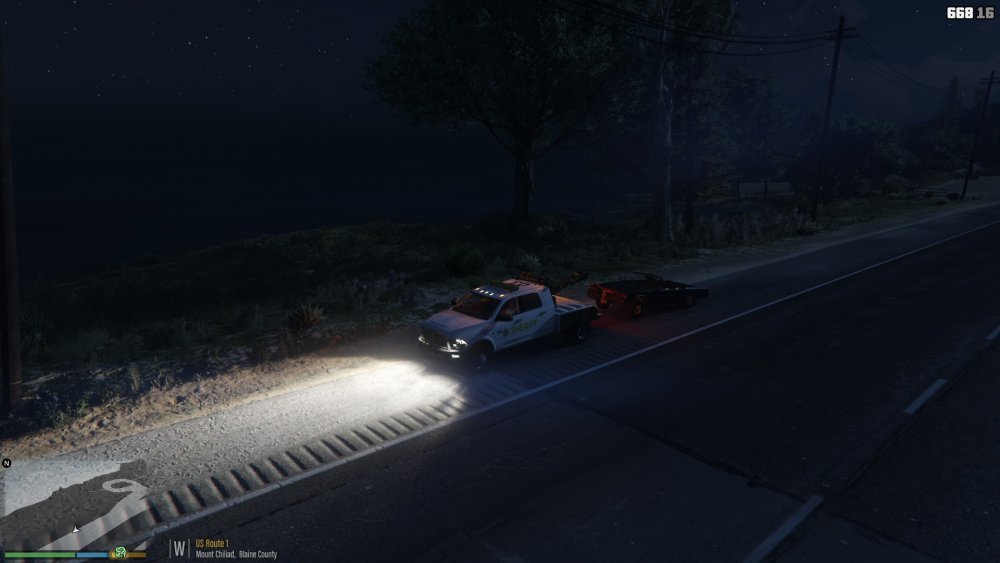
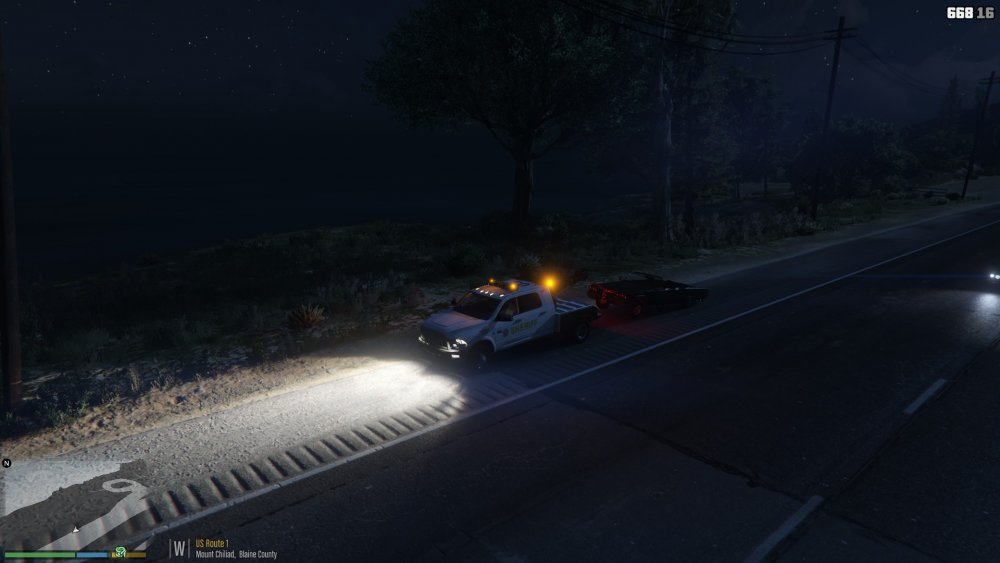
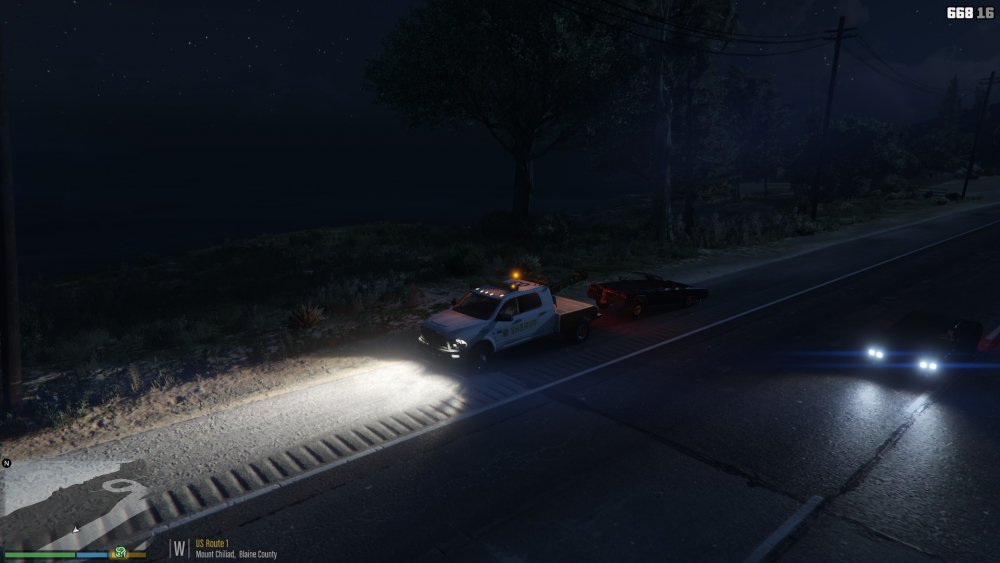 Have some stuff done, I'll post pictures tonight. Have some stuff done, I'll post pictures tonight.



