


1997chevyboy
Members
-
Joined
-
Last visited
Everything posted by 1997chevyboy
-
This model was made by me as part of a fire pack, due to me not having as much free time lately to make the other two fire tahoe units i decided to release it now for you all to enjoy! Please rate and comment!
- 8 comments
- 3 reviews
-
-

- 1
-
-
-
-
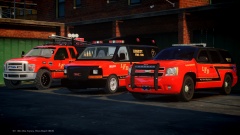
From the album: Final W.I.P's
BErad1502 & 1997chevyboy collaboration! -
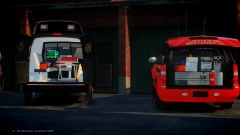
From the album: Final W.I.P's
BErad1502 & 1997chevyboy collaboration! -
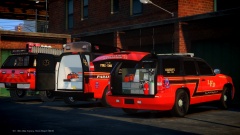
From the album: Final W.I.P's
BErad1502 & 1997chevyboy collaboration! -
-
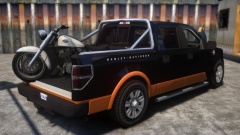 Thats what i said. LOL
 -
 Damn me likes the looks of this!
 -
 Shure is!
 -
-
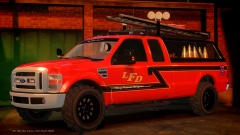
 2010 Ford F.350 Fire Utility
-
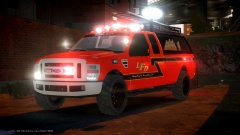
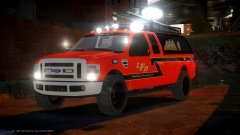 2010 Ford F.350 Fire Utility
-
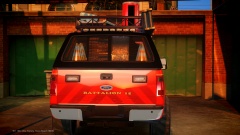 2010 Ford F.350 Fire Utility
-
2010 Ford F.350 Fire Utility
-
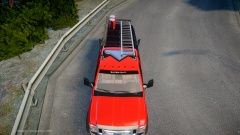 2010 Ford F.350 Fire Utility
-
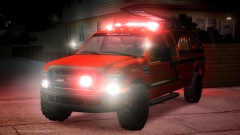 2010 Ford F.350 Fire Utility
-
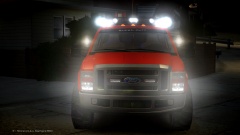 2010 Ford F.350 Fire Utility
-
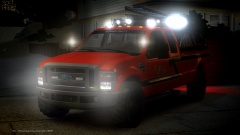 2010 Ford F.350 Fire Utility
-
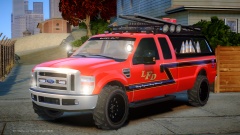 2010 Ford F.350 Fire Utility
-
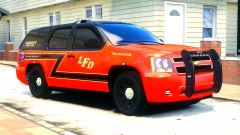 2008 Tahoe Fire/EMS
-
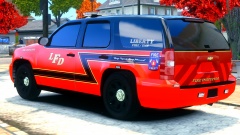 2008 Tahoe Fire/EMS
-
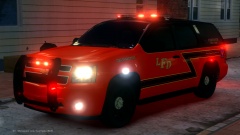 2008 Tahoe Fire/EMS
-
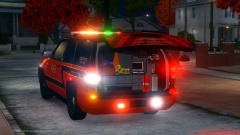 2008 Tahoe Fire/EMS
-
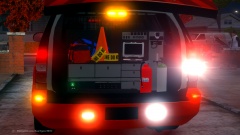 2008 Tahoe Fire/EMS
-
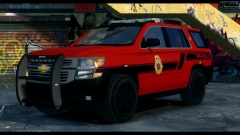 2015 Tahoe Fire Command Unit
-
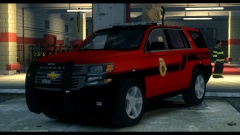 2015 Tahoe Fire Command Unit
-
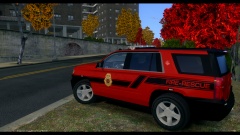 2015 Tahoe Fire Command Unit
-
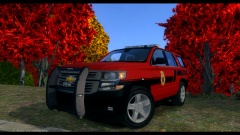 2015 Tahoe Fire Command Unit
-
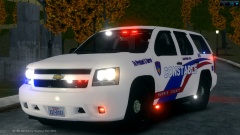 2008 Chevrolet Tahoe Harris County PCT 4 Slicktop K-9 Unit
-
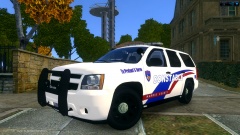 2008 Chevrolet Tahoe Harris County PCT 4 Patrol Unit
-
-
From the album: W.I.P
Shes almost ready! -
From the album: W.I.P
Shes almost ready! -
From the album: W.I.P
Shes almost ready! -
-
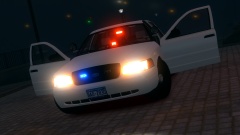 Damn i like this ALOT ALOT!
 -
Yes there is a Amber drct that will be mounted on the rear, along with a few red lights as well!
-
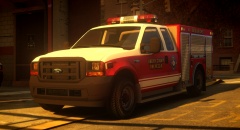 Man amazing work!
 -
-
-
-
LOL man where the hell you been, if you want a cvpi i will deff make that happen!
- 17 comments
- 2 reviews
-
I will look into this, If anyone else is having a Rc20 error while spawing please let me know via pm!
- 17 comments
- 2 reviews
-
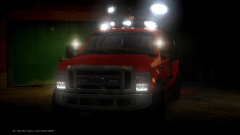
From the album: Final W.I.P's
Model made by BErad1502, dual colored valor and mapped spotlights / model fixes done by myself! Added 3d Night Fighter Spotlights! -
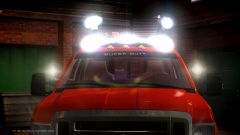
From the album: Final W.I.P's
Model made by BErad1502, dual colored valor and mapped spotlights / model fixes done by myself! Added 3d Night Fighter Spotlights!

