




TheRealNoodle
Members
-
Joined
-
Last visited
Everything posted by TheRealNoodle
-
-
its ok but I would search for a transparant logo so its not all white around the logo :/
-
-
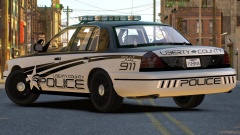 wow nice :D
 -
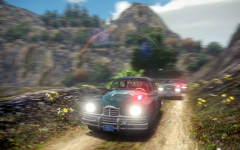 ... no words :DD
 -
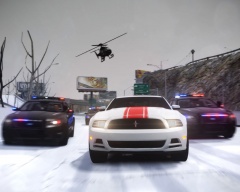 wow o: so nice :p
 -
-
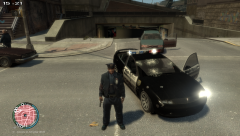
From the album: lcpd patrol
my car full bulletholes :/ -
-
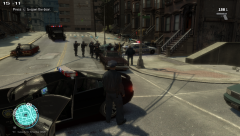
From the album: lcpd patrol
1 suspect was arrested -
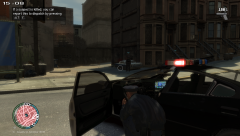
From the album: lcpd patrol
drug deal turns into an automatic gunfire fight -
-
-
-
-
-
yes I can try but as you may have seen I hav a ton of requests so yea it may take some time
-
sure :p
-
-
-
-
-
its nice for your first skin :D
-
bdw rhere are soo much of these cars out there already and they are way better than mine ever will be so yea :D
-
this is my ford crown victoria lx sport. This car was requested by Murphy note: this car is a civilian car credits: Model is original Ford Crown Victoria by Driver San Francisco, modified for and converted to GTAIV and marked to Police version by F5544. Main textures are made by Lt.Caine. Modified to LX sport by officerluka130 Wheels are original from the Dodge Caravan MX-7000 (ELS) R03 (CRVN V2.3) made by Lt.Caine. the wheel textured are modyfied to lx sport rims by officerluka130
- 11 comments
- 2 reviews



