




TheRealNoodle
Members
-
Joined
-
Last visited
Everything posted by TheRealNoodle
-
From the album: GTA V screens
-
-
-
From the album: GTA V screens
-
From the album: GTA V screens
-
From the album: GTA V screens
-
-
You need OpenIV for almost everything to do with modding your game (except scripts) It might look confusing at first but after a while it will get easier, just watch alot of video's and read the included README files.
-
-
-
-
-
-
-
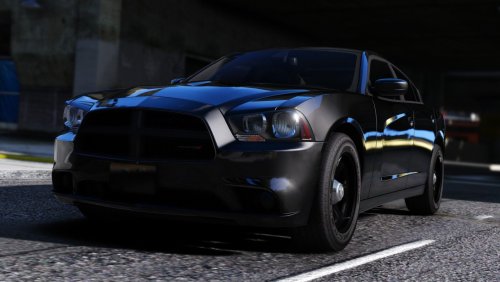 Damn this file is big... Even if I add just the slightest equipment it seems to be too big for the game.
 -
I'll try...
-
Repair like validate files through steam?
-
already tried sadly
-
none except defender
-
Application: GTA5.exe Framework Version: v4.0.30319 Description: The process was terminated due to an unhandled exception. Exception Info: exception code c0000005, exception address 00000000504C010A Stack: at <Module>.OnGameCrashManaged(_EXCEPTION_POINTERS*, Void**, Int32, SByte*, Rage.Plugin, System.String) at <Module>.OnGameCrashManaged(_EXCEPTION_POINTERS*, Void**, Int32, SByte*)
-
-
I tried without mods, they're not the issue
-
I have certain mods installed but I have rage configured to start withoud loading them in, the game works fien without rage btw. I have all the openIV stuff installed and the read only trick didn't work sadly.
-
Don't get your hopes up lol, no release dates are set
-
0 errors with the troubleshooter and still a crash when launching rage. Latest log






