




TheRealNoodle
Members
-
Joined
-
Last visited
Everything posted by TheRealNoodle
-
-
oh how I hate that siren bug, install lunds siren fixer it makes the motorcycle sooooo much better (nice video bdw)
-
you can get a 14 day trial for zmodeler, why dont you make it yourself?
-
-
use openIV, its way better
-
 you figured it out? :OO
 -
yes
-
 nop, its by netman
 -
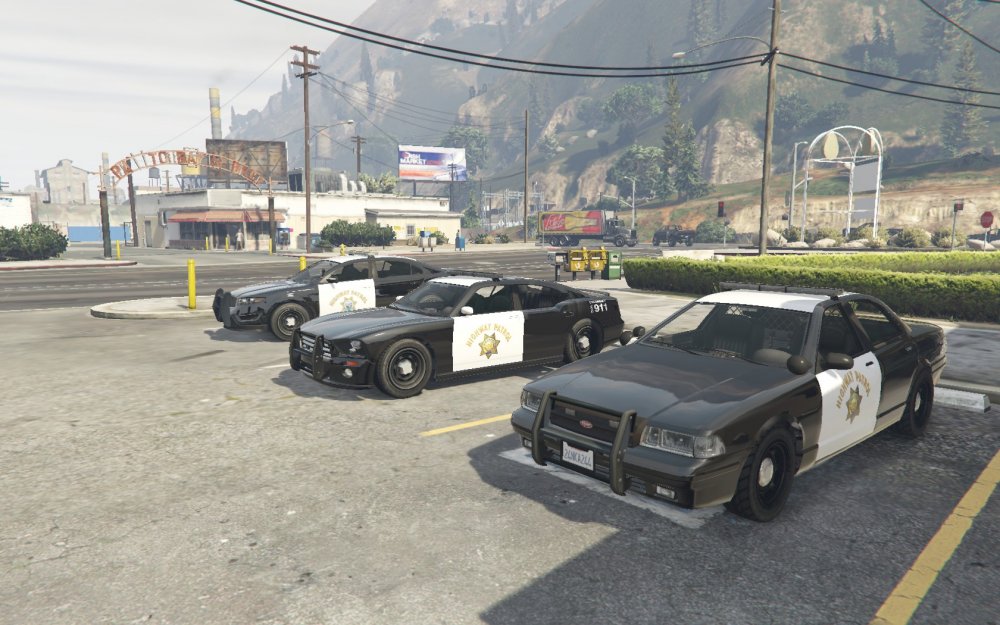
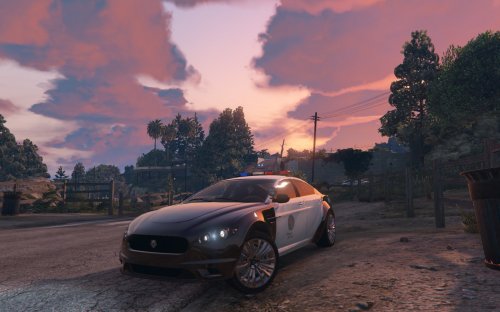
Highway Patrol at station
© Kirigaya
-
I know I already uploded some picture but heres another one :)
-
got it figured out, this topic can be closed
-
hes talking about gta v, not iv
-
hi there, im having problems while trying to map textures in zmodeler3. I did everything correctly but the part still remains grey. is there something else that you need to do before you can map or is it just something with zmodeler3?
-
thats something with texture editing, you dont need zmodeler for that
-
-
-
indeed
-
-
-
-
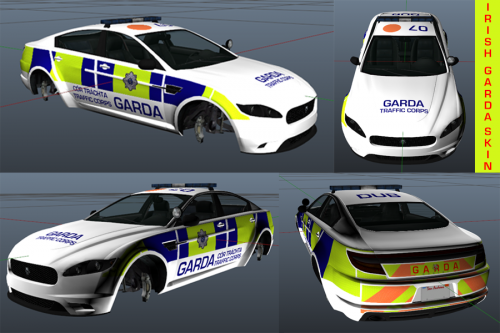 you should link to the download on lcpdfr.com, not gta5-mods.com.
 -
thats something every modded car has, no idea how to fix it tho
-
latest version of google chrome
-
nop, totally normal for me https://gyazo.com/cbb4e2e09d1edf622efcc7cfc01a2bcb
-
you need something else, I explain it in this video, go look when I import the car in zmodeler https://www.youtube.com/watch?v=fNiSSR1VISQ




.thumb.jpg.68025adb638b4db6e80dd46dfb0cd355.jpg)
