
OblongGaming
Members
-
Joined
-
Last visited
Everything posted by OblongGaming
-
oh nice, nvr knew vicpol used that style of double checkers
-
looks a bit like wapol's .05 markings they had used at some point
-
hey moose, great name for the go fund me page
-
that would be awesome bud, if their was a Western Australia one
-
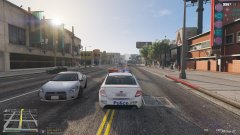
-
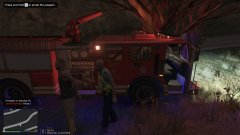
From the album: GTA V Western Australia
© OblongGaming
-
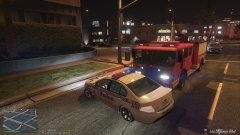
From the album: GTA V Western Australia
© OblongGaming
-
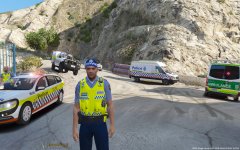 Hi @MiGi at this stage that ped model as seen in the picture is not even publicly released yet, as im still working on it, and it was given to me by a friend of mine who originally made the ped model
 -
-
.thumb.png.ff59008d01165041b51323521d2aadc3.png) Noice, Defoe downloading this car once I have my pc back now we just need the rest of WA Police fleet Great work fui
Noice, Defoe downloading this car once I have my pc back now we just need the rest of WA Police fleet Great work fui- 7 comments
- 2 reviews
-
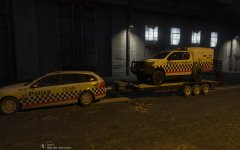
From the album: GTA V Western Australia
-
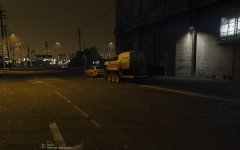
From the album: GTA V Western Australia
-
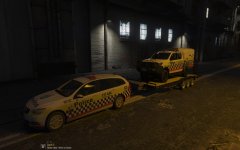
From the album: GTA V Western Australia
-
From the album: GTA V Western Australia
-
looks good fui
-
wouldn't look to bad after all
-
This topic can't be dead
-
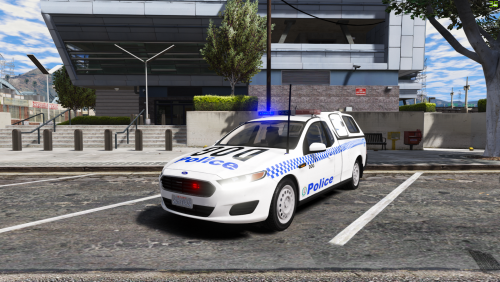 @MooseYTY hey buddy, excellent job, just thought i'd let you know that the glass on the back of your canopy does not work with the window textures that are in the model itself with the crime stoppers phone numbers
- 7 comments
- 2 reviews
-
looks like its not rigged properly
-
-
From the album: GTA V Western Australia
© OblongGaming
-
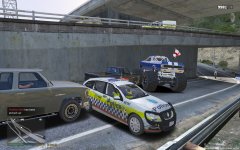
From the album: GTA V Western Australia
© OblongGaming
-
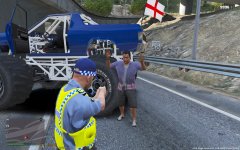
From the album: GTA V Western Australia
© OblongGaming
-
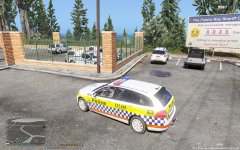
From the album: GTA V Western Australia
© OblongGaming
-
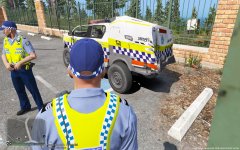
From the album: GTA V Western Australia
© OblongGaming


.thumb.png.ff59008d01165041b51323521d2aadc3.png)