
OblongGaming
Members
-
Joined
-
Last visited
Everything posted by OblongGaming
-
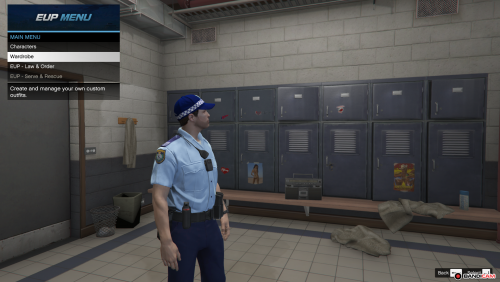 oh cool, i can't wait to see what comes out
 -
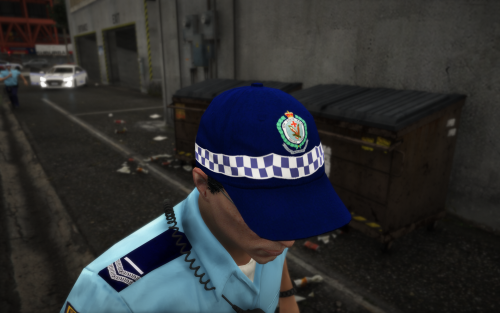 Vicpol and WAPOL
 -
@Blobby great hat mate, was just wondering if you could do other states as well
-
yeah no probs, send me a message if you need pictures of uniforms
-
Hey @WestTigersNRL1 would it be possible if you have the time to make a WA eup pack for me or atleast provide info to where you replace the textures
-
would their be a way to use custom ped models within lspdfr 0.4.2 just like we were able to back in lspdfr 0.3
-
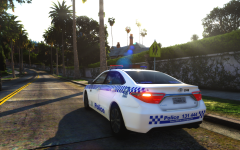 awesome dude, thanks
 -
whats the ENB that you use @Blobby
-
ah ok, just going off from what darkmyre had said in the way of a BOLO system the other idea i had was a CAD or MDT CAD = Computer Aided Dispatch and MDT= Mobile Data Terminal
-
hey @LMS what about LOTKF Look Out To Be Kept For
-
its even released, yet alone not even worked on
-
-
.thumb.png.bb6631e6826b339669681b389b070eca.png) @lw202 great work on the cars mate, would deffo be giving this 100/10 if it was possible on this website
@lw202 great work on the cars mate, would deffo be giving this 100/10 if it was possible on this website- 10 comments
- 5 reviews
-
-

- 2
-
-
 @Jesyx could you possibly include a .ini where we can choose which callouts we want to have spawn whilst ingame regards OblongGaming
- 82 comments
- 20 reviews
-
-
- 1
-
-
damn that looks good, also could you make it optimised for other police forces who use a completely different vest
-
good job macgregor, also with the unmarked kluger, that can go into fbi2 slot
-
Hi all, just want some help in getting custom ped models to work in lspdfr 0.4 regard OblongGaming
-
well, some of the post lately have been quite amusing, especially the recent ones
-
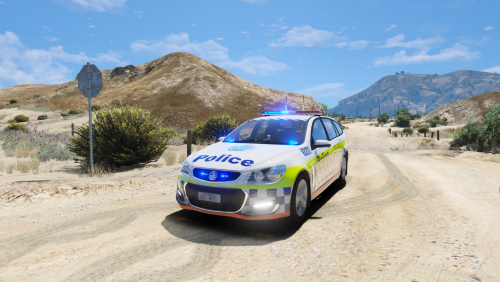 Hey Moose thanks for the release mate, do you mind if i used it for my FiveM server Regards OblongGaming
- 2 comments
- 4 reviews
-
-
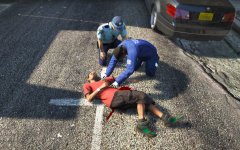 noice, its a pitty that i cant use my own lbv vest in eup for a custom ped model
 -
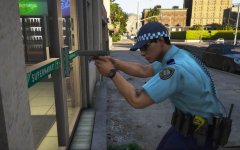 that body cam style setup, would look good without the ammo clips
 -
good to see this still going
-
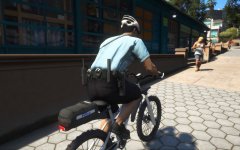 u got any idea as to where i could get that bike from
 -

.thumb.png.bb6631e6826b339669681b389b070eca.png)