Jgungz
Members
-
Joined
-
Last visited
Everything posted by Jgungz
-
-
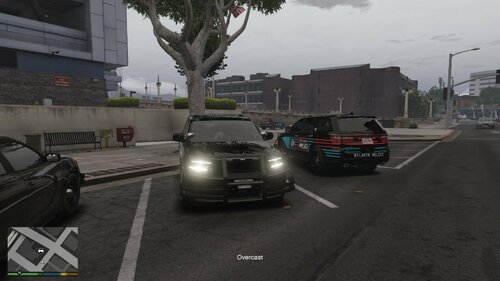 beautiful car pack
-
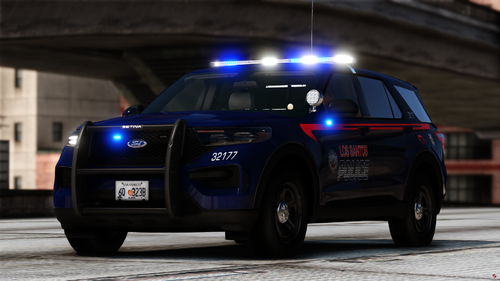 Thank you boss. I been looking for this liveries everywhere lol
-
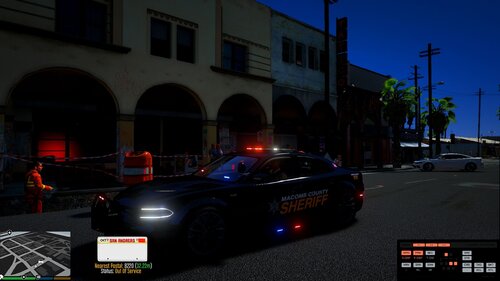 sorry i removed the car from my game
-
-
top light bar doesnt work
-
 wheres the car link bosss?
-
-
so sexy
-
-
-
-
 How do I install this?
-
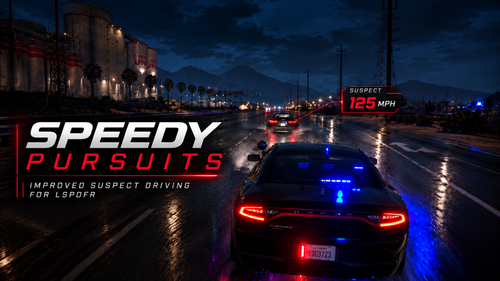 @zero.ubi oh my faul boss. appreciate you. btw do you have the link for the radar on your game? looks nice
- 13 comments
- 1 review
-
-

- 1
-
-
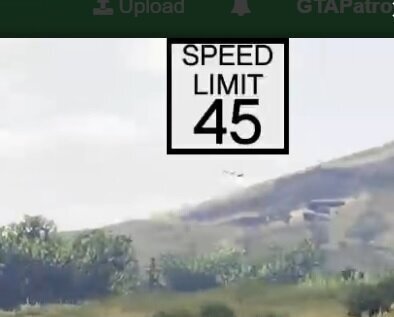 this mod needs an update to where I should be able to rezise or move the speed sign on my screen wherever I want
- 25 comments
- 2 reviews
-
-

- 1
-
-
-
-
-
 primo can you make this a replace
-
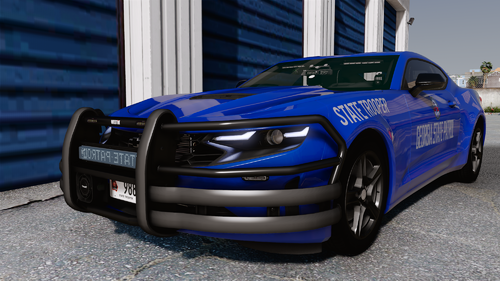 hey RM Designs I figured out what was the issue. If you go to vehicles.meta the flag is missing these files: FLAG_LAW_ENFORCEMENT FLAG_EMERGENCY_SERVICE FLAG_REPORT_CRIME_IF_STANDING_ON : once I added these files everything is working as it should.
-
-
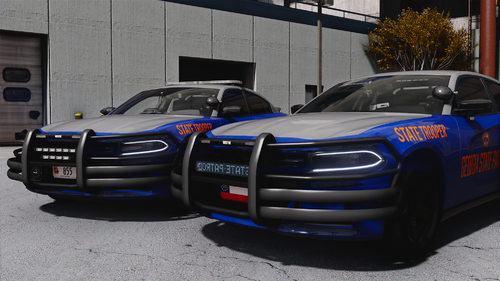 For the 636 charger I can only see one livery on the car when I spawn it in game. Appreciate you
-
Thank you boss
-
The 466camero is NOT register as a police car. It wont let me pull cars over.
-
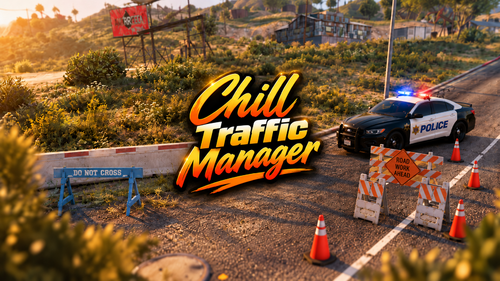 Do you have any tutorial for it boss?