
MegamanXZero
Members
-
Joined
-
Last visited
Everything posted by MegamanXZero
-
There are some people posting their YouTube vids with LSPDFR content in the Media section: https://www.lcpdfr.com/forums/forum/896-media/
-
-
-
-
-
This looks amazing! Keep up the good work.
-
Only mods, huh?
-
If it's really not there, you can download it from the official site: https://ragepluginhook.net/Downloads.aspx?Category=1
-
This sounds like an awesome idea and good use of AI. Since I use STP, UB and CL as a base for LSPDFR, I think adding an AI component to it that works with voice control would totally make the immersion feel more authentic. I am totally up for and English version of this. Feature wise, I think if you are able to do everything from STP, UB and CL through voice control and without selecting anything by using your keyboard to open menu's at all, that is the biggest and only feature this AI dispatcher needs. As for the AI personalities, I think a basic dispatcher would already be good. Just a normal personality (male/female selectable). Seeing from the Polish gameplay test video, I would perhaps make the dispatch voice have a sound effect as if the person is communicating through a mic (as how 911 Dispatch sounds like in game already).
-
Yes, or create that character first (the one you want to use eventually) and sync that one up and see if it works. If so, then I'd say it's safe to delete the previous 2 characters (one that didn't work and the 2nd that did work as a test)
-
The one with the helicopter above it? Perhaps the PD from Port Gellhorn, Kelly County?
-
Have you tried creating a new character (just to test) and sync that one too and perform some activities in the game, will it track it for that character?
-
Hi All! After a week of figuring out various mods/plugins and configuring them all to work nicely in LSPDFR, I feel content to at least make a small introduction! It all started when I was watching a random YouTube video about police impersonators getting caught and the ridiculous commitment to their RP in RL. Then I saw a funny video from Bub Games trolling people in FiveM RP Servers and this was the first time I discovered RP in GTA V. It intrigued me, because I always thought RP'ing in GTA V would be awesome, but in SP you are bound to Michael/Franklin/Trevor and in GTA Online you're just stuck with crazy people. Somehow I saw a nice LSPDFR thumbnail in the recommended and it showcased someone playing a LSPDFR patrol with a realism mod, it looked so cool and I immediately went into research mode and started to download LSPDFR with all the mods/plugins I wanted. I love how dedicated people are to LSPDFR and bring out awesome mods, scripts and models. I hope the community keeps this up and if GTA VI comes, who knows what the future of LSPDFR (VCPDFR?) will look like for that game. Nice to meet you all!
-
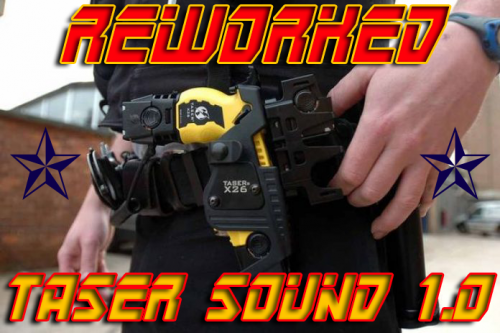
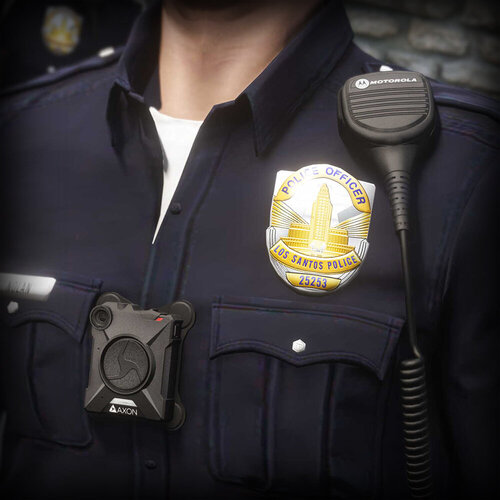
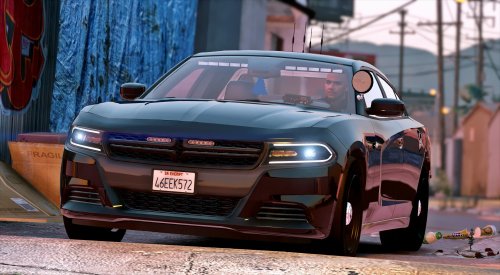
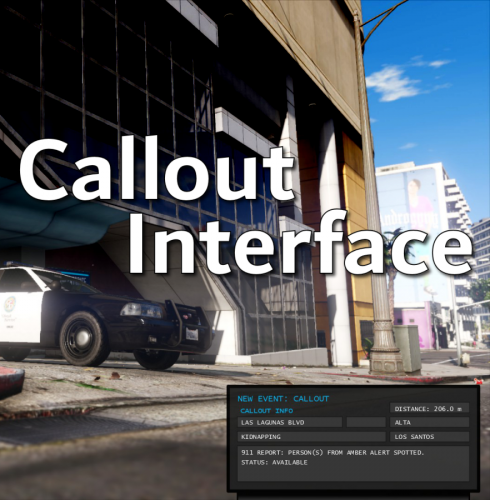
I discovered LSPDFR just recently and wanted to go for a setup that covers all the things I need or at least want to have; interface and options wise. After some struggles with a few mods or plugins, this is what I have: LSPDFR OpenIV Script Hook V RAGENativeUI Stop The Ped CompuLite Ultimate Backup GrammarPolice SuperCallOuts Callout Interface Player Location Display EUP Menu Emergency Uniforms Pack - Law & Order Emergency Uniforms Pack - Serve & Rescue EUP Clothes Pack EUP Axon Body Cams & Shoulder Mics EUP VEST & EARPIECE FEMALE EUP VEST Axon Signal (Bodycam and Dashcam Plugin) EUP Safariland Holster & Taser Drop Leg Holster MPClothes PedProp Limit Adjuster Generic M4 / AR15 H&K MP5 Glock 17 Taser X26 Reworked Taser Sound ProLaps Telescopic Baton Emergency Lighting System Brighter Police Lights 2016 [ELS] Unmarked Dodge Charger [ELS] 2023 Unmarked Charger I'm very content with the setup, especially now that everything is working. My next goals are to replace the default police vehicles with some nice ones and to figure out which mods to use for realism and reshading.
-
-
 Nice!
Nice! -
-
-
-
-
I was going to get GTA VI in the end, but my hype was not that big until I saw this Extended Look Trailer. The game looks gorgeous and the gameplay as well! I also like the Jason and Lucia dynamic. This trailer made me very impatient for the game to be released in November...
-
-
-
-