Tomthetiger
Members
-
Joined
-
Last visited
Everything posted by Tomthetiger
-
 the traffic control call is not working right. The civilian car keeps blowing up, killing the ems or causing a chanreaction
- 180 comments
- 15 reviews
-
-
 I notice for the traffic unit Filter I get some unrealistic calls, like suspicious vehicle, parking dispute,traffic stop backup and delivery dispute, Traffic units mostly respond to car accident, street racing and traffic related calls. But other then that it works really well.
- 23 comments
- 1 review
-
-
-
-
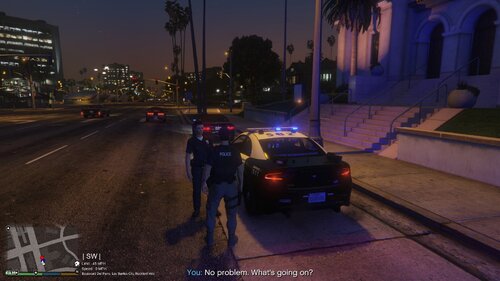 Can you maybe add a car vs police, car vs firetruck callout, and other stuff like that
- 20 comments
- 1 review
-
-
-
-
can you add a shooting scene callout, where you have to talk to witnesses and set a perimeter to find the shooter
- 180 comments
- 15 reviews
-
-

- 1
-
-
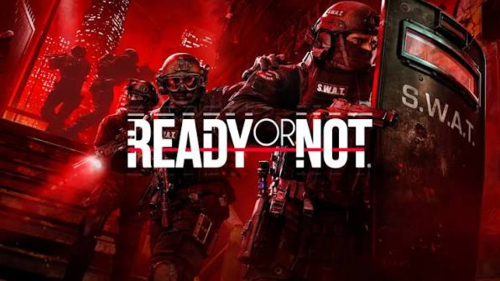 what is this
 -
-
-
-
-
-
-
-
-
-
I don’t think it’s that it’s only in the city highway spawn. It says I’m in a route, but when I look on the mini map, there’s no waypoint.
- 180 comments
- 15 reviews
-
It just doesn’t work, when I try to respond nothing happens. It seems to be only on the city highway though
- 180 comments
- 15 reviews
-
-

.thumb.png.37aea5b9796867ffe512606c9aabc3d5.png)