


Dramatdude
Members
-
Joined
-
Last visited
Everything posted by Dramatdude
-
-
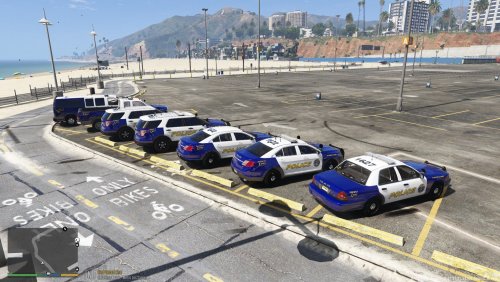 I haven't actually used the textures, as I'm not a fan of non lore-friendly liveries....BUT, that being said....These look amazing! I'm a former resident of Cherry Hill NJ, and used to pass through Haddon all the time. Well done! I'm looking forward to seeing your other work :)


