




J T
Members
-
Joined
-
Last visited
Everything posted by J T
-
theres one but its not very accurate
-
me too usually its out not to long after the preview
-
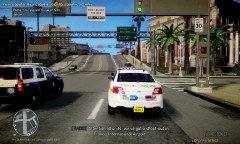 los angeles mod it comes with the trees
 -
see how easy this was
-
use a different tint texture...cj's dodge charger 2012 model has a tint texture and allows for els lights to go through so extract the texture from spark iv and you will be able to apply it to any car
-
-
From the album: lcpdfr
-
-
-
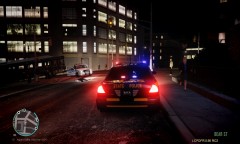
our town's 2013 inteceptors these were before the whelen liberty lightbars were put on no slicktops yet
-
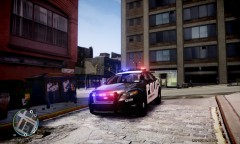 yeah I changed a few things on marc's cryenb10 like the timecycle which his original one made the roads way to bright and I changed enbbloom and enbeffect files to enhance els lights I might give the enb settings an update when I do some more changes...I think its one of the best looking enbs out there for 1070
 -
From the album: lcpdfr
-
-
-
I didn't mean the whole enb just those two files theres neolux true sun enbeffect or one of neolux's other enbs and use the file enbeffect and use game4video enbbloomfx
-
meh it looked like a highschool football team security car with the old logo I like the new ones better looks more like a police paintjob nice
- 5 comments
- 4 reviews
-
go to gta4-mods.com and look for neolux's enbs or google them and game4video is on here...not hard to search bud
-
you have to change the enbeffect fx file and enbbloomfx to neolux or game4video
-
wow the emergency lights look so much better damn
-
-
-
-
^ that is better then trying to make an enb from scratch it takes months and months to make an enb to your liking
-
-




