




J T
Members
-
Joined
-
Last visited
Everything posted by J T
-
-
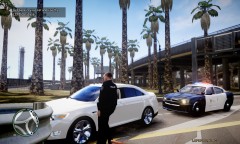 the drunk rear ended me
 -
-
From the album: lcpdfr
-
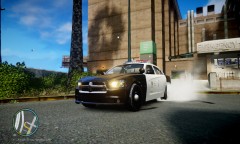
From the album: lcpdfr
-
theres no other way beside lowering traffic density
-
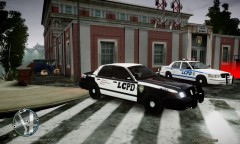 yea ik im still fixing the lc lol
 -
download the lightweight car pack and make a back up of your stock cars and slowly add one at a time till your textures go then you will know how much your pc can handle...I have the light weight car pack and its awesome
-
been using this car for few hours and its a damn nice lookin car! very high quality
- 18 comments
- 19 reviews
-
-
-
-
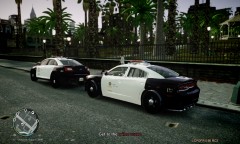 thanks man
 -
From the album: lcpdfr
-
gta4-mods.com has a lot of car packs and even has a lightweight pack I will soon invest into better computer so I can replace all the cars too much more fun with real vehicles you might get by with a commandline text to replace some vehicles
-
-
-
-
-
could you add black wheels and a spotlight or two to the dodge charger to match the crown vic? these are sick non els nypd cars
- 30 comments
- 15 reviews
-
-
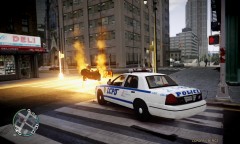
From the album: lcpdfr
-
-
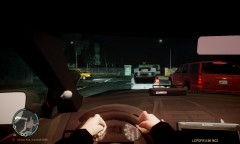
From the album: lcpdfr
-
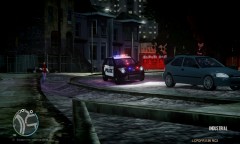
From the album: lcpdfr





