




J T
Members
-
Joined
-
Last visited
Everything posted by J T
-
another one of those threads ....if you don't like cuss words then mabe you shouldnt play m rated games and your parents should do a better job at parenting
-
I wasn't responding to you was responding to the ones above
-
not sure if you guys read what sam said but im pretty sure they said that they ran into some problems and was planning on Friday release so prolly not till next week now
-
of course they did even the graphics look more like some of the enbs that have been made
-
there were plenty of hints
-
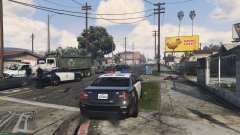 I know I just couldn't stand the bland texture all I did was move it to the middle then that way its on both sides..still wrong place but better then before I might release the update
 -
-
-
-
-
-
-
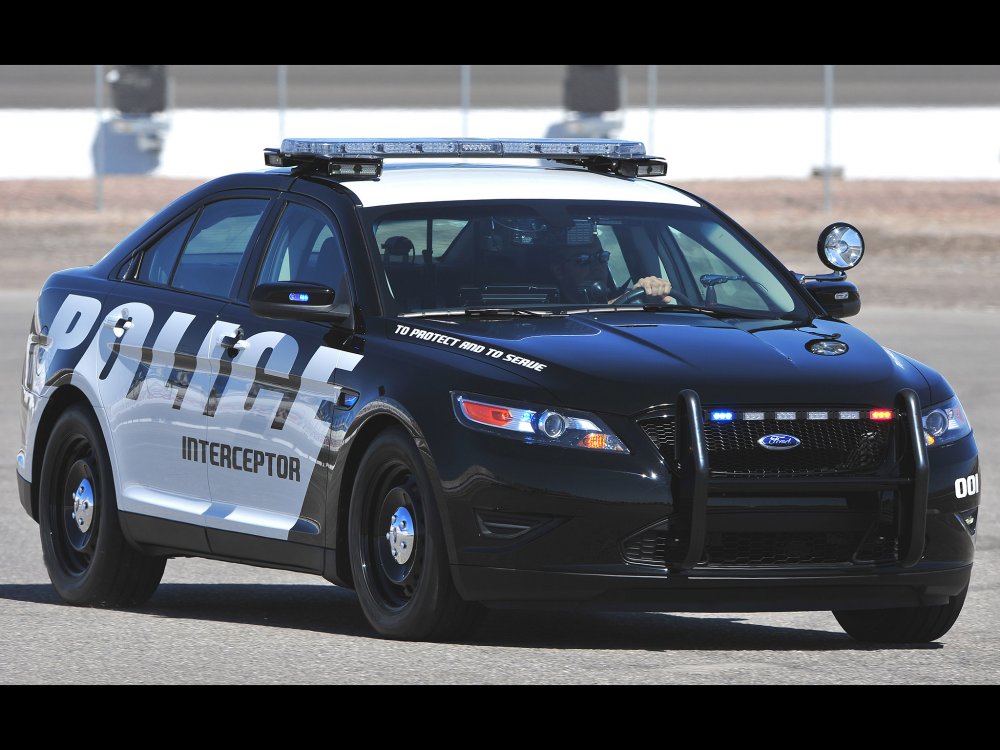
yeah its not that bad but doesn't look very lapd...rockstar got lazy and seemed to of based the design off of this...pretty bland
-
x64e.rpf/levels/gta5 in veh share...I was wondering the same thing, surprised no one has released an updated skin for vapid interceptor
-
-
-
-
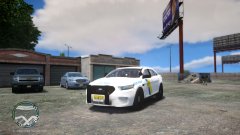 its not njsp though its alderney state police
 -
From the album: alderney state police
-
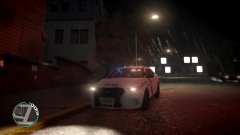
From the album: alderney state police
-
until now http://openiv.com/
-
im just stating cold hard facts and trying to explain why these things happen if more people talked about the source of this terror instead of the pawns we might actually have nice things
-
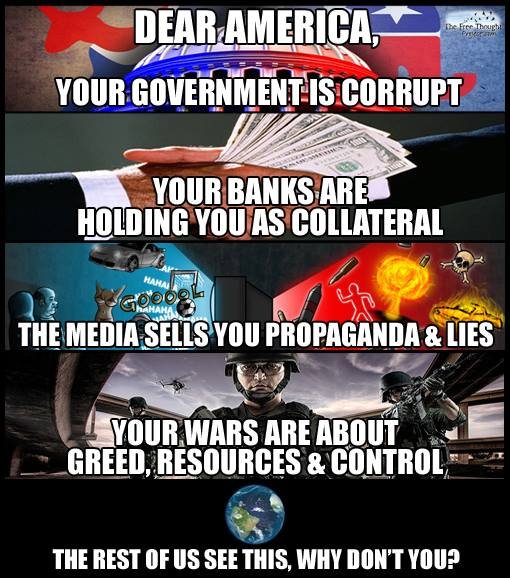
uh where did I say I hate this country? no where I believe...I love this country...doesn't mean that I should blindly support a corrupt government run by banking cartels and corporations...tell me...when has the government ever told the truth? you don't want to argue because you are gullible person that lives under a rock you refuse to go do research which its obvious you haven't, theres plenty of information available out there ranging from the internet to the library you just have to use that brain to find it oh and heres another thing to look up...operation northwoods if you have a hard time reading or comprehending facts then heres a little picture
-
oh please...its common knowledge by now, back in the 80s Rumsfeld shook hands with saddam and we supplied him with weapons including chemical when they were in a war with iran, the united states government has been in atleast 200 wars you should try to take a hint...you cant possible think that our government doesn't do acts of terrorism...900 bases in 153 countries bombing innocent kids,men,women its no wonder why we are referred to as the great satan heres just ONE example of our government admitting to there creation of al queda https://www.youtube.com/watch?v=md-Ssme8RPc heres Rumsfeld shaking hands with the enemy https://www.youtube.com/watch?v=r42oejmpkgw im sorry that im not brainwashed by the high tech propaganda but you do have an internet so I suggest that you go back in history and look up other how other countries turned tyrannical that used false flag terror operations, Nazi Germany was one of them
-
the us government created isis/al queda, using them as pawns in the middle east giving them an excuse to overthrow the countrie's government that they don't like and to install a central banking system...our loving government is the biggest sponsor of terror....not sure why some people are still not aware of this




