Creators: Due to background reprocessing of files, approvals and file security checks may be delayed. Thanks for your patience.


J T
Members
-
Joined
-
Last visited
Everything posted by J T
-
-
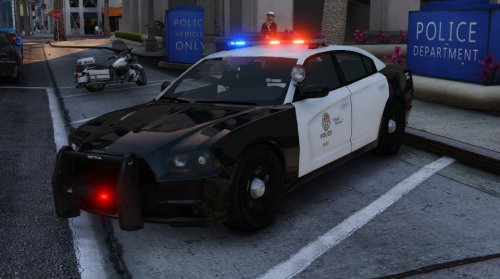 yes I think we all want to see an arjent on this....an lapd version, this looks miles better then the other charger model....noticed that this has the rear seat bug where the passengers head goes through the roof
- 25 comments
- 10 reviews
-
-
-
-
-
-
¿no sabes a Inglés?
-
it adds new stuff so when you try to use mod folder without whatever the update added it crashes and im really starting to hate rockstar gta online is for mindless kids who cant afford a pc its not fun
-
-
-
 this is awesome my only suggestion is like what was said above but instead of just the driver side spotlight up have both sides in the up position and be able to use them both for takedowns
- 139 comments
- 38 reviews
-
-

- 2
-
-
-
 man I hope these will be released
 -
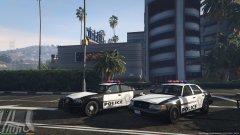
From the album: las venturas
-
 are you going to fix the grille and texture problem? half the headlights are black and when putting a white texture on this it makes the grille white
- 563 comments
- 116 reviews
-
-
- 1
-
-
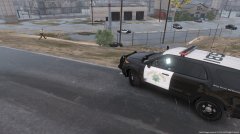 this ever going to be released?
 -
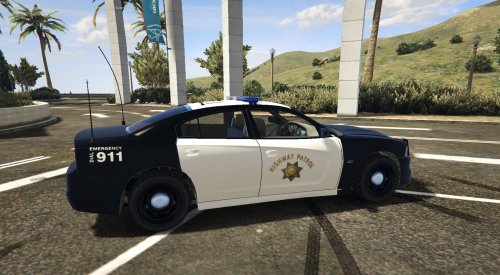 you should see about getting an arjent and putting it on this car that would be nice also fix the rambar without the fog lights
- 37 comments
- 6 reviews
-
 I agree an arjent only to allow more lights for a slicktop version and could you make the spotlights permanent?
- 137 comments
- 22 reviews
-
-
- 1
-
-
-
-
-
-
-