J T
Members
-
Joined
-
Last visited
Everything posted by J T
-
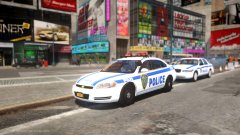
From the album: liberty alderney port authority
-
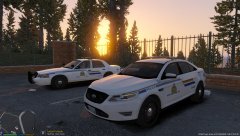 that Taurus is huge...makes the crown vic look like a midget car
 -
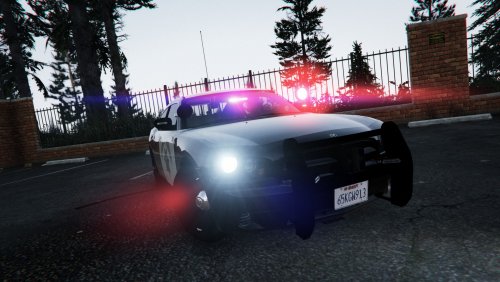 I think the crashing is a result of the added sahp cars by netman it needs to be updated for the latest rockstar patch I never had problems before this stupid update
- 17 comments
- 16 reviews
-
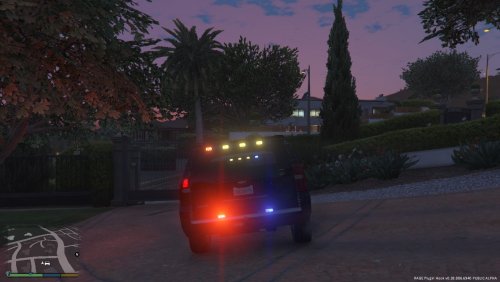 I know but the default lightbar is so ugly and low poly it looks very weird on real cars it makes the overall car look low quality
- 41 comments
- 8 reviews
-
-
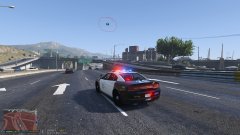
this charger model causes my game to have a memory error crash..hopefully you'll look into it, they are pretty high poly
- 17 comments
- 16 reviews
-
-
-
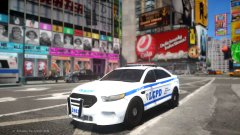
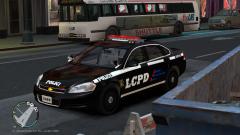
From the album: lcpd traffic
one of my old wips -
.jpg.cdcc484d83d53af984b489e99a5e8721.jpg) you should man...we only have one pa car made a crown vic
you should man...we only have one pa car made a crown vic -
From the album: liberty alderney port authority
port authority will wait until the floating leds are fixed before putting it in service -
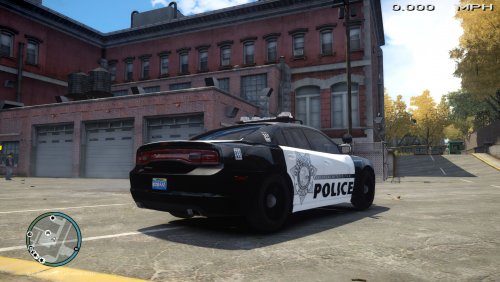 nice...might have to remove the rambar and put the lights in the grille until you figure the problem out but it actually looks sick without it...maybe add an optional rambar on the cars
- 36 comments
- 6 reviews
-
![[W.I.P] Rescue Mod V 0.3d: drag body feature](//s3-gallery.int-cdn.lcpdfrusercontent.com/monthly_2016_03/small.vlcsnap-2016-03-20-21h36m27s593.png.f91032b2742437c4c4a3aea193650a2a.png) would be awesome if we were able to have all first response mods going in one multiplayer session at the same time
would be awesome if we were able to have all first response mods going in one multiplayer session at the same time -
-
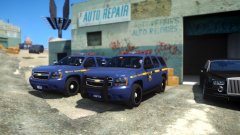
From the album: liberty state police
-
-
-
-
-
-
-
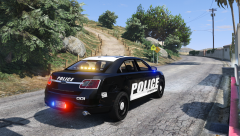 its not accurate though the Taurus is not a wide vehicle its tall but its not wide like this model and second the police in the united states are using the 2013 on up version not the 2012, everything from the grille to the hood, taillights are completely different then the sho
 -
its called making suggestions, trying to get some good looking cars out for v and a Taurus model isn't accurate
-
-


.jpg.e401b4b2272c7f3f694801b1c2fc6701.jpg)

.jpg.d2a7d08a2de73c6785fe1739d26578f7.jpg)
.jpg.cdcc484d83d53af984b489e99a5e8721.jpg)
![[W.I.P] Rescue Mod V 0.3d: drag body feature](http://s3-gallery.int-cdn.lcpdfrusercontent.com/monthly_2016_03/small.vlcsnap-2016-03-20-21h36m27s593.png.f91032b2742437c4c4a3aea193650a2a.png)