Skip to content
View in the app

A better way to browse. Learn more.

LCPDFR.com

A full-screen app on your home screen with push notifications, badges and more.

To install this app on iOS and iPadOS
  1. Tap the Share icon in Safari
  2. Scroll the menu and tap Add to Home Screen.
  3. Tap Add in the top-right corner.
To install this app on Android
  1. Tap the 3-dot menu (⋮) in the top-right corner of the browser.
  2. Tap Add to Home screen or Install app.
  3. Confirm by tapping Install.

eric35

Members
  • Joined

  • Last visited

  1.    BlueLine Vibes reacted to a comment on a file: Sheriff BMW R 1200RT ELS V
  2. Hi @zaidrehan789, this mod is aimed at certain people within the lcpdfr.com community. The reasoning to this mod is mentioned above and it is somewhat related to LCPDFR. Looking at your joined date to this site it is most likely you have not seen the video I mentioned and hence this file may not be relevant to you. If that is the case feel free to move along. If you are interested in watching the mentioned video, please Google the video title mentioned above. It does say above the "Vehicle Type" is "Other" and as far as I am aware, I have not broken any guidelines to this site by posting this here. If you think this content should not be here, feel free to contact the moderators. Good day!
    • 8 downloads
    • Version 1.0.0
    This a simple texture mod bringing "Üder Milkén" texture from GTA IV to GTA V. Exactly 5 years ago, I watched a Youtube video titled "GTA IV LCPDFR MP #82 - Chasing Zach! Pt. 2:". This was a video I watch which made quite a fond memory for me and I am sure for some of you guys out there too! Therefore I thought I would make a small mod to commemorate that, think of it as a fan made mod...another fan made mod from me. Anyway, this was a simple job of extract, resize editing so it's nothing fancy, just a fan made mod like I said. All assets are from GTA IV and GTA V. The texture are not ultra HD because it's a resize and fit. Please don't rate down because of the simplicity. If you are looking for the video I was talking about, I have included the link in the "read me" file. I would also like to congratulate @Bayareabuggs on reaching 1M subs on Youtube (a month ago)! If there are any problems please feel free to contact me. Enjoy! *This is not to be uploaded else where and not to be edited without my permission.
  3. eric35 changed their profile photo
  4. In the <flags> line, add FLAG_LAW_ENFORCEMENT FLAG_EMERGENCY_SERVICE or just copy the whole line of <flags>...</flags> from the vanilla vehicle.meta for policeb
  5.    TheFrenchman40 reacted to a gallery image: eric35's current fleet 2018.01.30
  6. (Whelen Liberty) Is 'Extra' 1 & 2 suppose to be different to 3 & 4 apart from a pair being on the left and the other being on the right? Better explanation: Extra 1 - furthest right, Red comes on Extra 2 - right side, Red White Blue come on Extra 3 - left side, White & Blue (left side Red should also be on?) Extra 4 - furthest left, Blue & Red (only the furthest blue should comes on?) I hope what I said makes sense lol *EDIT: I realised Schecter004 has said the same thing
    This is pretty much one of the 'must' mods to use.
    I have been and probably will be the CVPI that I will always be using.
  7.    eric35 reacted to a comment on a file: 2017 California Highway Patrol Mega Pack - ELS
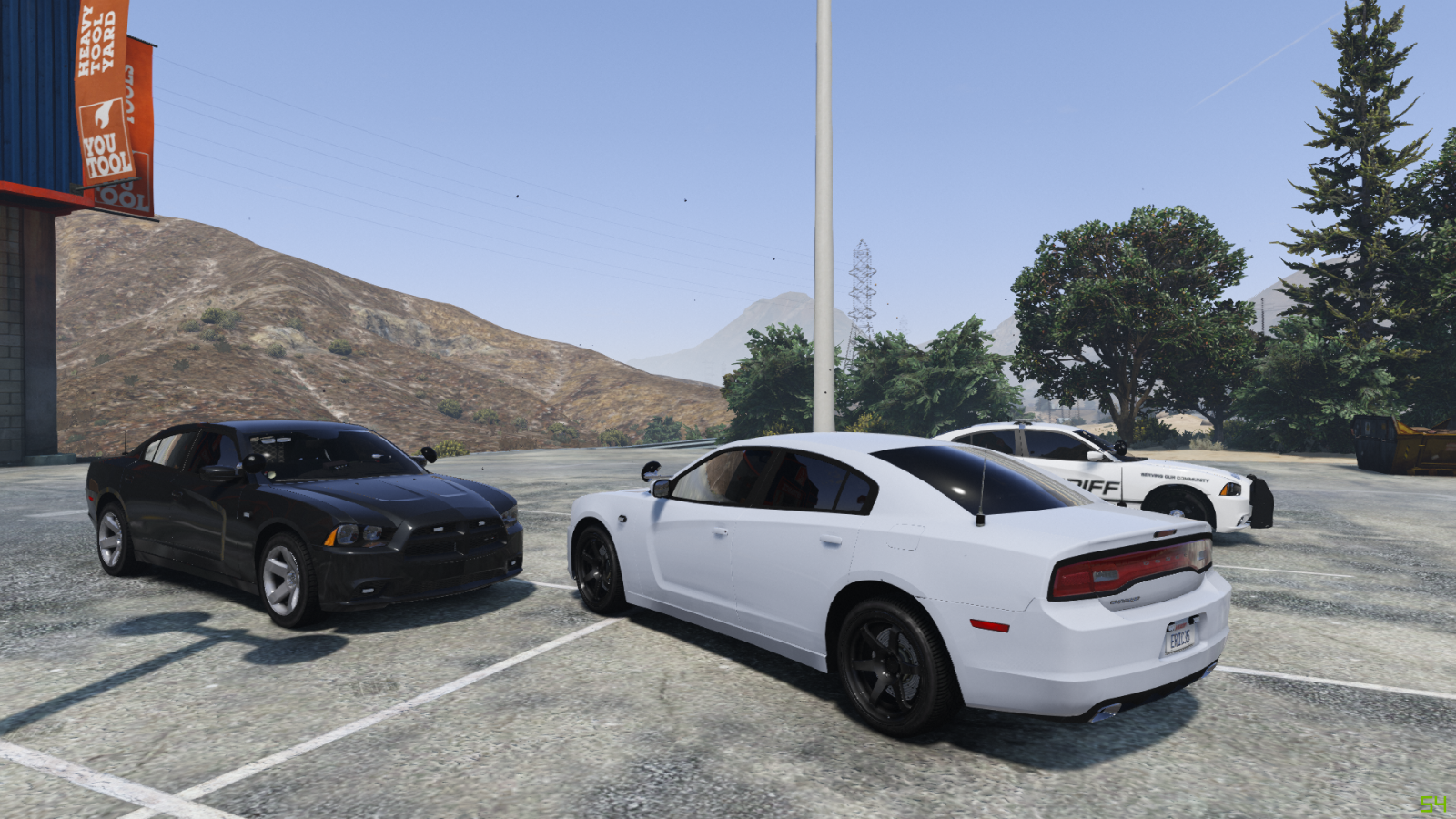
  8.    Maxson777 reacted to a gallery image: I love Dodge Chargers
    This file should be in either 'Visual & Data File' or 'Misc' section.
    Finally got a beautiful legit motorcycle to replace the vanilla one. Thanks to the "beautiful bastards at Code Zero Gaming" (quote from the credits section on this page) and thanks to @Thehurk. YouTube video by @Bayareabuggs: https://www.youtube.com/watch?v=m_LpZV6lUoQ&ab_channel=BayAreaBuggs YouTube video by @Polecat324: https://www.youtube.com/watch?v=_QpIJz1HwnM&ab_channel=Polecat324 #CodeZeroGaming #CZGG #CZGA
    This is a very gorgeous and well done model! Although this model seems to be a bit small compared to any other SUVs in the game, or compared to the game world...
  9.    eric35 reacted to a comment on a file: 2016 LSPD FPIU
  10.    eric35 reacted to a post in a topic: Unexplained Crashes
  11.    eric35 reacted to a post in a topic: Unexplained Crashes

Account

Navigation

Search

Search

Configure browser push notifications

Chrome (Android)
  1. Tap the lock icon next to the address bar.
  2. Tap Permissions → Notifications.
  3. Adjust your preference.
Chrome (Desktop)
  1. Click the padlock icon in the address bar.
  2. Select Site settings.
  3. Find Notifications and adjust your preference.