Gump
Members
-
Joined
-
Last visited
Everything posted by Gump
-
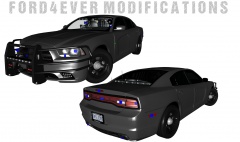 Yeah, these are Bugs rims.
 -
From the album: My cars in Zmod
If you are interested, this Charger will be released most likely tomorrow. -
Post a pic of the hierarchy.
-
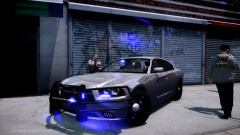
From the album: My cars
-
AT&T FTW!!
-
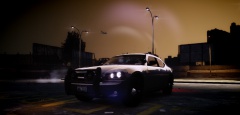 This is CryENBV1. With the luminescence mod by Bxbugs. ;)
 -
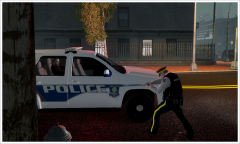 He is already in the car, sir.
 -
From the album: My cars
just testing reflection from enb, sure it's a bit too much, but I had to snag a pic xD -
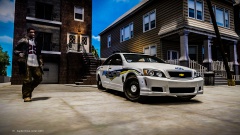 That pole is about to fall right through that house!
 -
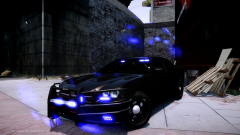
From the album: My cars
-
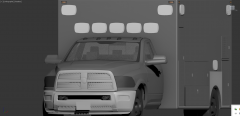 Is it me, or is the rear box bigger than Peyton Manning's forehead?
 -
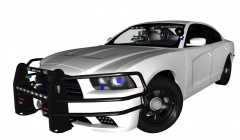 Thanks so much guys! I think im gonna take off the Talon and put mirror lights. @Jetski I DID to a degree. I found a Impala pushbar model and modeled it to fit the charger. http://gtapolicemods.com/showthread.php?12202-06-12-Impala-Rambar
 -
From the album: My cars in Zmod
Might switch out the Whelen Talon with mirror lights. Thoughts and suggestions are more than welcomed! -
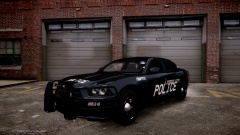 Thanks man! Really appreciate it!
 -
I completely agree.
-
I am by no means, great with a camera. But here a few pics i've taken over a couple weeks.
-
I made this video to shine light on the dangers of being in law enforcement. Tell me what you guys think about it! *VIDEO CONTAINS GRAPHIC CONTENT - VIEWER DISCRETION IS ADVISED* This isn't to promote my YouTube, beause I only have one video xD
-
-
-
I can't believe you have the audacity to tell me my shit is no good when you don't even have pictures of your own stuff. I put a lot of hard work into my models. Now go back to riding in the back seat of your mommy's car with your sunglasses.
-
From the album: My cars
Got a sneak peek of the new LCPD Dodge Charger at a place where they install everything and such. They said lighting is up next! -
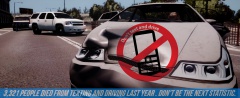 LOL! Derp..
 -
From the album: My cars
-
Bandicam and Fraps are going to be your best bet. They both have a user friendly interface. Can't go wrong with either one really.
-
Show the hierarchy of the ELS lights in Zmod.