okcpd2010
Members
-
Joined
-
Last visited
Everything posted by okcpd2010
-
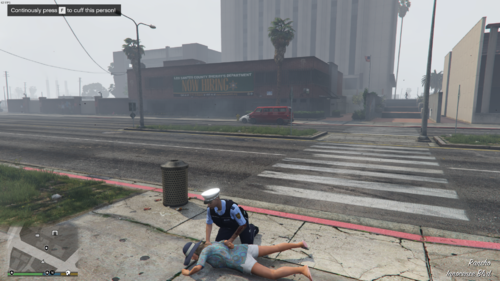
 COD always falls for me? Is this a bug? Like, I shot him in the head why is it a fall
- 737 comments
- 58 reviews
-
 some reason when i have automatic siren cut off on it wont let me get out of the car
- 394 comments
- 30 reviews
-
-

- 1
-
-
-
-
-
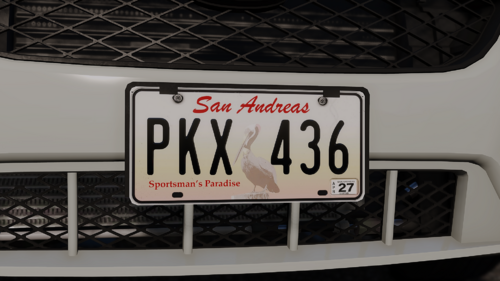 Could we get Oklahoma plates?
 -
how do i convert it
-
Does anyone know any good EUP 9.3 configuration for policing refined?
-
-
-
-
-
anyone know any good callouts for the Davis area?
-
 yes please make a single player verson
 -
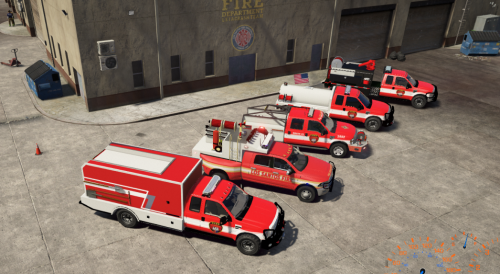 works well usa 5 crashes my game and hazmat trailer falls thru floor
 -
 perfect for playing fire dept because fire extinguisher some reason counts as gun fire
 -
 it cant find a valid xml how to fix
 -
 airport calls the vip wont leave the jet
 -
ultimate backup partners shoot at secret service is their a way to make it so they don't also Heli wont fly, and ui wont disappear after finishing the mission other than this is a good callout pack also cant seem to accept callout sometimes
-
 convoy front 2 cars start before the rest of the convoy and sometimes the cars fling or the truck drives off the road also bank robbery wont launch for me
 -
-