
Talibrations007
-
Joined
-
Last visited
Everything posted by Talibrations007
-
 Thank you, I found it. It's way near the bottom under its own [statusmenu] section lol
- 259 comments
- 7 reviews
-
I got the N key mapped to something else, and I want to change it to something like ";" or "." for AI Dispatch. How do I go about doing that on the .ini file?
- 259 comments
- 7 reviews
-
-
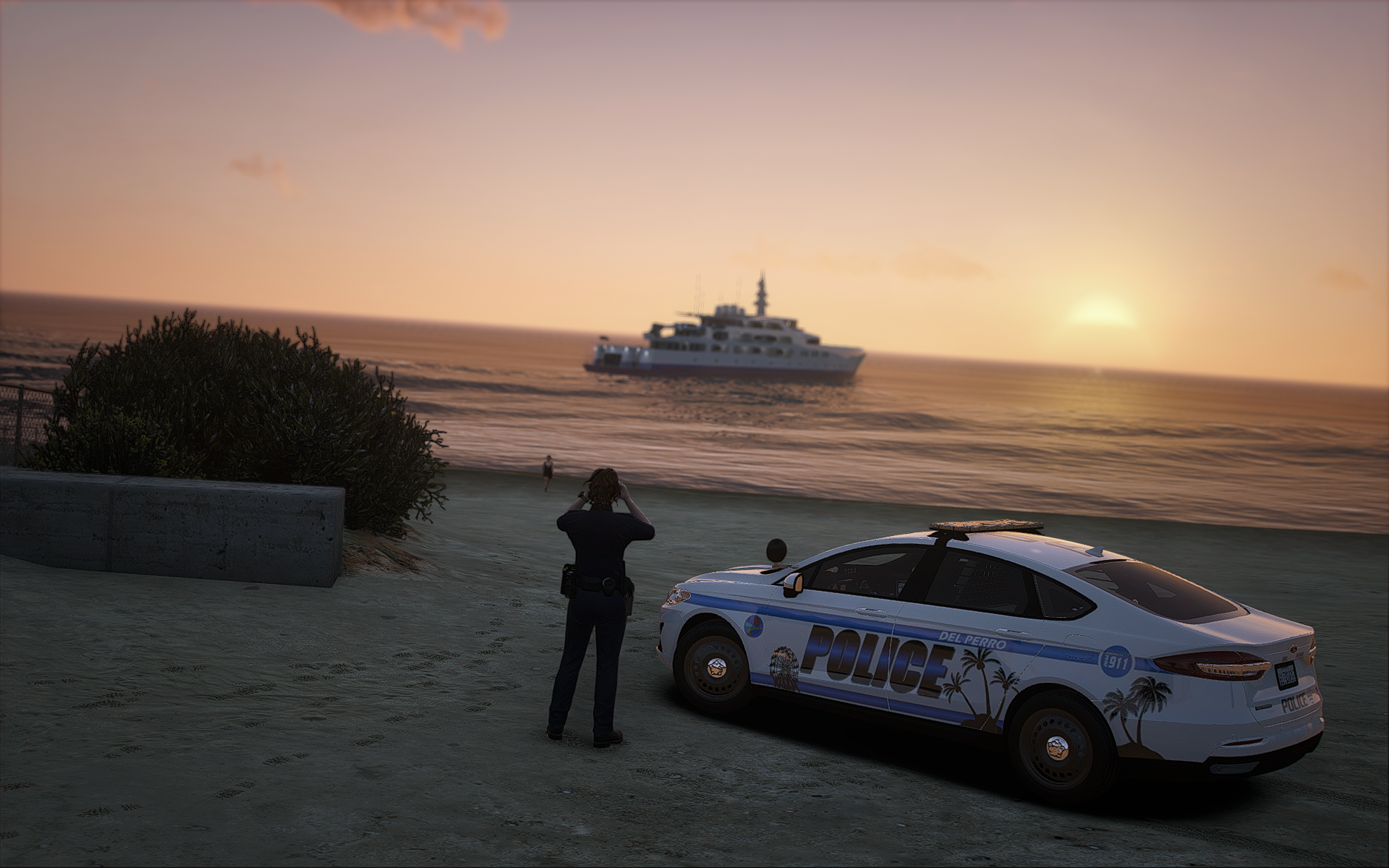
 Grand Theft Auto V Screenshot 2025.08.02 - 18.45.02.65.png
-
 Grand Theft Auto V Screenshot 2025.08.02 - 09.45.46.55.png
-
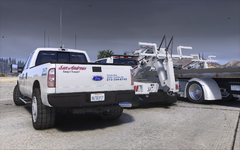 Grand Theft Auto V Screenshot 2025.08.02 - 09.45.29.70.png
-
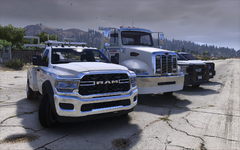 Grand Theft Auto V Screenshot 2025.08.02 - 09.44.54.87.png
-
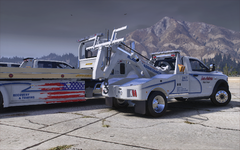 Grand Theft Auto V Screenshot 2025.08.02 - 09.44.08.17.png
-
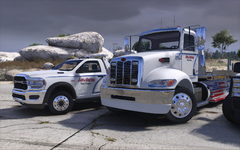 Grand Theft Auto V Screenshot 2025.08.02 - 09.43.52.83.png
-
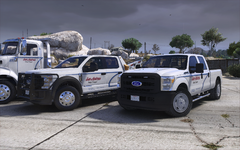 Grand Theft Auto V Screenshot 2025.08.02 - 09.43.42.46.png
-
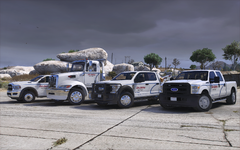 Grand Theft Auto V Screenshot 2025.08.02 - 09.43.23.89.png
-
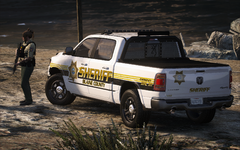 Grand Theft Auto V Screenshot 2025.06.25 - 10.17.04.05.png
-
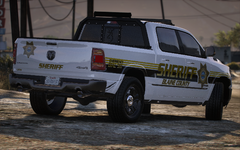 Grand Theft Auto V Screenshot 2025.06.25 - 10.16.49.66.png
-
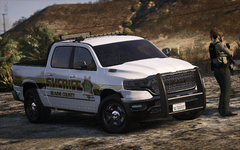 Grand Theft Auto V Screenshot 2025.06.25 - 10.16.17.22.png
-
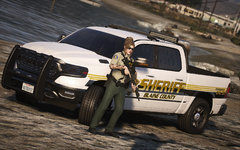 Grand Theft Auto V Screenshot 2025.06.25 - 10.16.03.86.png
-
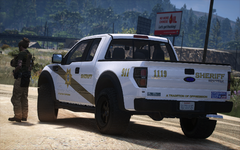 Grand Theft Auto V Screenshot 2025.06.25 - 09.39.36.97.png
-
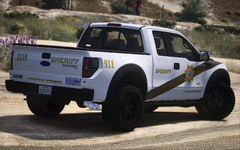 Grand Theft Auto V Screenshot 2025.06.25 - 09.39.09.97.png
-
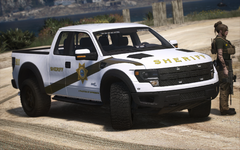 Grand Theft Auto V Screenshot 2025.06.25 - 09.38.33.72.png
-
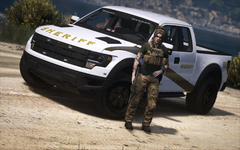 Grand Theft Auto V Screenshot 2025.06.25 - 09.37.35.49.png
-
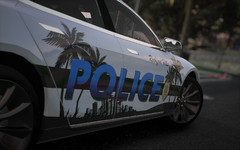 Grand Theft Auto V Screenshot 2025.06.21 - 21.43.14.69.png
-
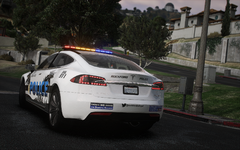 Grand Theft Auto V Screenshot 2025.06.21 - 21.39.37.47.png
-
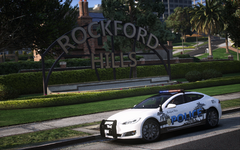 Grand Theft Auto V Screenshot 2025.06.21 - 21.36.56.00.png
-
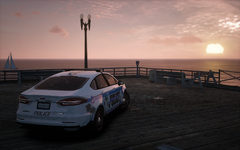 Grand Theft Auto V Screenshot 2025.06.21 - 21.31.51.67.png
-
-
From the album: Livery Projects
-
From the album: Livery Projects
-
From the album: Livery Projects
-
From the album: Livery Projects
-
From the album: Livery Projects
-
From the album: Livery Projects
-
From the album: Livery Projects
-
From the album: Livery Projects
-
I have been using STP since forever and recently I saw the option to change police transport drivers to whatever NPC is assigned as the driver in their vehicles.meta. I'm tired of seeing LSPD units arrive in LSSD vehicles, same with BCSO units in SAHP vehicles and since I also have RDE installed, I figured it would be a great idea to modify the vehicles.meta and switch the drivers to custom NPCs from RDE. So I went in-game and called my first SAHP police transport, only to find out the vehicles.meta do not read the custom RDE NPCs at all and defaults it to a random NPC or LSPD cop instead. Anyone know of a solution or a workaround to this?
-
-
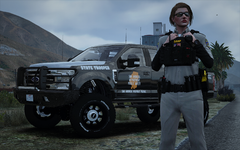 Grand Theft Auto V Screenshot 2025.07.19 - 22.48.18.04.png
-
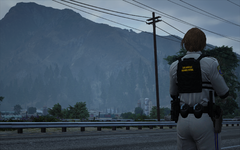 Grand Theft Auto V Screenshot 2025.07.19 - 22.47.18.36.png
-
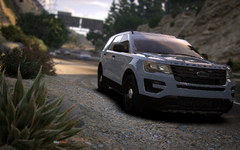 Grand Theft Auto V Screenshot 2025.05.29 - 02.57.17.55.png
-
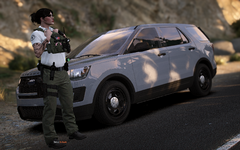 Grand Theft Auto V Screenshot 2025.05.29 - 02.56.16.10.png
-
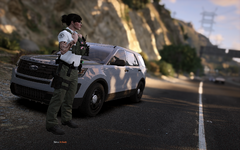 Grand Theft Auto V Screenshot 2025.05.29 - 02.55.49.74.png
-
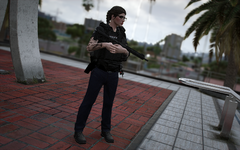 Grand Theft Auto V Screenshot 2025.05.28 - 00.24.16.62.png
-
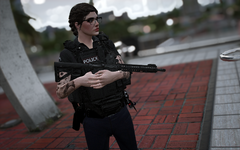 Grand Theft Auto V Screenshot 2025.05.28 - 00.25.12.12.png
-
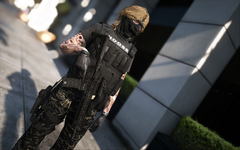 Grand Theft Auto V Screenshot 2025.05.15 - 17.51.17.09.png
-
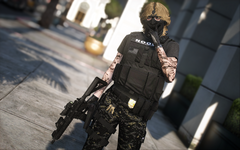 Grand Theft Auto V Screenshot 2025.05.15 - 17.49.47.06.png
-
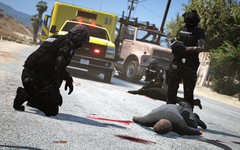 Grand Theft Auto V Screenshot 2025.05.15 - 10.22.03.36.png
-
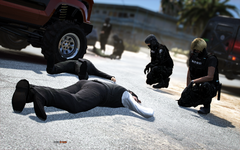 Grand Theft Auto V Screenshot 2025.05.15 - 10.19.41.86.png
-
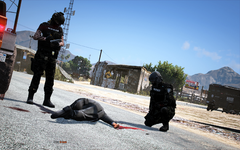 Grand Theft Auto V Screenshot 2025.05.15 - 10.19.24.87.png
-
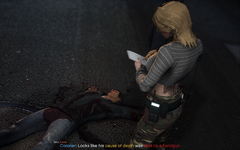 Grand Theft Auto V Screenshot 2025.05.14 - 23.27.25.24.png
-
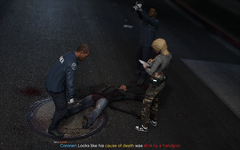 Grand Theft Auto V Screenshot 2025.05.14 - 23.27.19.54.png
-
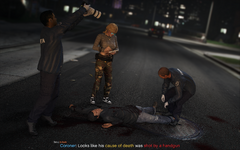 Grand Theft Auto V Screenshot 2025.05.14 - 23.27.05.60.png
-
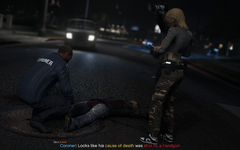 Grand Theft Auto V Screenshot 2025.05.14 - 23.26.56.19.png
-
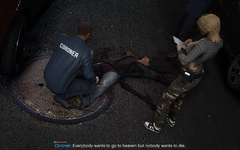 Grand Theft Auto V Screenshot 2025.05.14 - 23.25.44.36.png
-
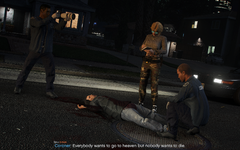 Grand Theft Auto V Screenshot 2025.05.14 - 23.25.08.75.png
-
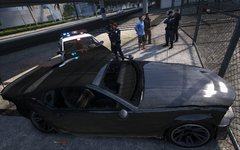 Grand Theft Auto V Screenshot 2025.05.12 - 08.28.19.77.png
-
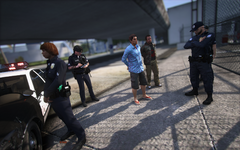 Grand Theft Auto V Screenshot 2025.05.12 - 08.28.04.56.png
-
-
From the album: Lily's Patrols
-
From the album: Lily's Patrols
-
From the album: Livery Projects
-
From the album: Livery Projects
-
From the album: Livery Projects
-
From the album: Livery Projects
-
From the album: Livery Projects
-
From the album: Livery Projects
-
From the album: Livery Projects
-
From the album: Livery Projects
-
From the album: Livery Projects
-
From the album: Livery Projects