Great Northwest Gaming
Members
-
Joined
-
Last visited
Everything posted by Great Northwest Gaming
-
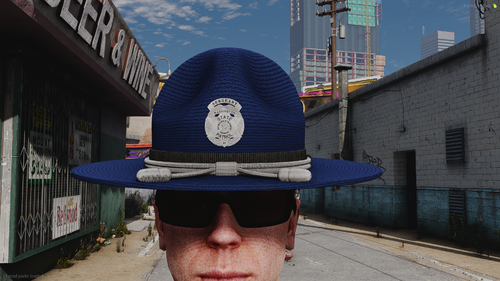 Is this for FiveM or SP?
 -
-
Great Northwest Gaming replied to Great Northwest Gaming's topic in LSPDFR 0.4 for Legacy Edition SupportThis has been fixed
-
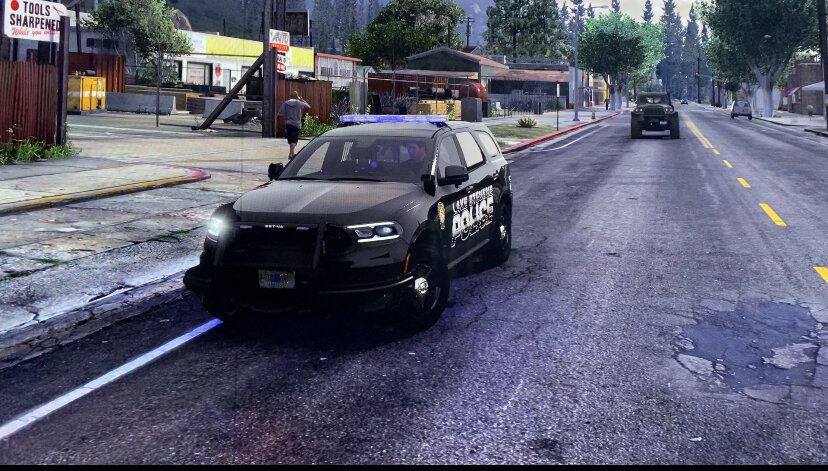
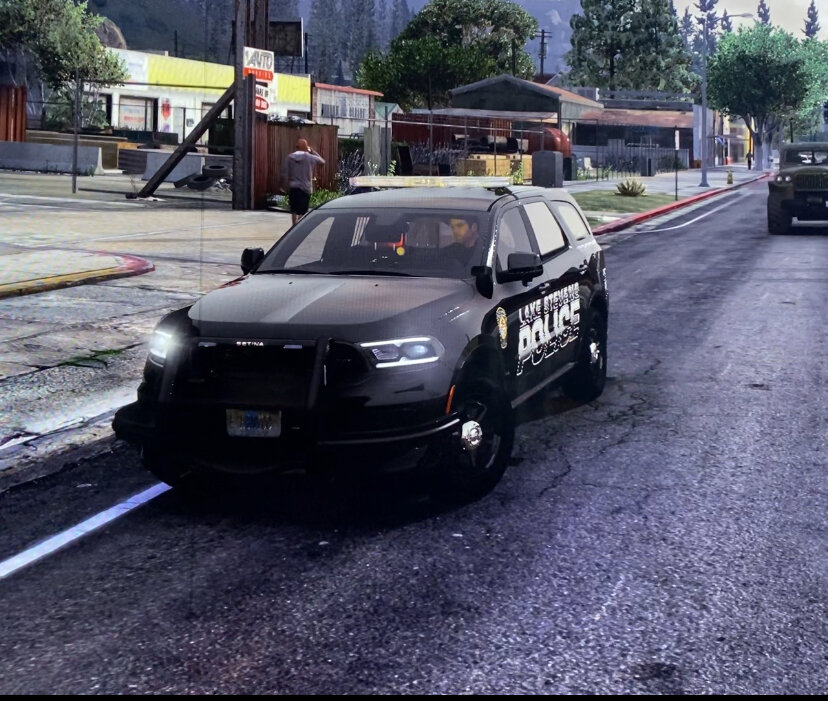
I have been having this issue today and idk how to fix it. The ELS acts like it’s there as the reflections are there but the ELS texture is not. I will a screenshot showing the bug. I have tried some things like reinstalling ELS and reinstalling ASI but none have worked.
-
-
Great Northwest Gaming replied to Great Northwest Gaming's topic in LSPDFR 0.4 for Legacy Edition SupportThank you man I appreciate it.
-
When I try to force duty in game, it doesn't work and gives me a error can someone help me? I will have the Rage log file posted RagePluginHook.log
-
 Is RDE Expanded and Enhanced up to date? I am wondering because I have to reinstall GTA and want to make sure everything works properly.
- 1,523 comments
- 85 reviews
-
It is trainerV yes but there is in fact no indicator controls for controller. This is very confusing. That's why I am very confused as I looked through the key binds for housers not finding a single thing.
-
I do have ELS installed but when I ram my tests I disable all plugins so it was just base game with rage and no plugins besides trainerV
-
I have narrowed it down to trainerv but there is no vehicle indicator for controller script on pc so I am lost
-
Hello everyone I am making this as I have been trying for hours with no success on trying to fix this issue. The issue is when I am in game I press B on my controller and it turns on my right turn signal. I have checked my trainer, SimpleCTRL, LSPDFR keys, and my menyoo mod. I have not found anything that can help. This started yesterday and it came out of no where. Can someone help me?