Chappie
Members
-
Joined
Everything posted by Chappie
-
 Rockstar editor and uncompressed steam screen shots.
 -
Make visuals great again, with nextneg shaders.
-
I wish. Max-ish settings, 1920x1080. Nothing fancy goin' on. :P
-
Yeah, it took me a few tries. Now I have no kids.
-
I sacrificed my first born to Satan.
-
From the album: Chappie's photo depository
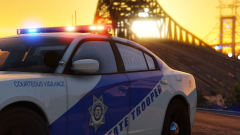
Car by @thegreathah, aka theverysexy. Skins by @BradM. -
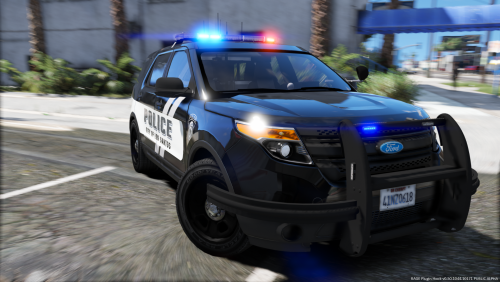 Excellent job hah! It seems that with every release, you improve, and that is admirable. Keep it up. ;)
- 18 comments
- 22 reviews
-
-

- 3
-
-
I thought this was cool and figured I'd share. This could save lives, yo.
-
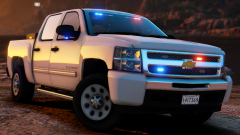
From the album: Chappie's photo depository
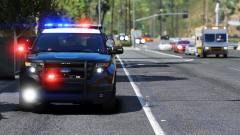
Truck by @Black Jesus Zoomed out a bit to catch some of the scenery! ;) -
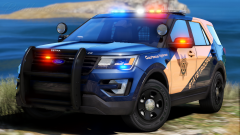
From the album: Chappie's photo depository
Okay, I kind of fucking love these skins. Skin by @BradM. Also, I done fucked up my settings, so not the best quality for this one boys. -
 congrats on 1500 rep sexy man
 -
-
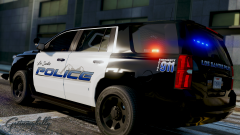 ayy. I did something like this a few months ago, just 10x worse. ;P
 -
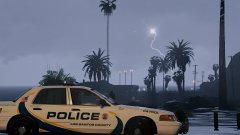 Ohhh. I didn't see the previous image. I just saw this one and got excited. :P
 -
That livery looks oak bay inspired :P
-
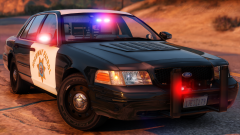 I'll pass that onto hurk!
 -
A++ for doing the research! ;]
-
They're vents!
-
From the album: Chappie's photo depository
WIP by @Thehurk, livery needs a bit of work & miscellaneous bug fixes. -
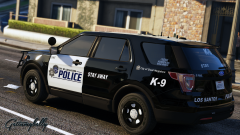 That's sick. I love it. :P
 -
From the album: Chappie's photo depository
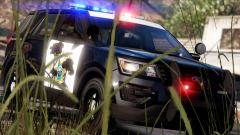
WIP by @Thehurk, There's bugs! We know! Mirror lights aren't on yet and the wrap doesn't like to spawn, but he's fixing it. Just remember, WIP. :P -
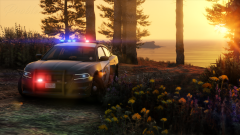 Personally, they look good to me. Keep in mind the tahoe isn't on even ground in this photo, the passenger side wheel is down in a ditch. I'll mention it though. Never be afraid to talk to hurk, he likes constructive criticisms and help identifying bugs, he's just been frustrated because there have been some people that have been not so grateful for some of the stuff he's released, and I can't blame him for snapping at them :P
 -
From the album: Chappie's photo depository
WIP by @Thehurk. There are some bugs, but hurk already knows about them. He's a busy bee and they'll be fixed on his free time. -
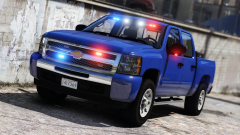
From the album: Chappie's photo depository
Truck by @Black Jesus, aka the fermented pickle. Found here. -
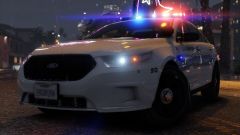
From the album: Chappie's photo depository
Car by @thegreathah, part of his millcreek inspired pack. It can be found here!