


Cartres
-
Joined
-
Last visited
Everything posted by Cartres
-
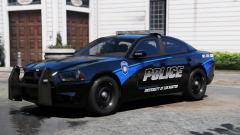
From the album: Project: Boston, Massachusetts
-
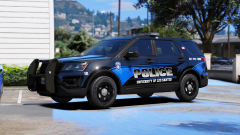
From the album: Project: Boston, Massachusetts
-
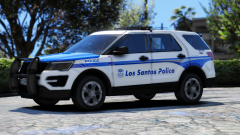
From the album: Project: Boston, Massachusetts
-
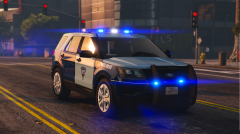
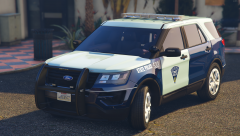
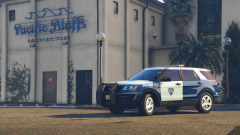
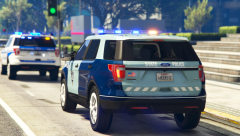
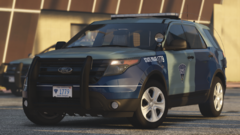
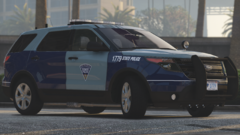
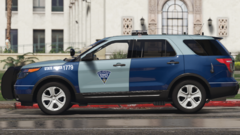
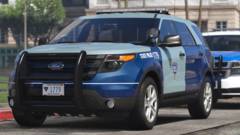
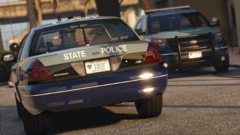 Hey there @TrpCharles - you may wanna take a look at the newest addition. Started the State Police.
 -
-
From the album: Project: Boston, Massachusetts
-
From the album: Project: Boston, Massachusetts
-
From the album: Project: Boston, Massachusetts
-
From the album: Project: Boston, Massachusetts
-
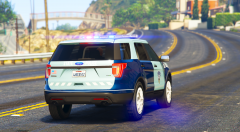
From the album: Project: Boston, Massachusetts
-
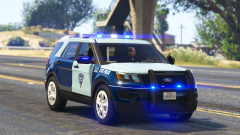
From the album: Project: Boston, Massachusetts
-
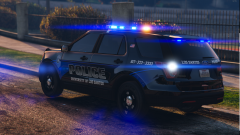
From the album: Project: Boston, Massachusetts
-
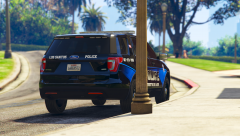
From the album: Project: Boston, Massachusetts
-
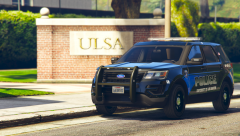
From the album: Project: Boston, Massachusetts
-
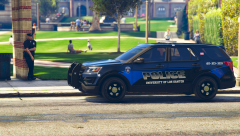
From the album: Project: Boston, Massachusetts
-
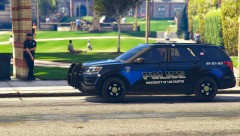
From the album: Project: Boston, Massachusetts
-
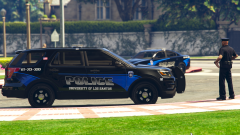
From the album: Project: Boston, Massachusetts
-
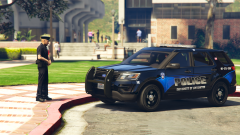
From the album: Project: Boston, Massachusetts
-
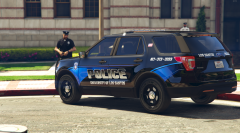
From the album: Project: Boston, Massachusetts
-
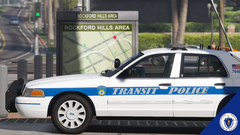
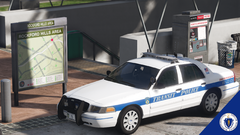
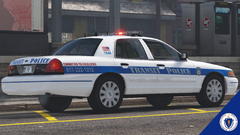
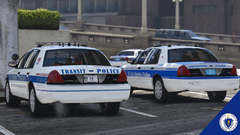
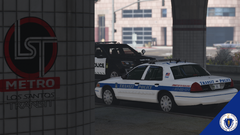
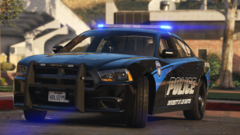
I'm sick of California law enforcement vehicles. When Slendis and BradM released their vehicle and texture packs (respectively) representing the Boston Police Department, I thought I couldn't be happier. Truth was, I could be. So, I decided to be. One week ago, I began to learn how to use Zmodeler for myself. I don't know what spurred me to finally take the deep dive. I learned ELS first, and I'm now half-way through my first default-lighting vehicle as well. In the meanwhile, I have busied myself with one goal: To make the most realistic and true-to-life Massachusetts Law Enforcement Pack that I could, using as many publicly available parts as possible. While I'm new to the scene, I'm not new to LSPDFR and the community. Feedback is welcome and encouraged, and if I forget to credit something, someone, or somewhere, please let me know. I promise that nothing is used or taken with the intent of malice or misuse in mind. With that said, I present: Please find all of my recent progress beyond those photos above in the following album, and thanks!
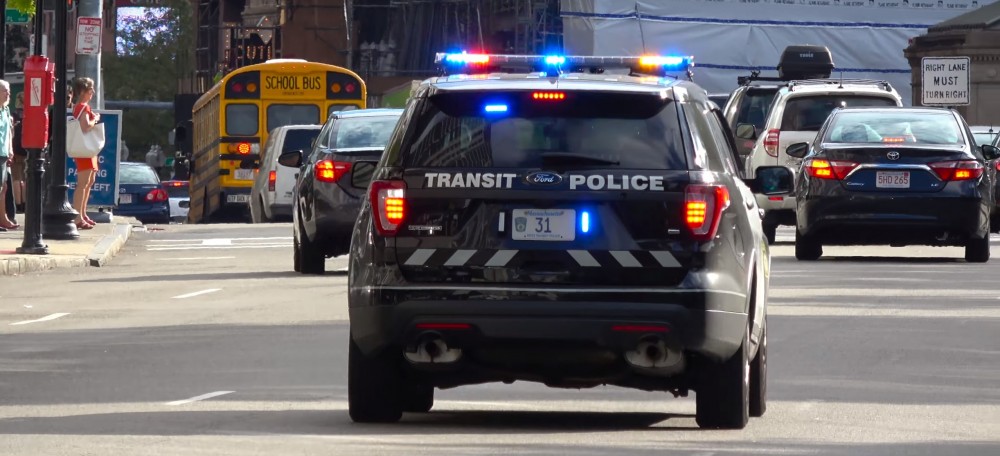
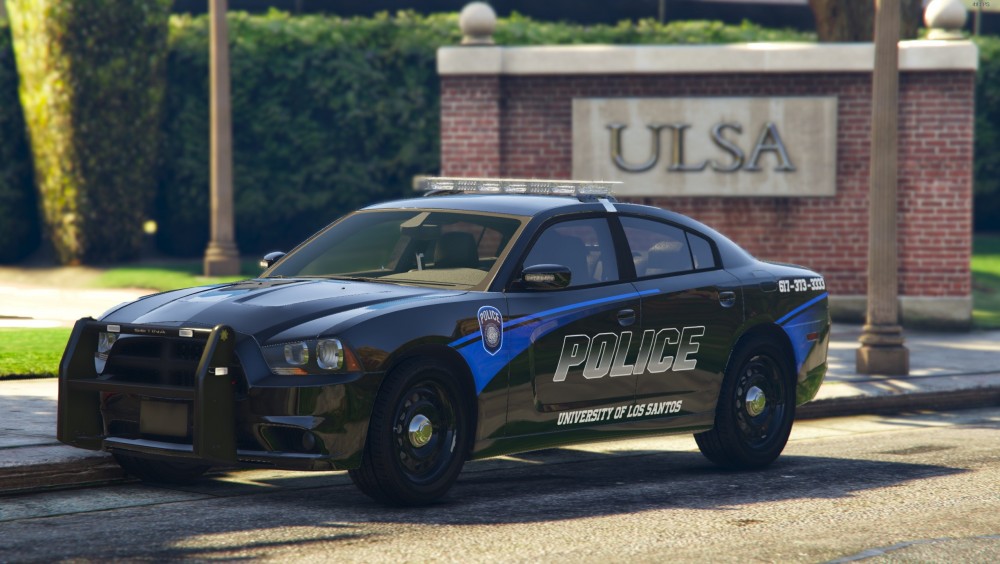
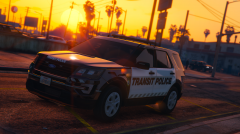
From the album: Project: Boston, Massachusetts
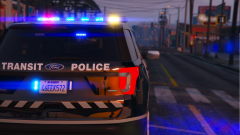
From the album: Project: Boston, Massachusetts

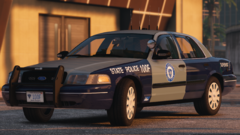
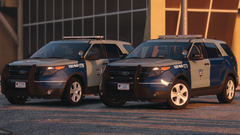





Account
Navigation
Search
Configure browser push notifications
Chrome (Android)
- Tap the lock icon next to the address bar.
- Tap Permissions → Notifications.
- Adjust your preference.
Chrome (Desktop)
- Click the padlock icon in the address bar.
- Select Site settings.
- Find Notifications and adjust your preference.
Safari (iOS 16.4+)
- Ensure the site is installed via Add to Home Screen.
- Open Settings App → Notifications.
- Find your app name and adjust your preference.
Safari (macOS)
- Go to Safari → Preferences.
- Click the Websites tab.
- Select Notifications in the sidebar.
- Find this website and adjust your preference.
Edge (Android)
- Tap the lock icon next to the address bar.
- Tap Permissions.
- Find Notifications and adjust your preference.
Edge (Desktop)
- Click the padlock icon in the address bar.
- Click Permissions for this site.
- Find Notifications and adjust your preference.
Firefox (Android)
- Go to Settings → Site permissions.
- Tap Notifications.
- Find this site in the list and adjust your preference.
Firefox (Desktop)
- Open Firefox Settings.
- Search for Notifications.
- Find this site in the list and adjust your preference.