


mujali94
Members
-
Joined
-
Last visited
Everything posted by mujali94
-
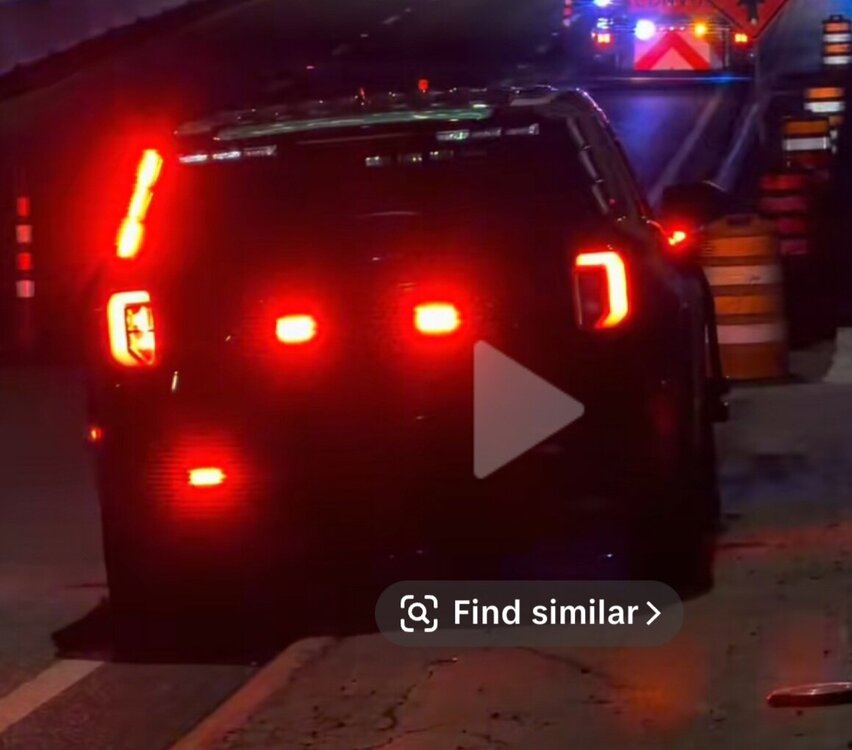
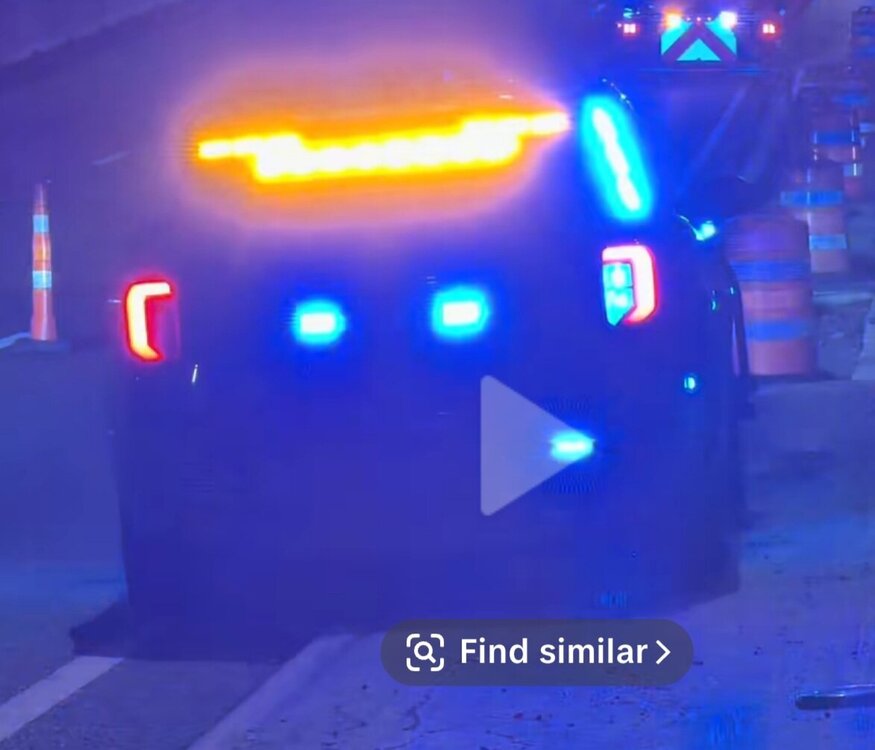
Just seeing if anyone is up to the challenge to make an els 2020 or newer fpiu vehicle like this? Found this on tiktok but not sure which department its from. Here's the link. https://vt.tiktok.com/ZS4GbpumG/
-
-
-
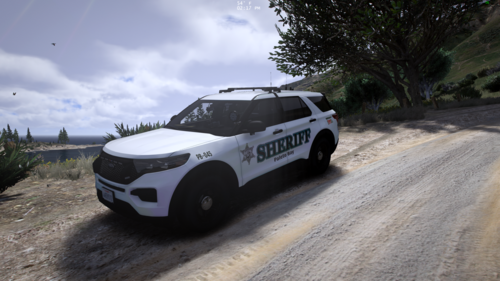 Would you be able to do a mix of red and blue for the lights all around? Also, the 2 rear ions by the licence plates do not work and the 2 ions in both sides of the headlight corners do not as well.
 -
It won't crash when I rename the mods folder. When i took a look at the ragepluginhook log, I noticed that it stating something with lml not initialized. Not sure what that could mean and there is no update for lml.
-
Sorry for the late reply. So I updated the gameconfig and now the game crashes as soon as it loads into the game. You can see franklin for like 3 seconds then it crashed to the desktop. RagePluginHook.log
-
I did and its not crashing. I renamed it back and tried again. This time the game did play for about 5 to 10 mins before crashing. RagePluginHook.log
-
I do have mods installed. Its random.
-
I reinstalled it but the game is still crashing. RagePluginHook.log
-
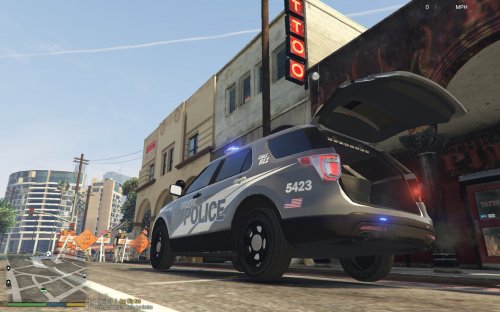 Love this mod! Can you make one for the bomb bay doors? I have a DOT vehicle that uses a msg board and it would so much easier to open and close it without always having to go through simple trainer. Would greatly appreciate it!
 -
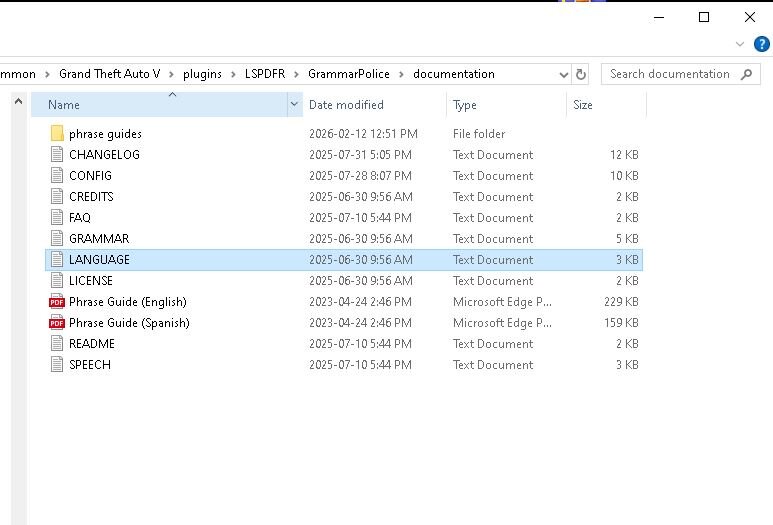
Ok I realized that the language did not have the quotations around en-us. I reloaded the game and it allows for a little bit longer play but still crashes to the desktop. RagePluginHook.log
-
Here it is. RagePluginHook.log
-
I reinstalled grammar police and it is still stating the language files are missing but I can see it in the folder.
-
I removed the unit control mod and it is still crashing. RagePluginHook.log
-
so I tested the game again and now I am getting a crash in game and it says "one or more subcalls may have caused the thread to yield" but it is not crashing to the desktop now. RagePluginHook.log
-
Yes i do.
-
I tried removing the common data framework and it is still crashing. RagePluginHook.log
-
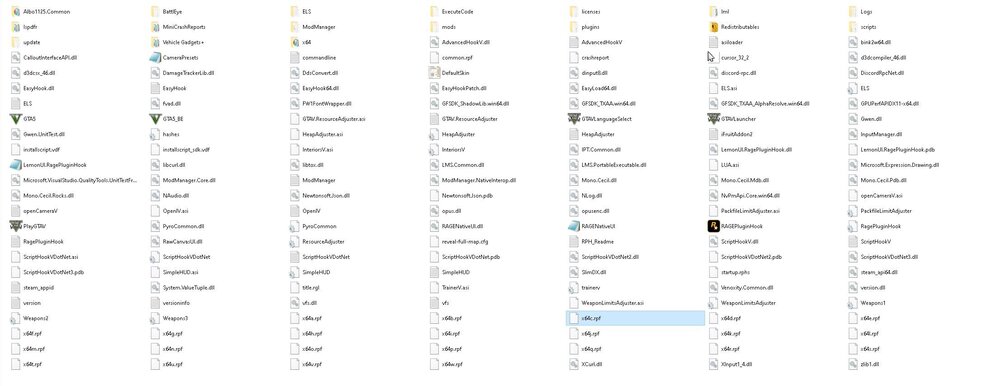
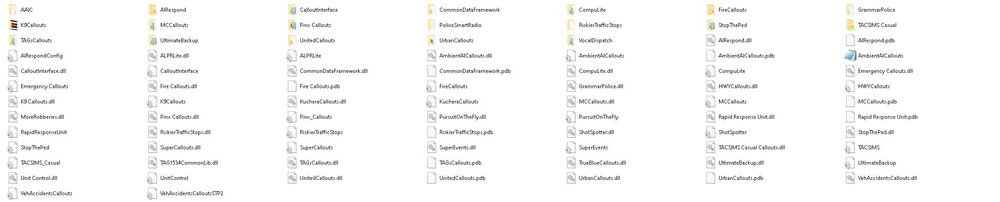
So I actually deleted all the files for policing redefined but somehow the game is still reading it. Not sure what is going on. Here is a screen shot of my main directory and plugins folder. and to answer your question no I do not have damage tracker framework.
-
Here you go. RagePluginHook.log
-
Sorry for the late reply. I removed policing redefined and impound callouts but I am still getting crashing to the desktop. RagePluginHook.log
-
Isn't there a way to tell which mod it is from the rage hook log?
-
it's fine without it. I tried that and it is still crashing.
-
Not sure which mod is causing my game to crash to the desktop but any help would be appreciated =) RagePluginHook.log
-
I just uploaded the most recent crash. RagePluginHook.log
-
I did and it is still crashing. RagePluginHook.log




