Edward Chan
Members
-
Joined
-
Last visited
Everything posted by Edward Chan
-
 I'm not sure is it my issue. I've installed this in my game but it seems like it's not working on my end. I purposely set the fight chance, weapon chance and flee chance to 100% then I went in game and random cuff people, only 1 out of 5 or 6 ran away from me only. and when I tell the ped that he's under arrest with NPCAI, suspect just turn around and put their hands behind their back, they didn't resist.
- 108 comments
- 5 reviews
-
 I'm having the same issue as well, and there's no audio files for the calls.
 -
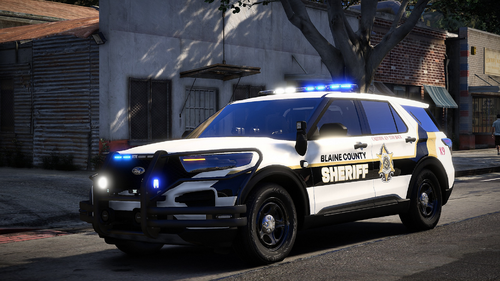 I'm testing the livery out but when I replace the livery on the vehicle, the original livery overlaps with it, as you can see in the screenshot below, the blaine county and the word police is overlapping each other.
 -
-
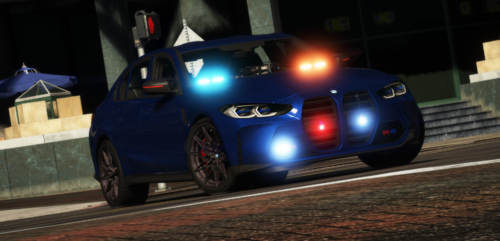 downloaded today and I can't find the DLS file, do DLSv2 doesn't work with this?