
harizon88
Members
-
Joined
-
Last visited
Everything posted by harizon88
-
Hi! Pending on the platform you use for your GTA V, its usually not possible to updates. If it hasn't updated yet, be sure to update your files so you're ready revert the versions with RAGE.
-
Looks like the text box you get with Calllout Interface CAD when you choose to edit to PEDs details. GAMING 4 LIFE has a great tutorial Callout Interface and its CAD.
-
I believe you had to make a backup (GAMING 4 LIFE has a great tutorial) before the game updated unfortunately. 😞
-
UPDATE: I think I may have somehow corrupted a file somewhere, and cannot find the problem. My solution is going to be to: - DELETE GTA V - Re-download GTA V - Use FiveM until LSPDFR, RAGE, and ScriptHookV are updated I believe the issue arose when I tried backing up my game files - I didn't follow any tutorials... so USE TUTORIALS
-
UPDATE: GTA is no longer crashing but just won't load into the game... also RAGE will not hook... I have reverted all changes I made in the past 24 hours and verified all my game files... I have no idea whats gone wrong.
-
UPDATE: GTA now either wont launch or crashes on startup...ie. the issue is not LSPDFR for RAGE...
-
UPDATE: My region is suffering major internet issues, so I think this must be causing the problems.
-
Hi all, I am aware of an imp update from Rockstar, but I was under the impression the update ha occurred yet... and for some reason, RAGE won't hook today, and LSPDFR instantly crashes. I was wondering if anyone else was having issues? I'm in the process of re-installing RAGE and will update if this fixes the issue.
-
 Brilliant!
 -
-
Good luck. 😄 I know Radar Gun2.0 and Riskier Traffic Stops work well, so I don't think it will be them unless one file landed in the wrong place. Never heard of Driveby Marksmanship Pistol though... so it could be that? Thats my guess anyway.
-
Sounds like we might have to do a process of elimination!
-
Hi! I had this issue at one point - it was an issue with one of my plugins. Did you recently a new mod or plugin? If so, try to remove whatever change you made and try again.
-
-
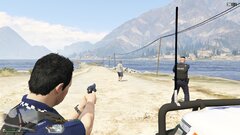
From the album: Queensland Police
-
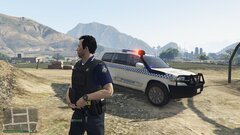
From the album: Queensland Police
-
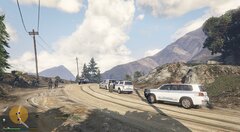
From the album: Queensland Police
-
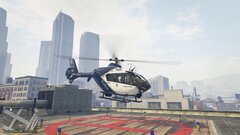
From the album: Queensland Police
-
Hi! I had a similar issue, is may potentially be a corrupted els file (if you have ELS installed). If you do, try removing the last ELS files you installed and try again.
-
If Rockstar even dose a PC version... (speculated).
-
100% But I feel the current state of LSPDFR for GTA V is still way above any other Police 'Simulator'. So I think we will be able to hold out for a while. (LSPDFR is also way cheaper $$$ than most Police Sims).
-
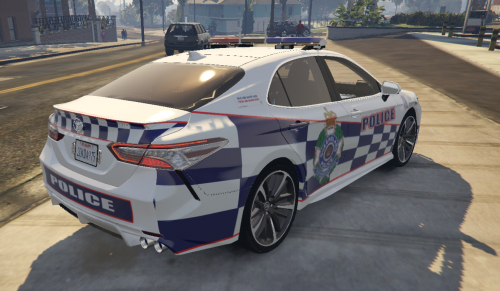 Great liveries! Love them.
 -
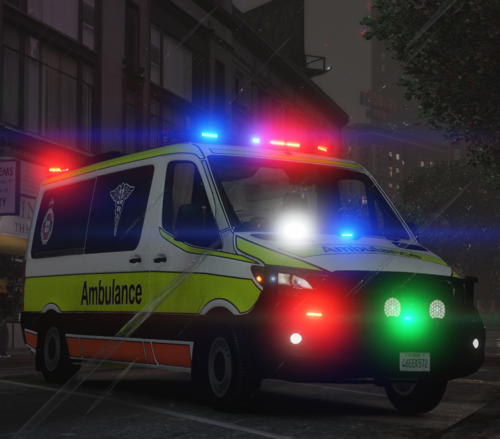 Previous review if using the non-Siren Mastery method; They are okay, but you can hear voices in the background. Also, you will need to remove some audio files, as these exceed the maximum storage for sounds causing them to become mute. (2-star) If using SIREN MASTERY; They are okay, they are the best quality on the market for this type of siren and offer good flexibility and choice. I modified th files slightly so you can no longer hear thee voices, and these sirens work beautifully with Siren Mastery. (4-star)
- 1 comment
- 2 reviews
-
-
It was one of the .xml's from a vehicle I installed, is hard to diagnose, basically just trial and error to find the problem child.