
harizon88
Members
-
Joined
-
Last visited
Everything posted by harizon88
-
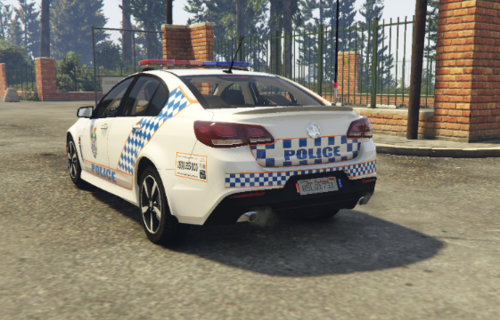 Dose not fit the mentioned model in 2024 😞
 -
 Discord invite is "Invalid" 😞
 -
-
This issue was fixed: One of the ELS .xml files was dodgy and was causing the crash.
-
With Rage and without Rage, GTA V is freezing and crashing just as the game spawns the character in the world (either after the RAGE loading page or the GTA V loading page). I suspect its a mod issue, but I can't find the mod that's causing the crash - I have uninstalled the vehicles that I recently installed and even tried re-naming the mods folder to '_mods_'. I get no crash message either, the game basically just freezes. I have tried several things, from changing graphics settings, to re installing ELS, etc. and nothings working...
-
Today I fired up LSPDFR but I coudn't control any ELS or Sirens. The J (Light stage controller), E (horn), 1, 2 and 3 keys did nothing. Everything else is working, from Backup, to ELS on backup units - the only issue is I can't control my own ELS. Weirdly, one of my callout packs yields an error saying it couldn't check for updates which to me has nothing to do with the price of tea in china. Anyone have any ideas whats happened? I've changed zero files, all files look correct in OpenIV, and it woked fine two days ago.