CowBoy 1li
Members
-
Joined
-
Last visited
Everything posted by CowBoy 1li
-
-
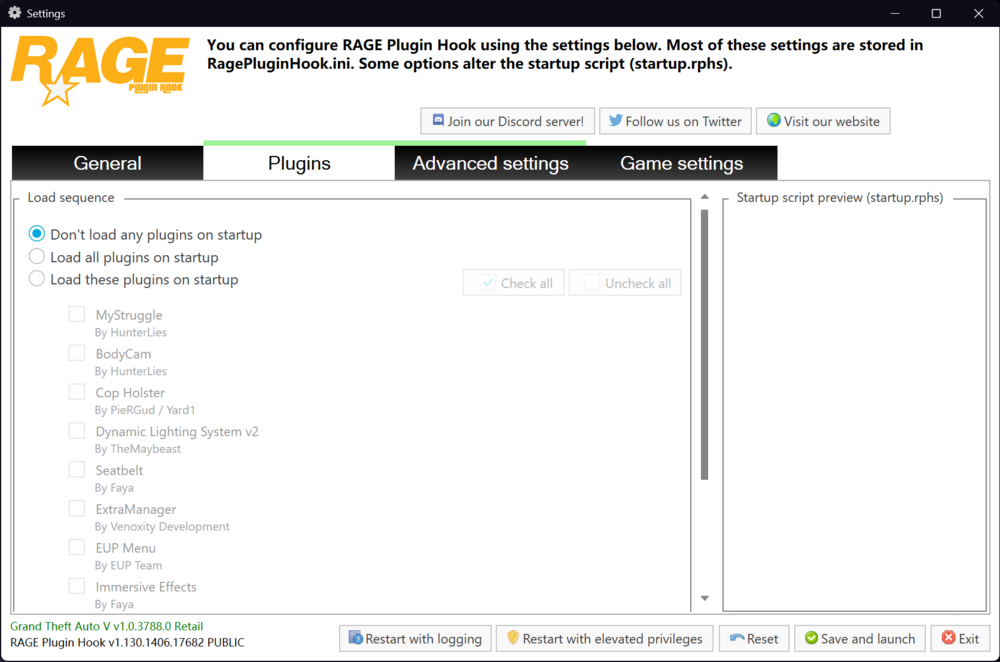
While browsing the community today, I noticed some people encountering "Script Hook V" errors; I’ve basically determined that this is caused by a conflict between DLS and ELS. You likely chose to launch the game with plugins loaded right from the start—what I want to show you is my configuration.If you use my settings, you won't encounter "Script Hook V error" issues when loading the game normally. Then, simply run ReloadAllPlugins; once LSPDFR has finished loading, you can immediately use ForceDuty to go on duty.
-
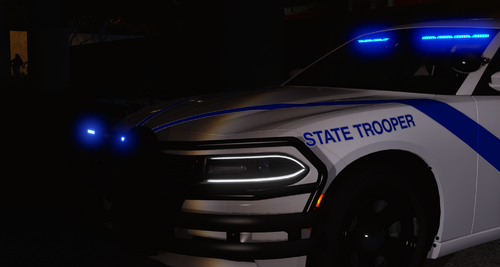 Both the livery and the license plate are excellent, but I've encountered a problem: the livery applied successfully, but the license plate failed to apply, sticking with the original in-game license plate. What should I do?
 -
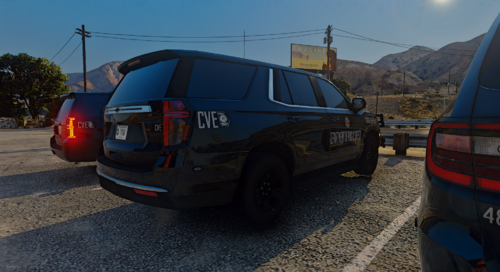 I only saw a Mustang; it looks like there's no Challenger.By the way, could you please update the Nighthawks units to the latest version?
 -
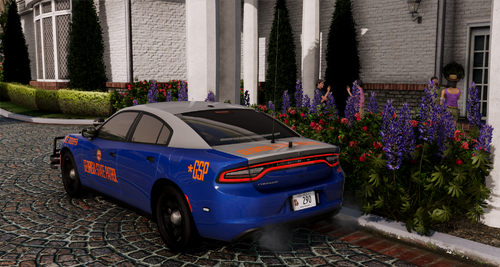 Switching the color to metallic silver to match your latest piece makes it look incredibly realistic—it is absolutely identical to the GSP photos I’ve seen taken by professional photographers. Thank you for all your hard work!
 -
-
-
-
It looks great, but it's too dark on my screen; I can't see the details. Could you brighten it a little?
-
I think the blue is too dark, could you make it a bit brighter?
-
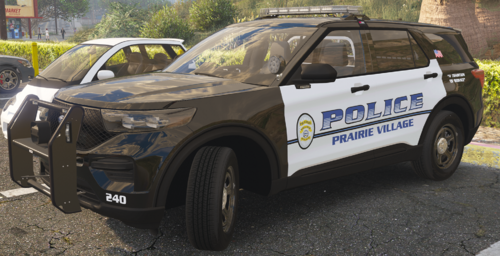 There are obviously no els files for MHPD and MHPDA in the package
 -
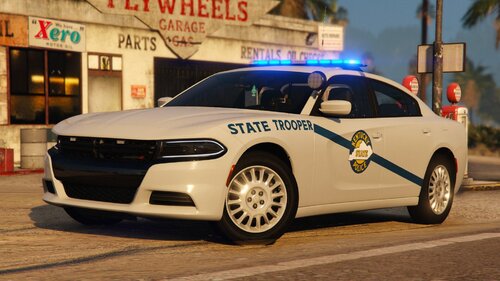 Please fix it, love you author
 -
I like this pack,there is an issue,KSP23CHGRUNPB have no push bar
-
-
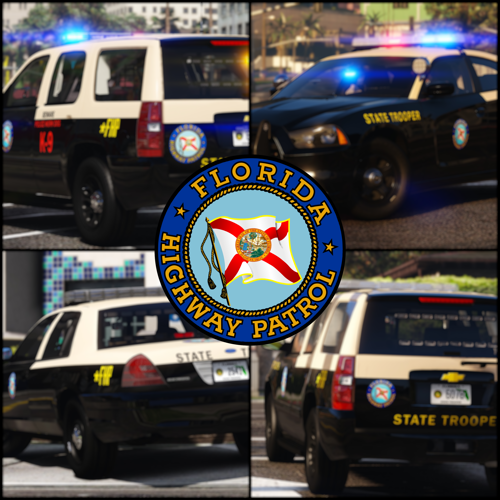 OK, because I found that the els xml file has fhpm and fhp7a, and then I can't generate it in the game, so I suggest deleting the useless els xml. Finally, thank you for your hard work.
- 300 comments
- 22 reviews
-
-

- 1
-
-
-
-
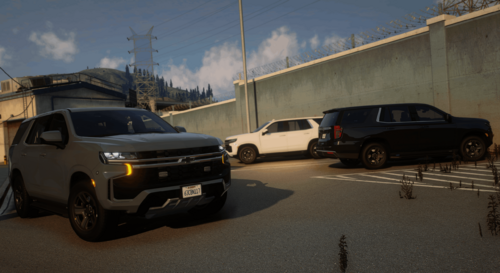 Hello everyone, I would like to ask a question, can you enter the game normally using lml?
 -
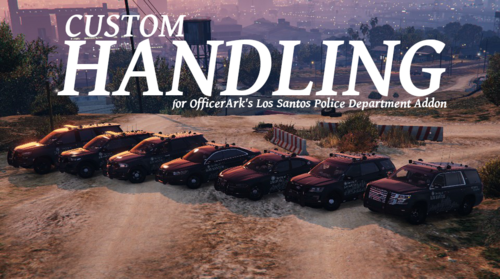 The handling feels very different from the original GTA vehicles. Maybe this is how reality should be?
- 15 comments
- 3 reviews
-
-

- 1
-
-
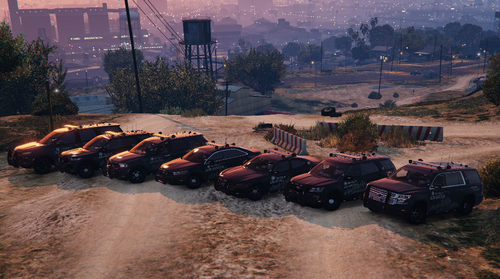 I did what you said, but I can generate the red and blue versions of the two dlc packages, but I can't generate the blue version. I should have no problem, as I have installed both dlcs. Please check it, thank you, the package you made is really perfect, I just want to help you understand the problem.
- 242 comments
- 16 reviews
-
-
Yes, I am not mistaken. I installed the red and blue versions. The red version is effective in the game, and the vehicle can be generated and the handling is yours, but the blue version cannot generate the vehicle at all, and it prompts that the model cannot be found.
- 15 comments
- 3 reviews
-
-
- 1
-
-
I tried again. I installed the red and blue versions into the game. Only the red version could generate the vehicle, while the blue one was a model error.
- 242 comments
- 16 reviews
-
I can't spawn the blue version of my vehicle, but I can spawn the red version, why?
- 15 comments
- 3 reviews
-
can I use red pack and blue pack at the same time in game?or I can only use one of them
- 242 comments
- 16 reviews