UpperMidnight
Members
-
Joined
-
Last visited
Everything posted by UpperMidnight
-
 10/10
10/10 -
 hey, do you happen to have varicai's discord link? i tried dming him but still no reply. thanks
- 14 comments
- 2 reviews
-
-
-
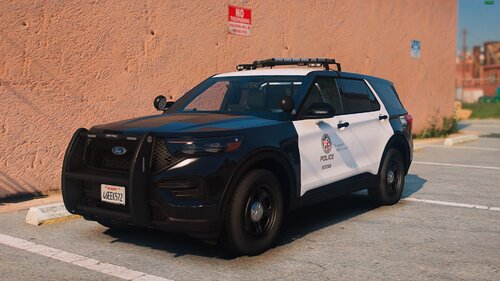 you can use this if you dont want to go with DLS
 -
Absolutely beautiful! Someone please tell the creator of this to make an exception to the "one and only time special release" and show us what else they've got! 😍
-
 yes, go into the defaultregions.xml inside the UB folder (gtav>plugins>lspdfr>ultimatebackup) and change the vehicles there to what you want
- 251 comments
- 75 reviews
-
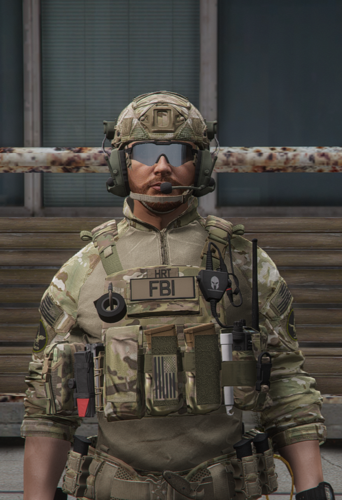 Thank you for making this!
 -
 is there a showcase for this mod? am I the only one that still doesnt get what it does exactly
- 181 comments
- 4 reviews
-
hey folks, as mentioned above when I request some units they show up with lights and sirens turned off (called to scene code 3) even though both work if I jump in their cars and turn them on or if I'm using the same vehicle myself.. another thing is AI backup with vehicles that have steady burn lights (LAFD ambulance in my case) the light work but the steady burns dont, if I jump in and turn it off then on it works fine! can anyone help please? thanks!
-
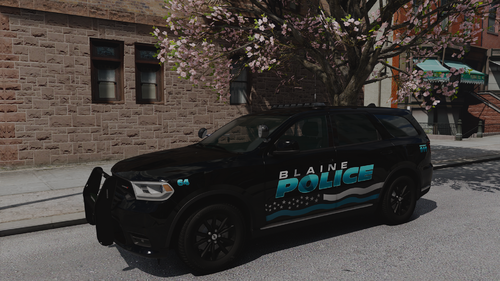 not bad at all! one thing to note is the vehicle wouldnt spawn until I renamed it to "bcdurango1" maybe you can fix that with the next update
 -
-
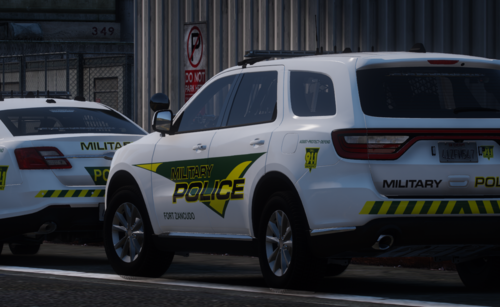 hey folks, This vehicle is perfect for the durango just make sure that the vehicle's name (durango) is matching the els and folder name (bcdurango1) for some reason they're not the same and the vehicle wouldn't spawn until I changed the name. good luck!
- 8 comments
- 1 review
-
my hero!
-
 is there a tutorial for installation that you recommend? I only found one video on youtube believe it or not and its for the older version
- 276 comments
- 21 reviews
-
-
-
.thumb.png.286ed0c74591feb6f54032c746ef95cc.png) Do you still have the 2021 lafd tahoe? if so can you please share your discord. thanks
Do you still have the 2021 lafd tahoe? if so can you please share your discord. thanks -
Much appreciated! My problem was mainly the font used I couldn't get the Angeles to have the black shade underneath lol, thanks again! I thought I read somewhere that R* took the LC mod down? glad to hear that it's back
- 14 comments
- 2 reviews
-
These look great! Any chance you'd do LAFD skins? yours are much better than anything out there
- 14 comments
- 2 reviews
-
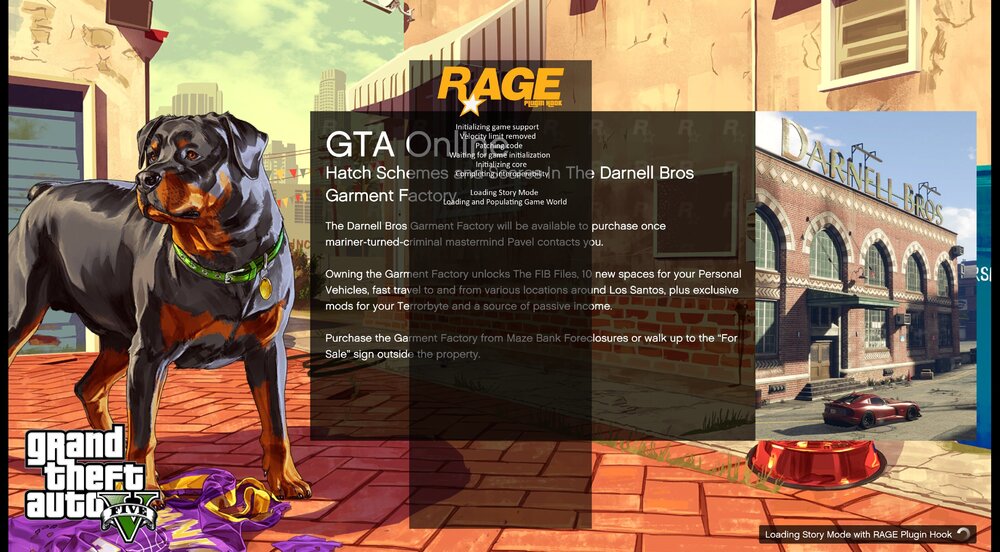
Hey so as mentioned above when I load story mode with RPH (or even without RPH) the screen is stuck on the loading page (attached screenshot) with the loop on the bottom right going round and the RPH information doing its dance in the middle so the screen is not frozen, I tried changing the settings in RPH to not load any plugins but still nothing changes. What i tried so far: 1. put RPH log in auto log reader (no issues) 2. renamed mods to _mods (no change) 3. changed RPH launcher settings as mentioned above (no changes) 4. restarted my pc and reverted any changes I made (no changes) can anyone help please thank you RagePluginHook.log
-
-
Hey, So as the title says I just updated my graphics driver (nvidia geforce) and suddenly all els lights are barely visible.. even worse than vanilla! (below screenshot) I reinstalled better radiance and still nothing changed has anyone experienced anything like this and is there a way to fix it? Thanks! EDIT: Solved by reverting from Nvidia's auto-optimization via their app.
-
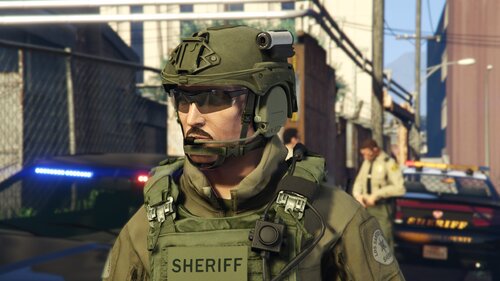 newbie question plz, if its an addon how do I spawn it in-game? p.s. I use eup for uniforms and simple trainer to spawn whatever i need, if either helps
 -
Am I missing something? I loaded dls from inside the game (after lspdfr loaded) and i got these errors before the game crashed (twice). I'm on the most recent update of gta v, lspdfr, and RPH help anyone?
- 276 comments
- 21 reviews



.thumb.png.286ed0c74591feb6f54032c746ef95cc.png)