UpperMidnight
Members
-
Joined
-
Last visited
Everything posted by UpperMidnight
-
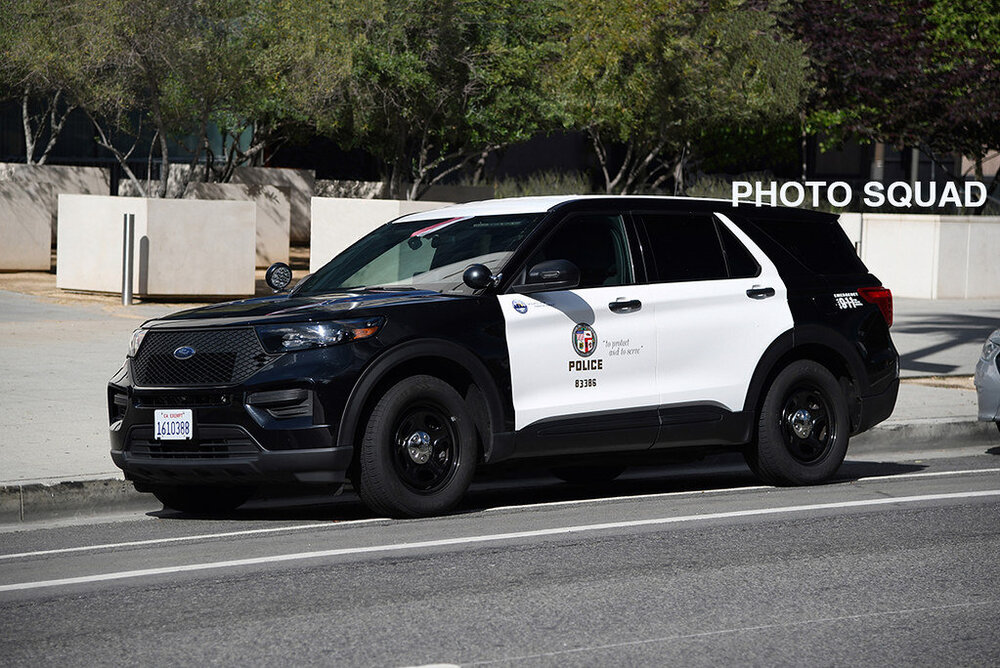
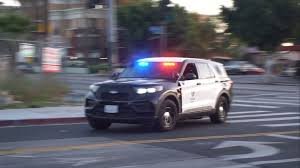
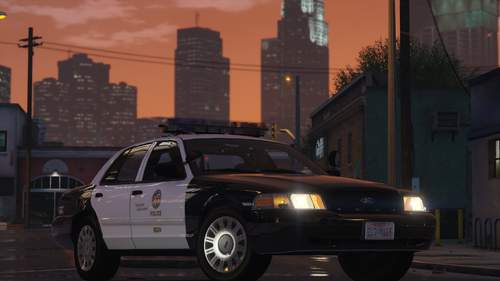
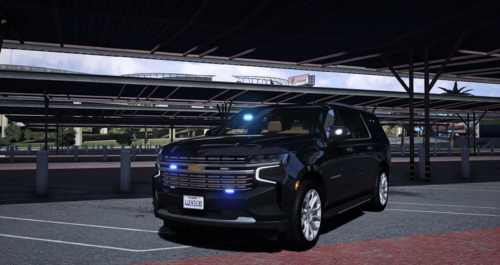
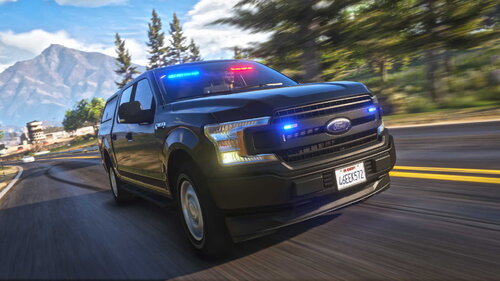
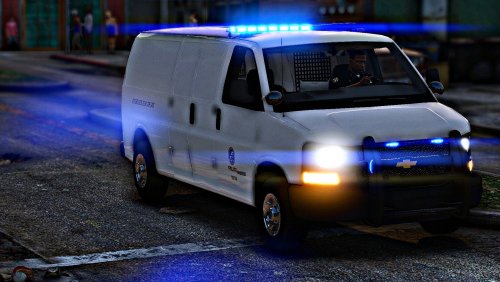
Hey folks, I've been looking everywhere for an LAPD Slicktop FPIU (ELS) as seen in the attached images and I couldn't find one.. has anyone seen this vehicle available anywhere or know someone that could create this vehicle? Even if it's not free (as long as it's great quality and worth it.) Thanks a lot!
-
-
Never mind.. found this warning on the screen and googled it. Problem solved!

-
-
Hey folks, I don't know what exactly happened but ELS suddenly stopped working just after experiencing some texture loss in the game. I closed the game and stared it back up and it was not working (neither using J on the keyboard nor the DPad on the controller.) Tried restarting the game and loading story mode without RPH, still the same. I don't know if this is related but I have installed the siren settings limit adjuster earlier today but removed it before even launching the game since the vehicle's file I downloaded it for was corrupted so I didn't need it. Attached are my RPH and ELS logs. If anyone can help I would really appreciate it! Thanks! ELS.log RagePluginHook.log
-
 beautiful
 -
-
-
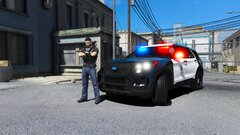 Where can we find this fpiu?
 -
.thumb.png.261d7991168608c11591b11862198dba.png) perfect, I wish the sirens were a bit louder though
perfect, I wish the sirens were a bit louder though -
-
 Do I need the latest LSPDFR/RPH update to download the newer version? I'm still reverted to 3274
- 235 comments
- 32 reviews
-
-
-
-
 Do I need the latest LSPDFR/RPH update to download the newer version? I'm still reverted to 3274
- 222 comments
- 22 reviews
-
-
-
-
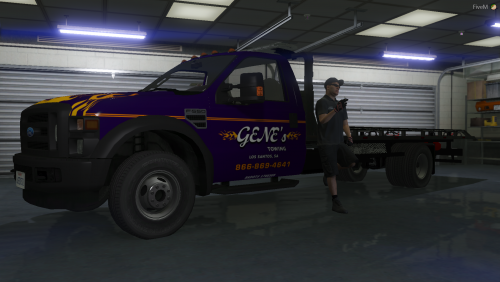 Am I the only one having problems with the lights? They're all over rotating like a twister around the truck
- 18 comments
- 1 review
-
-
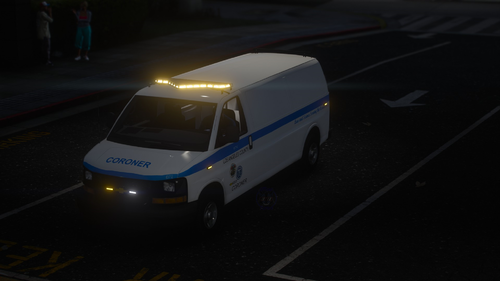 Great vehicle! I just wish the blue color was a bit darker like the real color.
- 8 comments
- 2 reviews
-
 I understand you're frustration as the same thing happened to me, the old vehicles (Durango, caprice, old mustang, etc) were still driving around until I read a discussion post on this website on how to change the agency.xml file in the lspdfr folder in the main GTA V directory and now police, police2, and police3 are what roam around, that can be changed. As for the rest of the vehicles (except police, police2, police3, police4) they can be found in the added vehicles list in vehicle spawning in simple trainer menu. Hope this helps!
- 255 comments
- 75 reviews
-
-

- 1
-
-
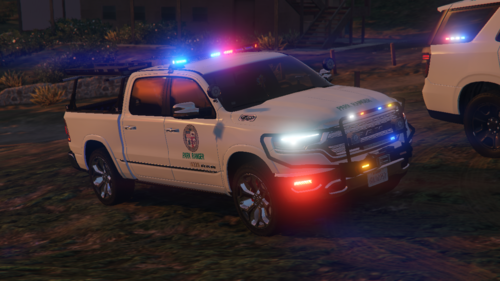 Exactly what I was looking for!
 -
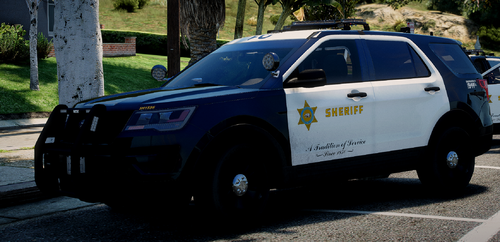 Perfect! You just need to find the right vehicle, lucky for me I found the perfect one right here in the reviews section
- 4 comments
- 4 reviews

.thumb.png.261d7991168608c11591b11862198dba.png)