




CodeRepo
Members
-
Joined
-
Last visited
Everything posted by CodeRepo
-
Ok, so if you no longer crash after changing mods to _mods then that means your mods folder was causing it you will need to redo your mods folder entirely
-
Maybe try renaming your mods folder to _mods ?
-
Try deleting Patrick Maverick.ls Location: GTA FOLDER/lspdfr/chars/Patrick Maverick.ls
-
Try renaming your mods folder to _mods
-
Are you on laptop?
-
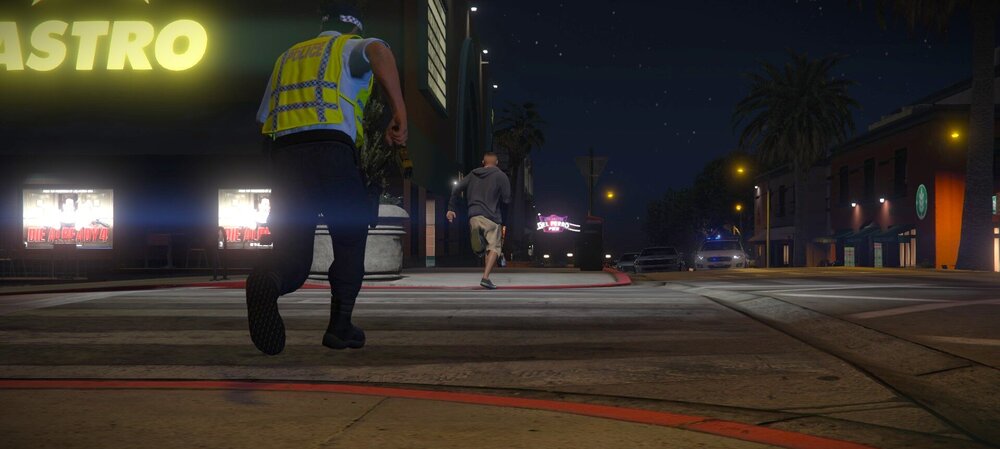
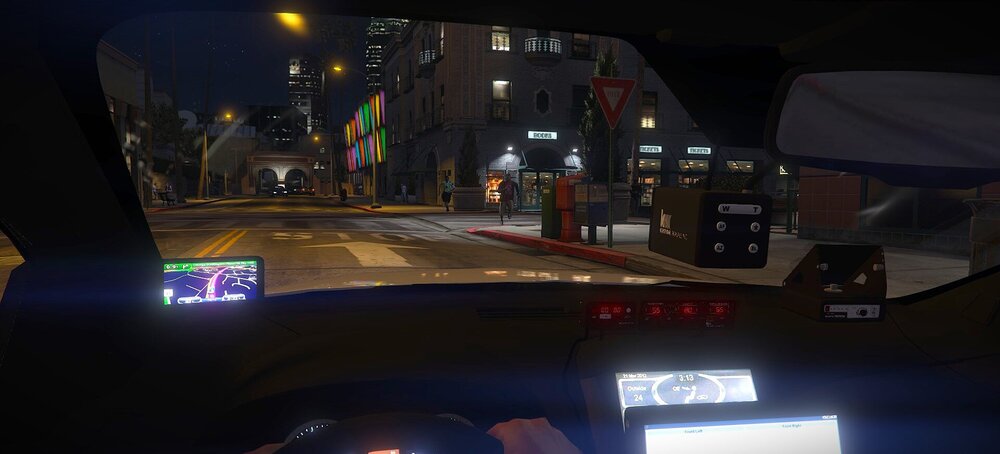
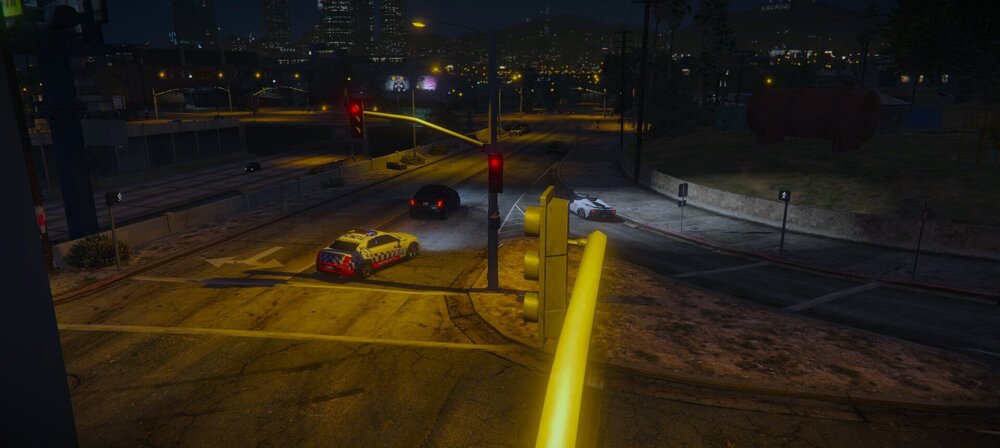
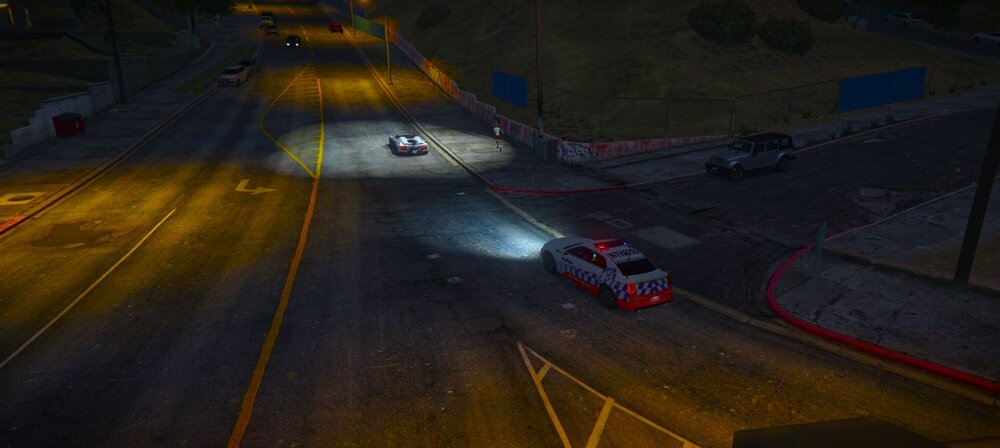
Not very good photos, but the best I can do
-
The random onscreen keyboard popup? No way to know until you attach your log file, ragepluginhook.log to here
-
Video : https://streamable.com/ua2hwz (had to upload here since it was 8mb file) Here is the vehicle model I am using https://drive.google.com/file/d/1_nvwmfLpre10qD1Sn__qjnO1LNm-UkO1/view?usp=sharing
-
Should be for ultimate backup
-
well fuck me sideways, i was wrong
-
You're missing CalloutInterfaceAPI.dll apparently You can download calloutinterfaceAPI.dll from here: and then just take the needed file CountyCallouts.dll is also erroring in the log. so you could delete that if you want to, its not even being loaded anyway because of the error, but shouldnt be a crash reason

-
Hold your enter key for 5 seconds.
-
Looks like youre missing file `LemonUI.RagePluginHook` https://github.com/LemonUIbyLemon/LemonUI
-
I have no idea whats causing that, maybe someone else would know
-
A full log would be more helpful.
-
Right off the bat, I would tell you if you have any mods installed (and are using a mods folder), to change the mods folder name to _mods, then try loading, if no plugins still load, then move all your plugins that are not installed by default out of the plugins folder. You can also just move each plugin out one by one until you get it to load the plugins, then you know you have found your cause. Additionally you can try looking at these to see if the solutions in there can help you.
-
Please post your log files here.
-
send ur ragepluginhook.log file
-
Upload your ragepluginhook.log file It sounds like a mods folder issue, rename mods to _mods
-
Update your GTA 5 or use a ragepluginhook backup file. To update you can update from your vendors program/launcher like steam or epic games Delete your GTA5.exe and then verify the game files.
-
What you can do to see what DLLs are loaded into the game is this Download process hacker Find GTA5.exe and double click it and then click modules After that a list of loaded dlls will show up, you can sort through those and try to find what programs are running
-
@aidan9999 if this solved the issue, mark my message above as solution for others
-
Mark it as solution for others
-
try this post https://www.lcpdfr.com/forums/topic/142341-fresh-installgame-crashes-when-i-press-f4/?do=findComment&comment=782798
-
Hello Eli It appears youre missing NAudio, I am unsure where to find NAudio itself, But I do know that Los Santos Red uses NAudio so you could download NAudio and just take its NAudio Or Seatbelt uses NAudio too which is what I think youre getting the issue for, make sure to install correctly if this is what you are using It also appears youre missing Seatbelt.dll which should be fixed from the first link I sent in this message





