ztgraphix
Members
-
Joined
-
Last visited
Everything posted by ztgraphix
-
-
From the album: ZTGRAPHIX's ALBUM
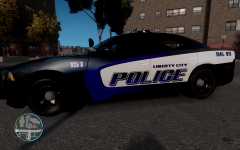
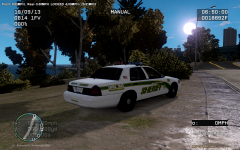
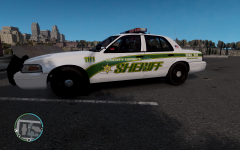
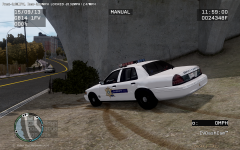
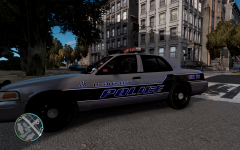
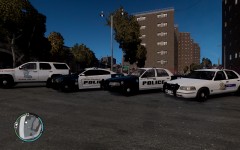
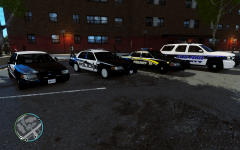
Finally done with my new fleet! Liberty police, Liberty county sheriff, and liberty state police! -
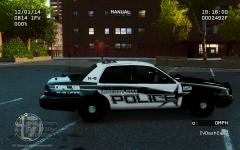 My mistake. I had it going with the star on the other side just didnt realize i did it different on that side lol
 -
From the album: ZTGRAPHIX's ALBUM
Took a little suggestion from Sharpcommand about skewing the letters and think it made it look alot better! -
-
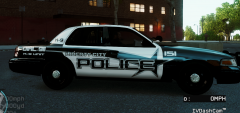 Yeah I wasa thinking the samething myself. Im gonna try it out and see how it looks! And thanks for the kind words sir!
 -
From the album: ZTGRAPHIX's ALBUM
Ok guys, I have been trying to come up with a new skin pack for myself and possibly the public if everyone likes it enough. I looked around and I dont believe there is another one like and thats what I was shooting for is something a little different. So let me know any suggestions to improve the skins and weather or not you would be interested if I made it a public release. Thanks -
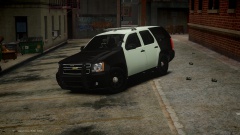 I love it!!! All except the strip of leds on the rear bumper lol...not a big fan of those but hey! its your car man so you can do what you want. Looks pretty damn sweet tho
 -
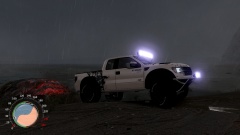 Please tell me this is released somewhere...omg...so sexxyyyyy
 -
yep. thats what it was...replace a car and works fine now..lol strange.
-
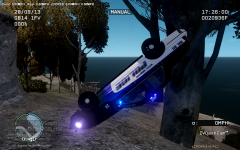
Ok guys, I recently started having this problem where as soon as i go to walk out of police station and chose my car nothing shows up..It didnt do this the first several times I played the mod but now it is and I havent changed anything...I attached two photos one of the game and one of my log. Thanks guys.
-
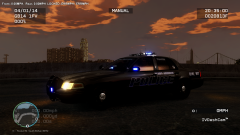
From the album: ZTGRAPHIX's ALBUM
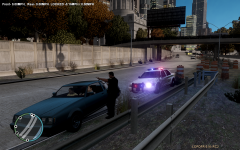
Ole bxbugg's cars still lookin good. One of my all time faves to use. :) -
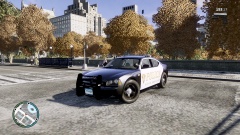 What charger is this?? gosh dang it looks good!
 -
No, I took the file out of another ENB and put it in the one im using.
-
Found it...I just swapped out the ENBBLOOM.FX file..lol Thanks for the help guys!
-
Yeah i just like where you can see the actual lights or LED's on the light bar. They are nice and bright now I just dont like the glow around the lightbar where you cant even see the glass Updated pic....figured that out now just have glare all over the screen...hahaha Gah this is difficult...
-
I edited my last comment and added a pic for yall to see.
-
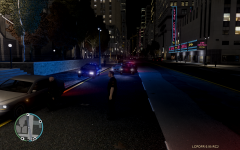
Ok that made them muuccchhhhhh better! only problem now is that they make the worse glare ever...lol any ideas to fix that?
-
Ok guys, I need some help. badly. My els lights look God awful no matter what time of day. I just need to know what file i need to change or modify to get them to look like the picture I have posted below. Mine is on the left. I just want them to look more vibrant and true red and blue. And not blurry or anything..Thanks in advance guys...
-
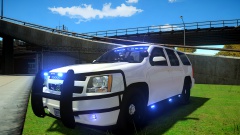 If and when you do release will there be a option to take that massive push bar off lol?
 -
-
freakin sweet man!! if only it had a rambar option! haha but forreal they look great!
- 21 comments
- 8 reviews
-
Ok, so maybe I have looked over this but I couldnt find the answer anywhere..once you arrest the suspect or kill them after you arive to the scene how do you call it in or cancel it so that the red and blue circle on the map goes away?? Thanks in advance!
-
So...the only real problem im having so far is that almost everytime I pull someone over by the time I get out of my car they pull off...not in like a pursuit kind of way they just pull off and drive normal and no matter how many times I try to pull them over they keep doing it...
-
I want to thank every one involved in developing this wonderful mod to GTA IV....LCPDFR 1.0 has blown me away in only about 30 mins of playing..just the little things as in radio chatter and being able to walk the suspect to the car after making arrest makes this game so much more real its unbelievable. This was a awsome Christmas present and once again thank you to everyone who has made this possible! Energy drinks and no sleep for me now! haha