
SantosMods.dev
Members
-
Joined
-
Last visited
Everything posted by SantosMods.dev
-
-
-
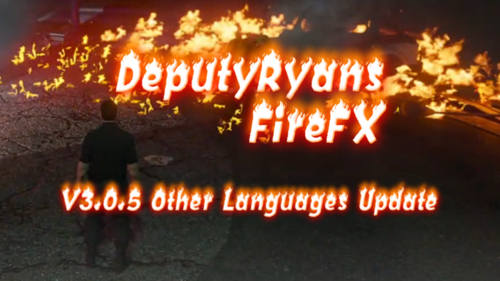 If you don't like the fire you're on, please use a lower setting.
 -
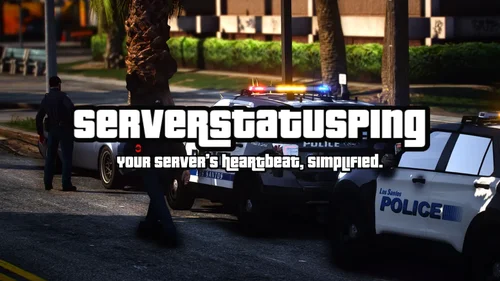 SMDV-ServerStatusPingFiveMA simple and fast status checker for FiveM servers. It sends heartbeat pings, logs activity, and can notify a Discord webhook. This version is clean, easy to set up, and built to run with almost no performance impact. What It DoesSends regular status pings to any service you choose Logs everything to your console Saves logs to a file so you can look back at issues Can also send updates to a Discord webhook Shows a colorful splash when it starts Sends a thank-you message after 15 seconds Why It’s UsefulThis script helps you keep track of server uptime and lets you know right away when something stops working. It’s lightweight and doesn’t slow your server down. Everything is controlled from one config file. FeaturesEasy configuration Fast and optimized Log file support Console logging Discord logging Retry system for failed pings Startup splash screen How To InstallDrag the folder into your resources directory Edit the config.lua file Add this to your server.cfg: ensure smdv-ServerStatusPingFiveM Restart your server ConfigurationAll options are in the config.lua file. You can change: Ping interval Webhook URL Whether logs go to console, file, or Discord How many retries pings should attempt Status service URLs Discord embed settings NotesThis script is made to be simple and reliable. If you need extra features, more logging, or deeper monitoring tools, they can be added later.
 -
-
 Well IDC If you don't like the mod then don't use it 😕 If you have any complaints then join the Discord and made a ticket... No need to fill the comments with complaints.
- 15 comments
- 1 review
-
-

- 2
-
-
-
-
-
 I am working on a INI. I never had FPS issues during testing. Neither did my testers 🤔, I will look into it!
- 19 comments
- 2 reviews
-
-
- 2
-
-
-
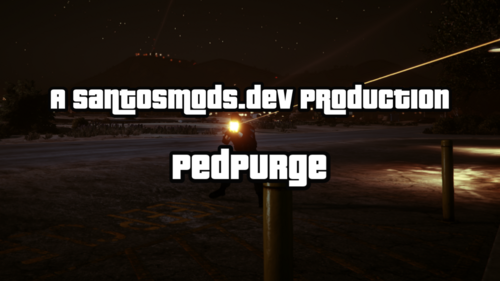
PedPurge PedPurge is a Grand Theft Auto V mod that transforms Los Santos into a full-scale purge event. Designed for Script Hook V .NET, it creates an unpredictable, high-intensity environment where NPCs turn hostile toward both the player and each other — with improved spawning logic, performance optimizations, and customizable chaos levels. FeaturesHostile NPCs Everywhere: AI-controlled peds actively attack the player and each other, creating large-scale street battles. Smart Spawning System: NPCs are spawned dynamically outside the player’s camera view (no pop-ins) with distance and street snapping for realism. They can spawn in any direction, including behind the player. Configurable Weapons: Each NPC is given a single weapon from a realistic pool with customizable ammo limits. Chaotic Traffic (Optional): Civilian drivers may abandon vehicles or drive recklessly. Controlled via the .ini file. Customizable Atmosphere: Default purge settings use nighttime with smog, but weather and time are fully configurable. Purge Audio Cue (Optional): Plays a configurable audio track when the purge begins. Optimized Performance: Batching, nearby-only processing, and distance-based despawns reduce lag compared to older versions. Interactive Menu (LemonUI): Start Purge: Activates hostile AI and chaos systems. Stop Purge: Restores normal behavior and halts audio. InstallationInstall Script Hook V .NET. Install LemonUI for menu support. Place PedPurge.dll into your GTAV scripts folder. Inside scripts, create PedPurge/audio. (Optional) Place your purge audio file (ThePurge.wav) into GTAV/scripts/PedPurge/audio. UsagePress F10 (default) to open the PedPurge menu. Start Purge: Begins the event. Stop Purge: Ends the event. Edit the .ini file to adjust behavior, weather, traffic chaos, NPC counts, weapons, and other options. Configuration Options (PedPurge.ini)MenuKey: Change menu activation key. EnableAudio: Toggle purge audio. PurgeWeather: Set purge weather (e.g., Smog, Clear, Overcast). PurgeHour: Time of purge start (24-hour format). MinPurgeWeaponAmmo / MaxPurgeWeaponAmmo: NPC weapon ammo range. EnableChaoticTraffic: Toggle chaotic driver behavior. DisableEmergencyServices: Block emergency response spawns. AllowNPCsToLeaveVehicles: Allow AI to exit vehicles. ModPedThreshold: Max NPCs active at once. ModPedSpawnCount: NPCs spawned per batch. SpawnIntervalSeconds: Delay between spawn waves. PedModels: List of ped models to use. Known LimitationsNPC AI behavior is subject to GTA V’s AI decision-making and may occasionally ignore their firearm in favor of melee. NPCs in remote areas may not behave aggressively due to base game spawn density rules. RequirementsGrand Theft Auto V Script Hook V .NET LemonUI
- 19 comments
- 2 reviews
-
-
-

- 7
-
-
-
-
-
-
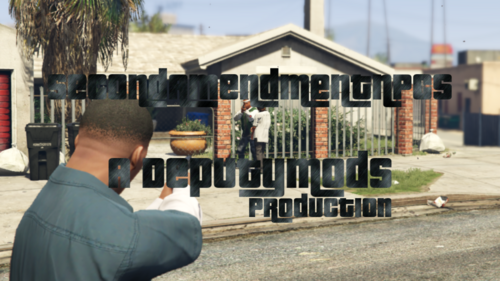
Second Amendment NPCs improves NPC behavior in GTA V by equipping every NPC with a firearm and allowing them to defend themselves when provoked. NPCs will not attack automatically, creating more dynamic and realistic encounters. Discord https://santosmods.dev/discord Features Every NPC carries a firearm. NPCs only engage in combat when threatened or attacked. Adds more realistic self-defense behavior to civilian encounters. Installation Open your GTA V installation directory. Drag and drop the included scripts folder into the directory. Replace or merge files when prompted. Credits Developed by DeputyRyan Tested by brax2873 and NickD Published by SantosMods.dev
- 15 comments
- 1 review
-
-
-
- 2
-
-
-
-
-
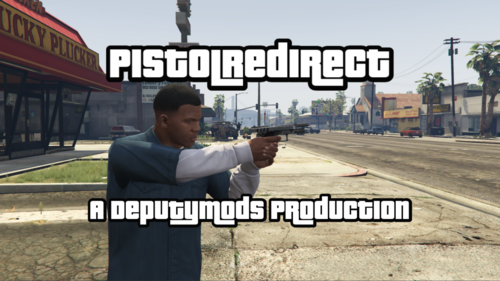 PistolRedirect by DeputyRyan Discord: https://links.santosmods.dev/discordPistolRedirect is a ScriptHookVDotNet mod for GTA V that forces the player to switch to a pistol whenever a non-pistol weapon is selected, while still allowing the player to use fists. It also automatically removes any modifications (such as suppressors or extended clips) from the pistol to keep it in its default state. FeaturesAutomatically switches any non-pistol weapon to a pistol, unless fists are selected. Removes any attachments or modifications (e.g., suppressors, extended clips) from the pistol. Maintains balanced gameplay by restricting the player to pistols only. InstallationMake sure ScriptHookV and ScriptHookVDotNet are installed. Download and install LemonUI for proper mod functionality. Place both PistolRedirect.dll and PistolRedirect.pdb into your scripts folder in your GTA V directory. UsageThe mod automatically switches you to the default pistol when any non-pistol weapon is selected. You are still able to select your fists. Any modifications (such as extended clips or suppressors) on the pistol will be automatically removed. RequirementsGTA V ScriptHookV ScriptHookVDotNet LemonUI Join UsFor support or to connect with the community, join our Discord.
 -
 Thanks! Please feel free to join our Discord and give suggestions! https://discord.gg/XDp9ESbaXz
- 6 comments
- 1 review
-
NO LONGER UPDATEDPoliceAI SHVDN Edition is a custom mod designed to overhaul the police response system in GTA V using ScriptHookVDotNet. This mod enhances how law enforcement behaves during pursuits, adding more realism and increasing difficulty through smarter tactics, SWAT team deployments, dynamic roadblocks, and more aggressive responses as the player’s wanted level escalates. With a focus on customizable settings and AI behavior improvements, the mod adds significant depth to police chases, making it more challenging for players to escape as the police employ advanced strategies like roadblocks, helicopters, SWAT teams, and snipers. [WIP] - Work in ProgressThis mod is still a [WIP] and may have some issues. Join our Discord for help, support, and to report bugs: Website: https://santosmods.dev FeaturesDynamic Roadblocks Roadblocks are now set up strategically during high-speed pursuits, making it more difficult for players to escape. Helicopter Support (BETA) Helicopters join the chase at higher wanted levels, actively tracking and engaging the player from the air. SWAT Team Deployment (Workes better with RDE) When players reach a 5-star wanted level, heavily armed SWAT units are deployed with armored vehicles to apprehend the player. Spike Strips Police deploy spike strips during chases to puncture tires, slowing down the player's vehicle. Snipers (BETA) Snipers are deployed at extreme wanted levels, targeting the player from long distances. Police Checkpoints (BETA) Police establish checkpoints during pursuits, making escape routes more difficult to navigate. Highly Recommended AdditionsFor a truly immersive experience, add Rebalanced Dispatch Enhanced (RDE). RDE offers even more features and improvements to the police response system in GTA V, including: 10 Star Wanted Level: Extends the wanted level system for more intense law enforcement responses. Overhauled Peds & Vehicles: Adds new, more diverse police units and vehicles to increase realism. Performance Enhancements: Ensures smooth gameplay with minimal performance issues. Expanded Law Enforcement Agencies: Includes multiple agencies like the San Andreas National Guard, NOOSE, and more. Download RDE:Rebalanced Dispatch Enhanced (RDE): Download Here Installation InstructionsDrag and drop the scripts folder and INIFileParser into your GTA V directory. Download and install: ScriptHookVDotNet: Download Here INIFileParser: Included with the PoliceAI SHVDN Edition download.
- 6 comments
- 1 review
-
-
- 3
-
-
-