
RusLanParty
Members (New)
-
Joined
-
Last visited
Files posted by RusLanParty
-
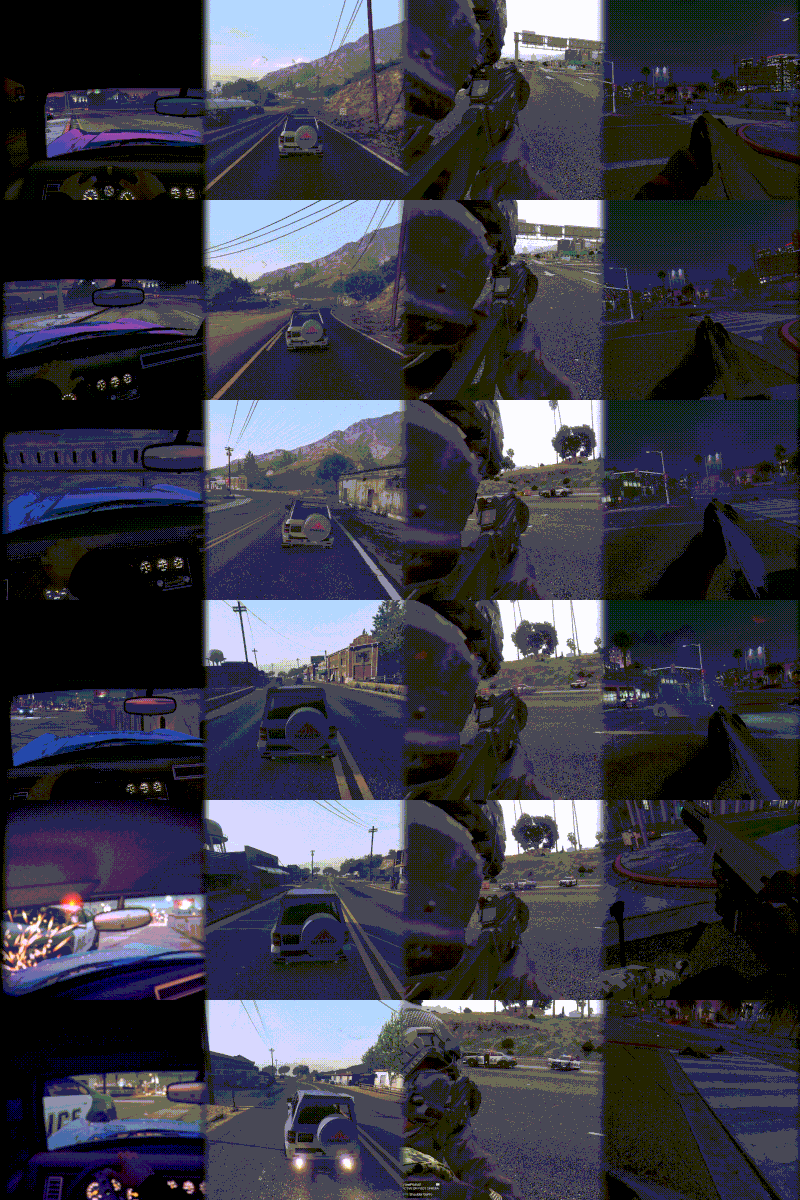
This mod adds a custom camera to the game that is attached to the player's head.
---------------------------------------------------------------------------------------------------
This is a lite version of my ViewPointV Custom Cameras mod that contains many on foot and vehicle cameras with lots of customization options
Among them:
First Person Camera Chest Camera Shoulder Camera Vehicle Chase Camera Vehicle Dash Camera Vehicle First Person Camera and more...
Gameplay (Head Camera is in the middle of the video)
---------------------------------------------------------------------------------------------------
Head Camera Features:
Toggle the camera by key press (gamepad support, ability to rebind, default control is Phone Up) Toggle the camera automatically on aim (you can toggle this option in the ini) Axon Bodycam overlay (you can toggle this option in the ini) Camera effect (you can toggle this option in the ini) Customizable overlay text (via ini) Reticle (you can toggle this option in the ini)
Installation:
Just put all the files into your scripts folder, and launch Install Font.oiv (optional) for the overlay.
- 16,470 Downloads
- 25 Comments
Updated