



Darnath
Members
-
Joined
-
Last visited
Everything posted by Darnath
-
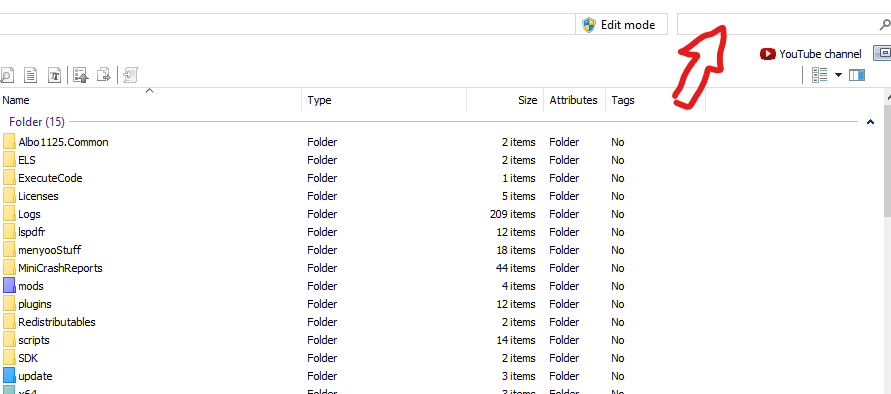
I didn't update my GTA V since the last time but, maybe they changed or add a new location that overwrite yours. Try to search with the searchbar of Open IV all the files you need.
-
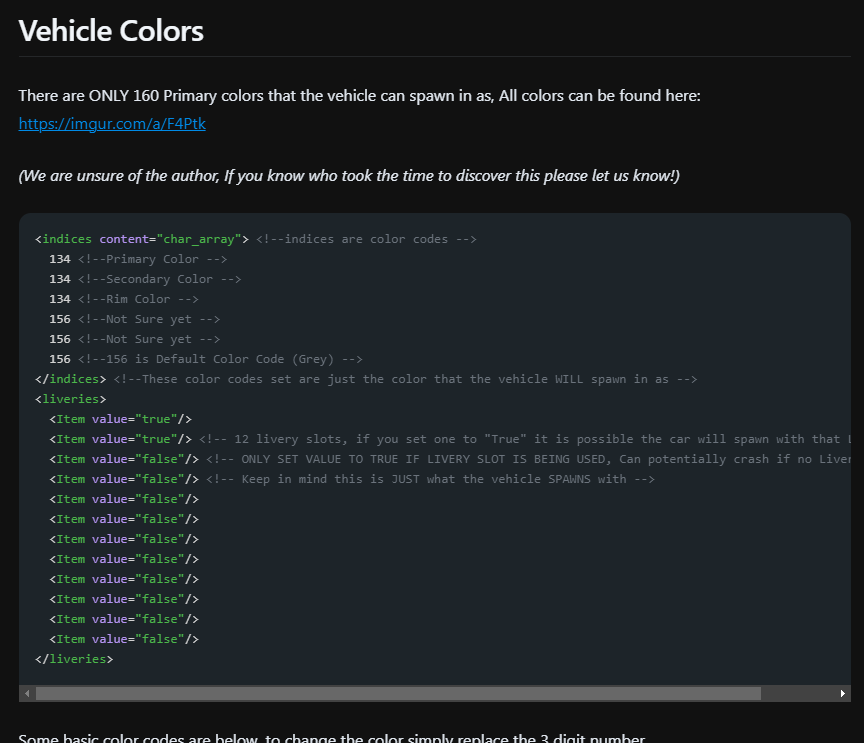
You can edit those in the "vehicles.meta" Search the line "<diffuseTint value=" and set up like this for no tint : <diffuseTint value="0x00FFFFFF" /> If it still doesn't work, it's maybe a texture problem, go to your sheriff2.ytd In it, search for your "window" texture, the name can varry with the model, you can edit it to fit your licking.
-
https://docs.dwnstr.com/data-files/carvariations
-
If you're on Steam, and the overlay is active, f12 is the key for screenschots. Now, you can replace Police5 and Polgauntlet by going in your "vehicles.rpf" You name the model you want it to replace "police5" or "polgauntlet" Then make sure to edit the "vehicles.meta", and if you want the "handling.meta" files. Those specific cars are special, and located in "update/x64/dlcpacks/mp2023_02/dlc.rpf/common/data/levels/gta5". You can follow any tutorial on ytb to be sure, there is only the "vehicles.meta" location that is different from other main cars. There, is a list of vehicles names : https://wiki.rage.mp/index.php?title=Vehicles
-
I don't know about that but, maybe this mod can help you :
-
 Thanks ! Work perfectly !
 -
 Where are assault and battery offenses ?
 -
Hi, I would like to edit which car spawn in front of the La Mesa police station, I would like to remove any LSPD cars (and peds) and only spawn Highway Patrol vehicles. I already edit the "stations.xml" and "stations_eup.xml" to have the SAHP be the agency : There is this "ScriptName" line, so I tried to dig in the "popcycle" and "popgroups" files with OpenIV, but I didn't find anything related to "LaMesaPol", only to La Mesa and with no option to choose which vehicles spawn, only density. Any ideas or tips ? (I have EUP installed)
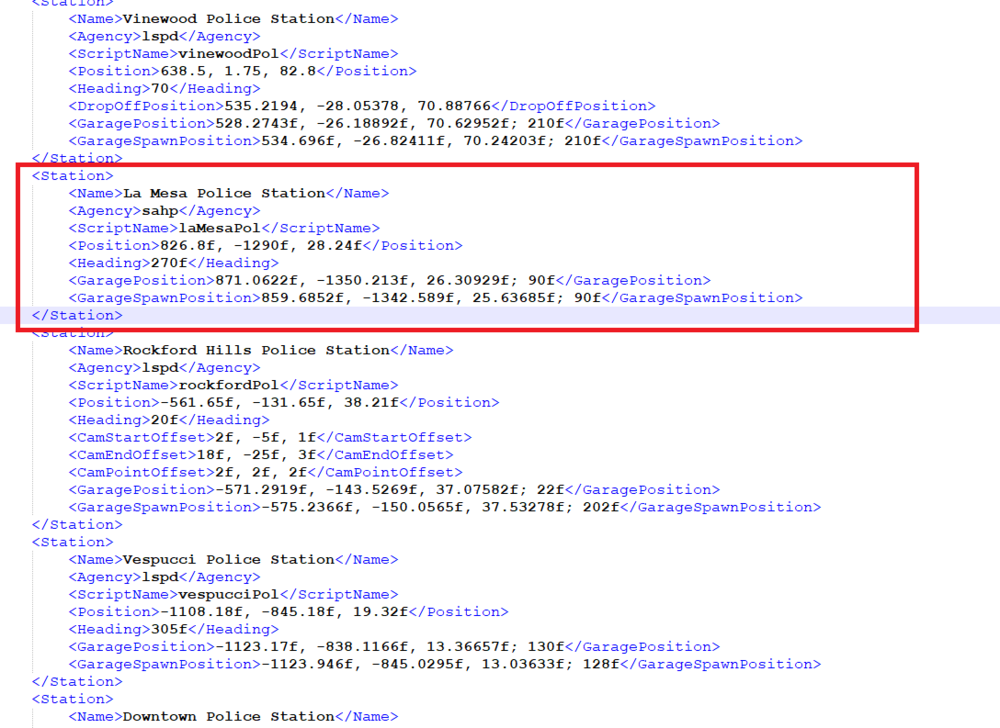
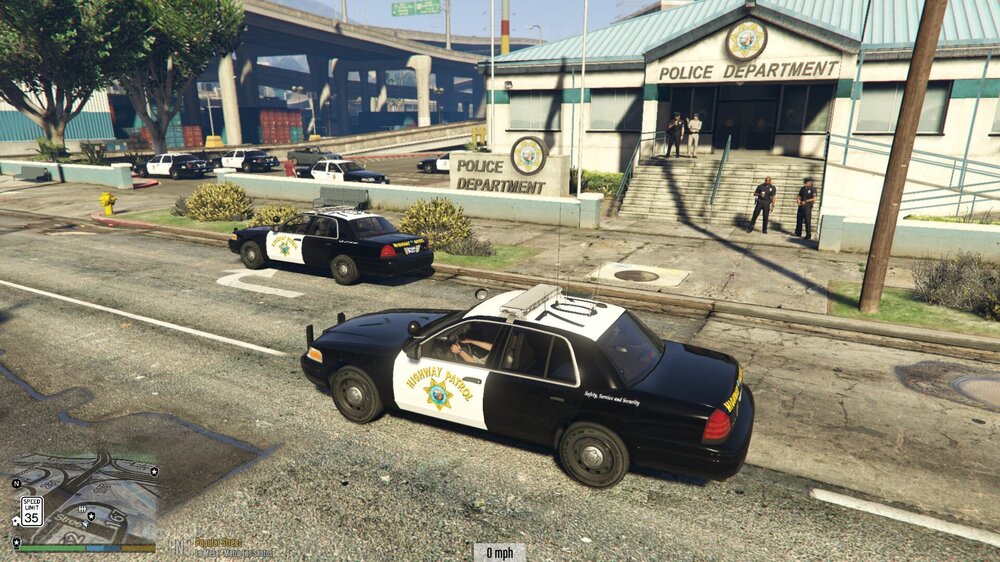
-
It's ; policegauntlet (the "camaro" interceptor) police5 (the special CW) If you ever doubt, go to ; \Grand Theft Auto V\lspdfr\data and search for "duty_selection" and "agency", in those files you can see all vehicles list and edit the fleet of each departement at your liking. (If you use EUP, go to \Grand Theft Auto V\lspdfr\data\custom, and search thoses files with "_EUP" added to them)
-
Did you installed your lapdaddon this way ? It is important to put it in your mods folder (I had issues with addon cars too, but adding them this way fixed it) You also may need this :
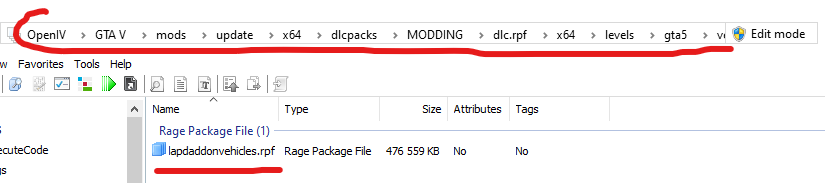
-
This video is the best and the one that helped me ;
-
Try this video, I had issues too with installing EUP, but a lot of tutorials are bad and don't mention the way to fully install it, to make it work on NPC. You're likely missing the backup eup uniforms mod. Since your game crash, try to unistall all EUP related content, watch if the game still crash and then follow this video :
-
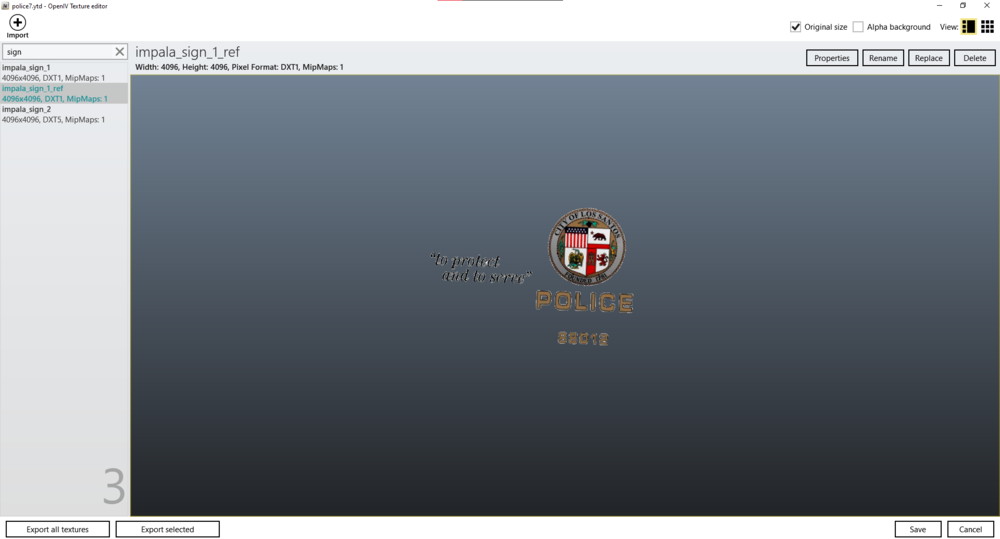
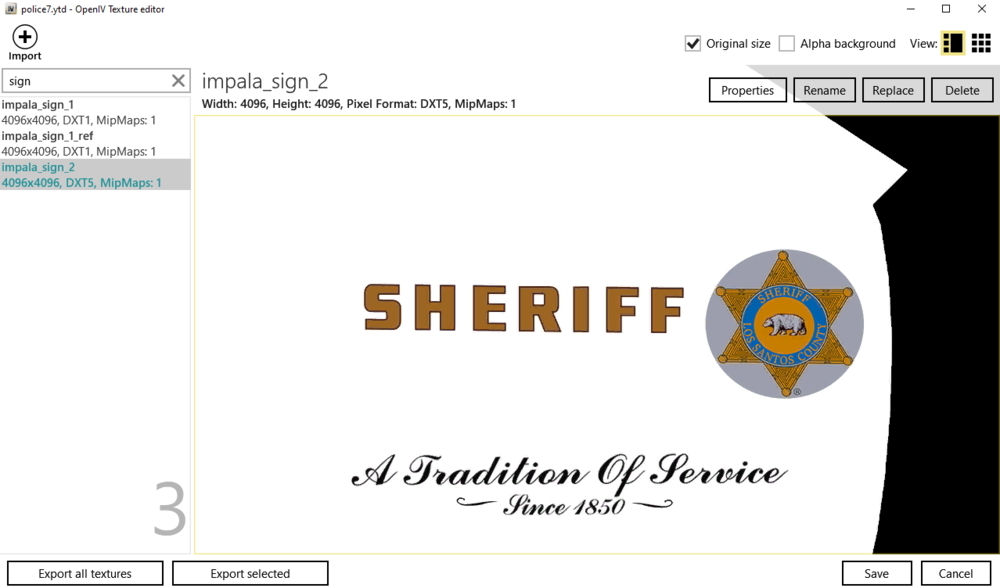
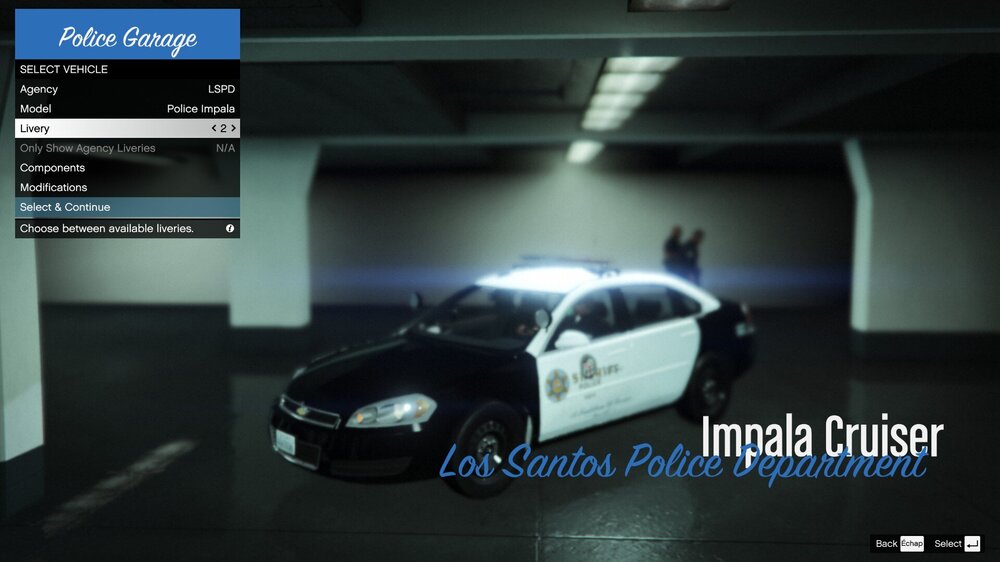
I want to make, inter alia, a Sheriff version for this Impala but, when I load the car the ref texture is either confliting with the main or if I remove the ref and putt it on the main texture the livery appear all white where the ref file was intented. (Some other models liveries loses textures at a certain distance) Is there any tutorials or any tips on how to edit those kind of textures that use a ref instead of the "normal" way? (The line "FLAG_HAS_LIVERY" is present, the vehicle is in the mod folder, there are no problems conserning textures loss, I've made a lot of custom liveries but when it has a ref I never found out how to do it)
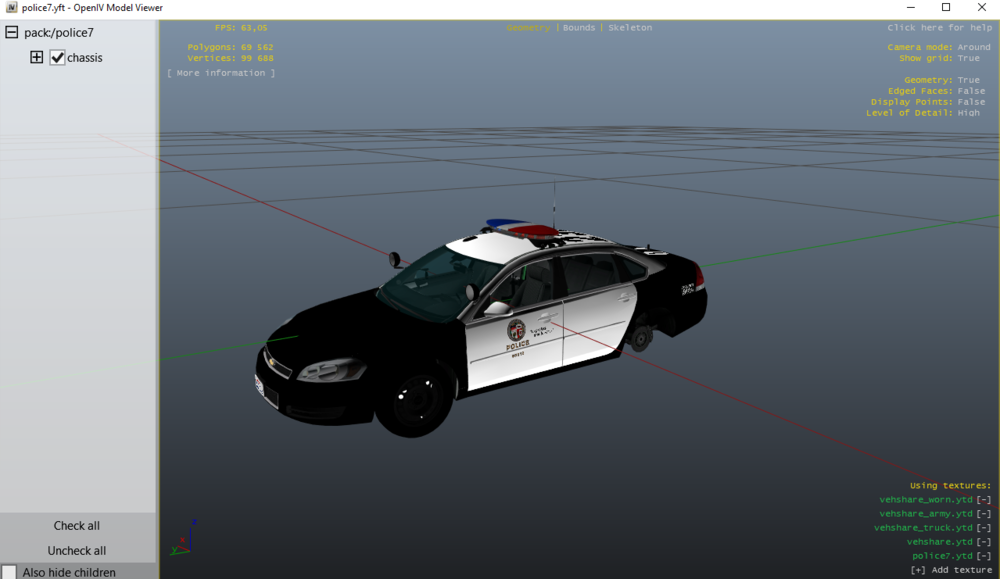
-
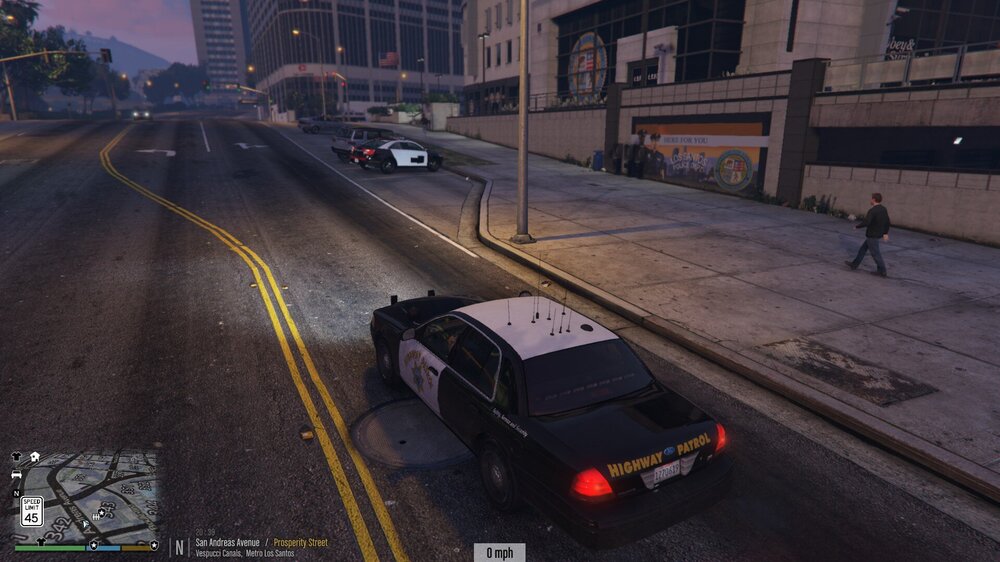
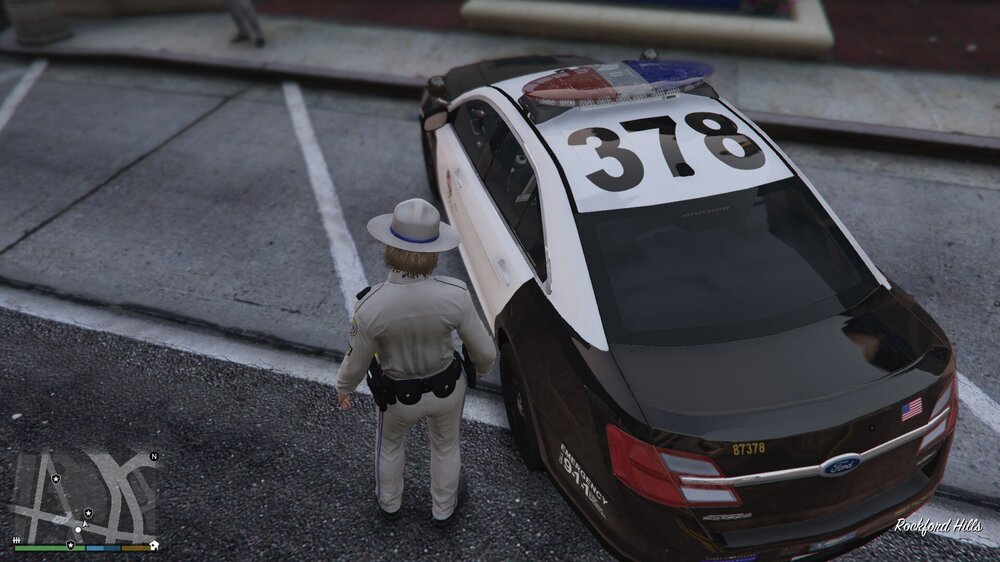
I've made custom liveries for my ford taurus (from tactical donnuts LAPD addon) since there is only one variation in his pack. But as you can see, at some distance, it's all black. The thing is that, using open IV, there is two type of texture name "sign"; - tau_sign_1 (is the texture of the car (black and white)) - tau_sign_1_ref (is the livery, numbers, flag, etc..) But when I added "tau_sign_1_ref2", "tau_sign_1_ref3", etc. It didn't work, only the original one (tau_sign_1_ref) remains, so I tried to edit "tau_sign_1" with my custom liveries, (naming them "tau_sign_2", etc.) It worked, exept that now it have texture loss at some distance. Is there anything to edit to fix it, or more likely, make working the custom "tau_sign_1_refX" ?
-
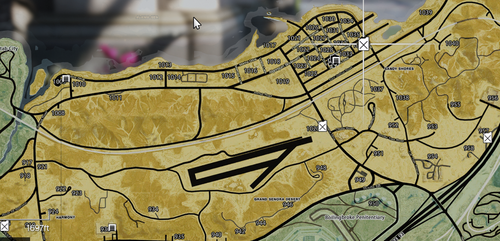 I had the glitching grey map, I fixed it by reinstall the CameraZoom mod, I had put it in the main directory instead of the script folder. Always be sure to put the right stuff in the right think ! Amazing map by the way, I was sick of the drab vanilla one.
 -
I found out, it's because shops aren't unlock yet in the main story mod. Progressing in the main game is needed.
-
I have the same problem, only for clothes stores. Anyone found a solution, or is it by default lock by main LSPDFR ?




