Skip to content
View in the app

A better way to browse. Learn more.

LCPDFR.com

A full-screen app on your home screen with push notifications, badges and more.

To install this app on iOS and iPadOS
  1. Tap the Share icon in Safari
  2. Scroll the menu and tap Add to Home Screen.
  3. Tap Add in the top-right corner.
To install this app on Android
  1. Tap the 3-dot menu (⋮) in the top-right corner of the browser.
  2. Tap Add to Home screen or Install app.
  3. Confirm by tapping Install.

IceGuy221

Members
  • Joined

  • Last visited

  1.    SgtNelsonUSMC reacted to a comment on a file: Realistic Traffic AI
  2.    SgtNelsonUSMC reacted to a comment on a file: Realistic Traffic AI
  3.    marvinblue reacted to a comment on a file: Fort Zancudo Callouts
  4.    IceGuy221 reacted to a post in a topic: ELS dosen't work
  5. This is an issue involving you CopHolster.xml, you will need to edit certain parts to true to enable you holstering and intimidation functions on holster models: notice where it says FuncHolster="true" & FuncIntim="true", enabling both functions on that model. I went through and turned most of mine to true to fix this issue
  6. Hey I'm helping someone with a similar issue, and it's been a minute since i touched lspdfr since i was taking a little break. which advanced hook is supposed to be the one that works? is it still the one from the 1.05 or is it the separate one again with this latest update?
  7.    87pidan reacted to a comment on a file: WingWang Mobilerblitzer
  8.    JoyceRacing99 reacted to a comment on a file: Realistic Traffic AI
  9.    JoyceRacing99 reacted to a comment on a file: Realistic Traffic AI
  10. Will there ever be a FiveM version of this Siren?
  11.    YobB1n reacted to a comment on a file: Fort Zancudo Callouts
  12. Please ensure you are on the 1.05 version of ELS, and are using the advancedhookv file that comes in that 1.05 version. don't install the extra advancedhook download as it does not work anymore. Also ensure that you have the latest scripthookv installed. Make sure everything is installed in the correct locations, including making sure that you ELS VCF files are in the "pack_default" folder. Please note that if ELS and DLS are installed at the same time, then this is why it is not working, as they conflict and will not work while they are both installed https://www.lcpdfr.com/forums/topic/150873-quick-guide-to-installing-addonreplace-vehicles-2025/#comment-806320
  13. please send you RPH log file so we can analyze this further and get you the help you need!
  14. Rick Napoli     Performed a traffic stop on a Graphite Black Stanier with registration 65VAR621 in Chiliad Wilderness, Great Ocean Hwy
  15. Rick Napoli     Performed a traffic stop on a Graphite Black Stanier with registration 65VAR621 in Chiliad Wilderness, Great Ocean Hwy
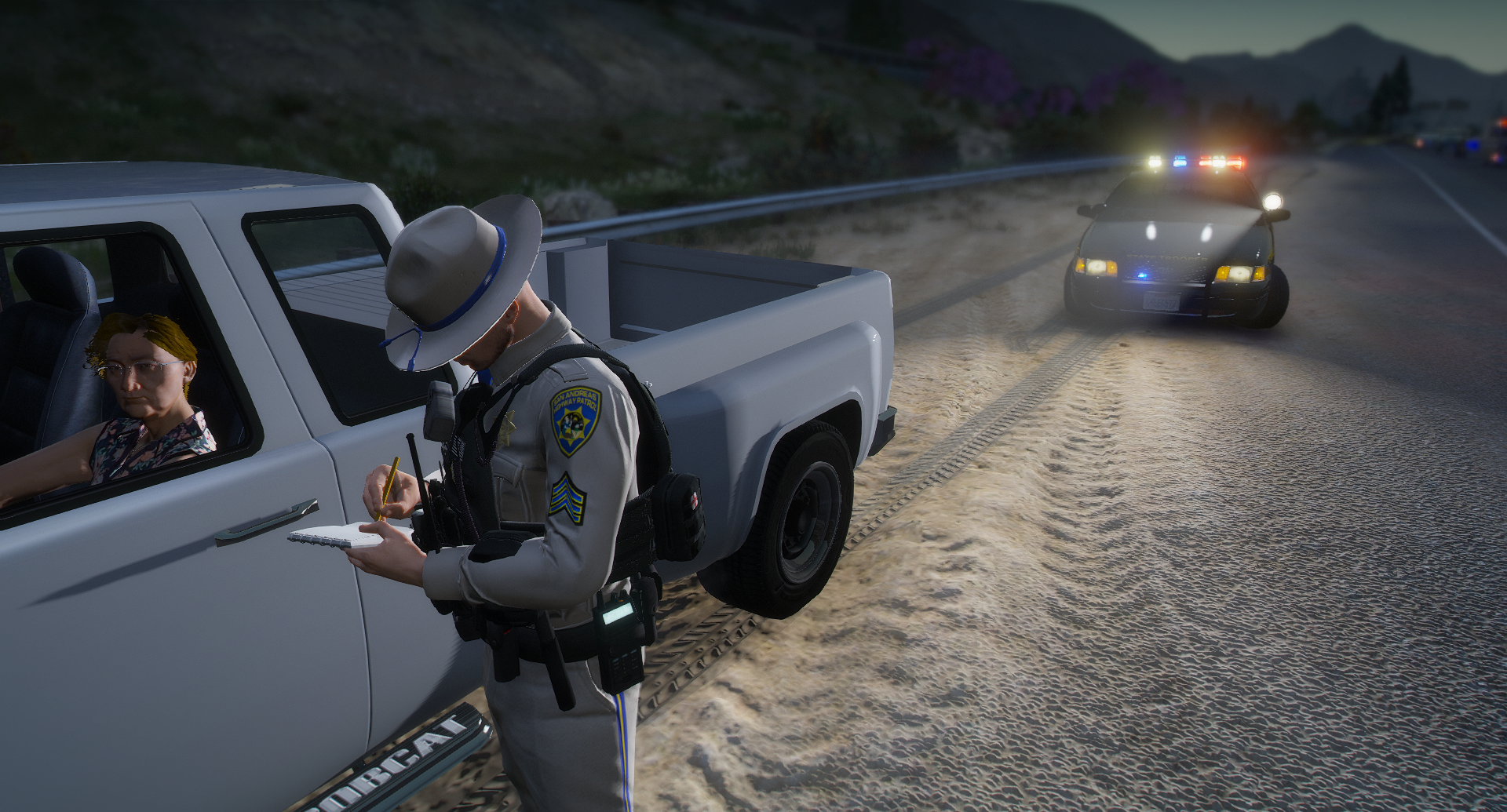
  16. Rick Napoli     Performed a traffic stop on a Silver Bison with registration 86NJM109 in Paleto Forest, Great Ocean Hwy
  17. Rick Napoli     Arrested Bob Springs in Paleto Cove, Procopio Promenade
  18. Rick Napoli     Responded to a PCPOverdose in Paleto Bay, Procopio Promenade
  19. Rick Napoli     Finished responding to a MC.Shoplifting in Paleto Bay, Procopio Promenade
  20. Rick Napoli     Responded to a MC.Shoplifting in Paleto Bay, Great Ocean Hwy
  21. Rick Napoli     Went on-duty at Paleto Bay SAHP Station in Mission Row, Atlee St
  22. I don't usually just show a screenshot anymore, but this is a little bit much to type while i'm actively trying to do something rn lol. try the steps in the images and try again, it should solve your issue
    Besides some rendering issues and interior textures, as well as having to go in an manually change which siren the vehicle uses, it's a good vehicle addon. Hopefully the dev comes back with a solid update to improve these
  23. the only thing i can see in the log is that a mod called opticom is in need of an update. The mod is now called MTFO, so perhaps it went through a big change, and having the old files may be causing your crashes. Install the updated version of MTFO, and then remove the old files that are named "Opticom". the files should be located in GTAV > Plugins > LSPDFR There will be three of those files from what i can tell. Opticom.ini Opticom.dll Opticom.pdb
  24. Please install the latest version of RageNativeUI from https://github.com/alexguirre/ragenativeui/releases
  25. Your log does not show any crashes. Could you please explain you crash in more detail, and/or explain what may have been installed prior to the crash? While not related to your crash, Restrain the deceased does have an available update from the version you currently have installed
  26. While i'm looking at you log, please ensure the following Ensure that: You have installed Heap Adjuster, Packfile Limit Adjuster, gameconfig.xml, and resource adjuster The aforementioned mods are set both within the limits of your PC, and within the needs of you game. Heap Adjuster Maxes at: 50,000 Packfile Limit Adjuster Maxes at: 24,000 Resource Adjuster Should Only be set within the parameters of your PC Specs, as it increase the amount of GPU memory that is allocated to the game while it is running. Every 1,000 = 1GB of GPU Memory The log has determined that ExternalPoliceComputer is causing your crash. Please ensure that it is installed correctly, and the issue persists, report it to the developer. (Ensure the mods it up-to-date with the current version of LSPDFR) Realistic traffic AI also has an available update. While it may not be relted to the crash, it is important to keep all mods up-to-date for stability and better functionality
  27. Please send you RagePluginHook log file, located in your game directory, near RagePluginHook.exe Also, please ensure the following: That ELS is installed correctly That you do not have DLS install while trying to run ELS as the 2 mods conflict with each other, and will not work while both are installed That you are using the latest ScriptHookV That you are using the AdvancedHookV file from the v1.05 version download of ELS, and not the latest version, as that latest version no longer works

Account

Navigation

Search

Search

Configure browser push notifications

Chrome (Android)
  1. Tap the lock icon next to the address bar.
  2. Tap Permissions → Notifications.
  3. Adjust your preference.
Chrome (Desktop)
  1. Click the padlock icon in the address bar.
  2. Select Site settings.
  3. Find Notifications and adjust your preference.