Skip to content
View in the app

A better way to browse. Learn more.

LCPDFR.com

A full-screen app on your home screen with push notifications, badges and more.

To install this app on iOS and iPadOS
  1. Tap the Share icon in Safari
  2. Scroll the menu and tap Add to Home Screen.
  3. Tap Add in the top-right corner.
To install this app on Android
  1. Tap the 3-dot menu (⋮) in the top-right corner of the browser.
  2. Tap Add to Home screen or Install app.
  3. Confirm by tapping Install.

IceGuy221

Members
  • Joined

  • Last visited

About Me

I'm a founder of a PS5 based RP community, who love roleplay just as much as anyone else. I also enjoy the aspects of LSPDFR, and love the idea of growing my community into a FiveM server someday.

Want to join the PS5 Community? Join the discord and submit a whitelisting application today! Link


My Tutorials/Guides:


WIP's:

I am currently doing classes on coding so that I can begin developing my own mods. Below are a list of mod ideas that I have planned for the future. If you have ideas to go with any of the mods, feel free to let me know in a message!

CasualCallouts

- MP Callouts

- SAR Callouts

- Vehicle Packs Are Also Being Planned...
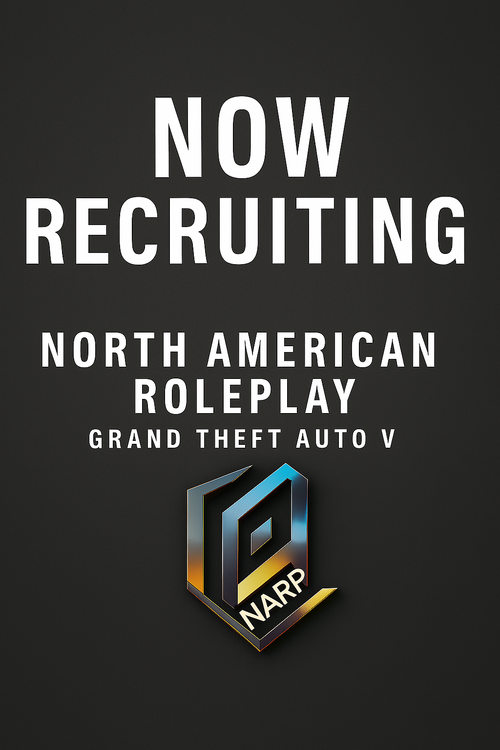
 

Could contain: text, design, screenshot, font, logo, poster, graphic design, brand, graphics, typography

Account

Navigation

Search

Search

Configure browser push notifications

Chrome (Android)
  1. Tap the lock icon next to the address bar.
  2. Tap Permissions → Notifications.
  3. Adjust your preference.
Chrome (Desktop)
  1. Click the padlock icon in the address bar.
  2. Select Site settings.
  3. Find Notifications and adjust your preference.