




K4te
Members
-
Joined
-
Last visited
Everything posted by K4te
-
When you install NVE LSPDFR COMPATIBILITY it like to remove 2 or 3 SHVDN files, reinstall SHVDN by drop files again in gta5 folder and its gonna work
-
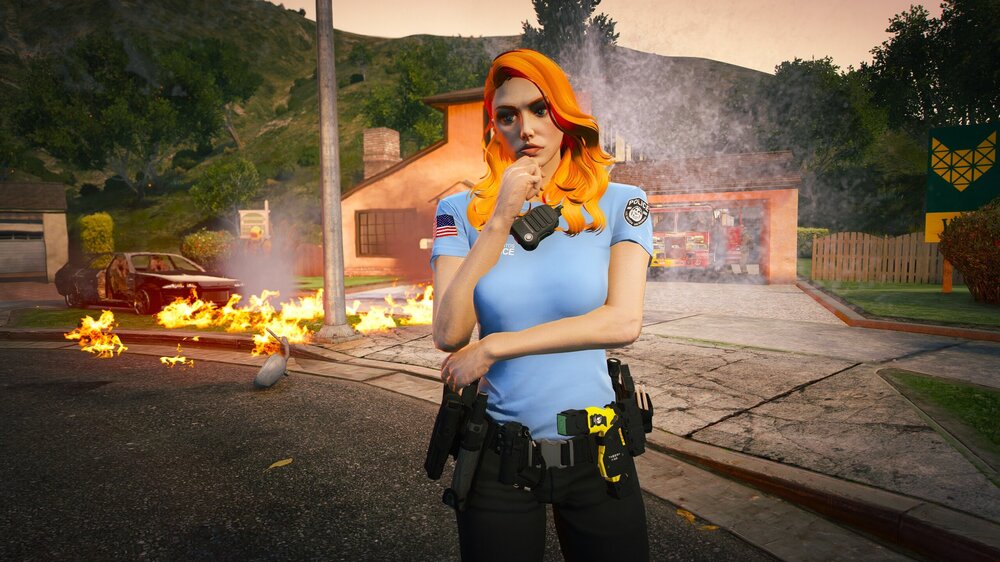
fire department after e-lessons 🔥🔥
-
Remove your current SHVDN and install nightly build
-
I'm using NVE too and everything works fine, do you have installed latest ScriptHookV? Also attach screenshots of your main gta5 folder
-
Check your els/pack_default folder that .xml files names matches name of vehicle .ytf/.ytd file names - same name, same letter case etc And if you don't have it yet - download AdvancedHookV.dll
-
1. Increase PluginTimeoutThreshold to 60000 at RPH settings 2. Reinstall DLS - you are missing something 3. You have installed x2 Crouch plugin - 1 at gta5/plugins and second at gta5/plugins/lspdfr - check readme file or plugin description where it should be installed and remove wrong one 4. PyroCommon.dll move to gta5 main folder 5. Remove RageNativeUI and IPT.Common.dll files from gta5/plugins/lspdfr - it's installed in wrong place, it's outdated and you have good ones installed in main gta5 folder 6. Keep an eye Custom Pullover and United Callouts - if your game still gonna crash then temporally remove this plugins, then add them back 1 by 1 and check which one cause issue 7. You have mess with STP
-
 I have start to use this plugin around 2 weeks ago but yesterday I tried to use it + grammar police more instead UB/STP (what was kinda hard cuz this combo was with me from start of my experience with lspdfr) and I'd love to see this mod working alone + have futures from STP/UB by it own*. Maybe we would have great alternative for BejoIjo plugins with nice looking menu! Also I love idea of possibility to take on/off bulletproof vest or use this option for jacket when it starts rain etc. (it would be good to have possibility to choose hair - as there is option to configure uppr for jacket etc. - when we wanna wear hat or mask).
- 707 comments
- 33 reviews
-
Yes, it works cuz your mods are disabled until you rename it back to mods - but with this info we know that issue is smh inside your mod folder so you know where to look for thing that cause issue.
-
Rename mods folder to _mods and try launch game
-
Attach screenshots of: main gta5 folder gta5/plugins gta5/plugins/lspfdr
-
Try first disable cloud save at RGL settings, then install save and try launch game
-
Go further with story until you finish mission after Michael and Trevor will be able to return to city or install 100% save
-
-
Try remove Custom Pullover and BaitCar, also update Pyrocommon.dll (newest is included in SuperCallouts)
-
Changes that u made in .xml files (gta5/lspdfr/data + .../data/custom) may cause problem
-
Some vehicles can have a bit another templates and thats why your textures can be mess. You can try download vehicles that support template that you have (probably author of liveries put link to them in description or readme file) or try remake them for templates of cars that you use
-
Rename your mods folder to _mods and check if smh gonna change with STP
-
You have a lot errors when your game load so idk how you even are able to play around 45 minutes, temporally rename your mods folder to _mods and check if your game still crash
-
1. Did you instal LSPDFR compatibility version for nve? if no - do it 2. Try rename mods folder to _mods and check if your game gonna launch
-
Do you use some trainers like Menyoo or changed something in STP files?
-
Remove Custom Pullover and check if this change smh
-
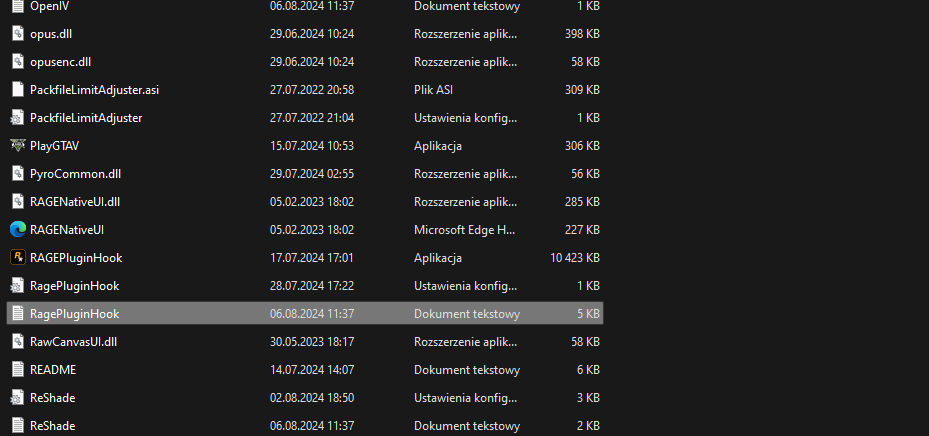
Attach RagePluginHook file (.txt or .log file in your MAIN gta5 FOLDER)
-
You just need to add whole gta5 folder as exception for your anti-virus + set full permission for gta5 folder... reinstall won't help
-
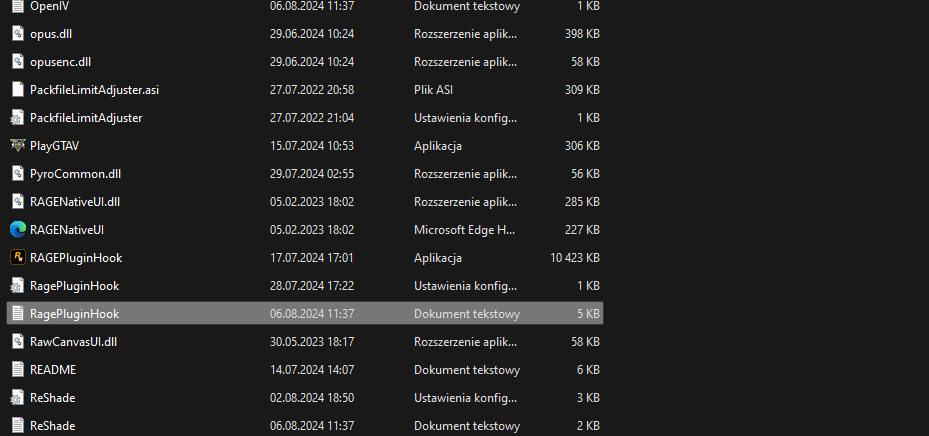
Attach RagePluginHook file (.txt or .log file in your MAIN gta5 FOLDER)
-
Attach screenshots of: main gta5 folder gta5/plugins gta5/plugins/lspdfr






