RedAvery
Members
-
Joined
-
Last visited
Everything posted by RedAvery
-
NVE has a compatibility patch in the optional folder for LSPDFR
-
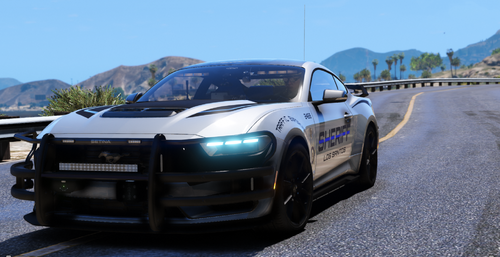 Sorry I fixed my issue. I added the car to my garage and it was red in game. I thought adding the template to the ytd would fix it . But I figured it out, my main issue was forgetting to update my carvations file with the info from the one that came with the dlc. Didn’t need to adjust anything at all with the ytd. Shts fire tho thanks for the mod !! 👊🏾
 -
Tthe 24must_sign_1 template. How can I rid of the white lines?
-
 The broadcastify is fkn amazing. Very impressive mod my man. Makes my play with my beard very real lol.
- 644 comments
- 51 reviews
-
-
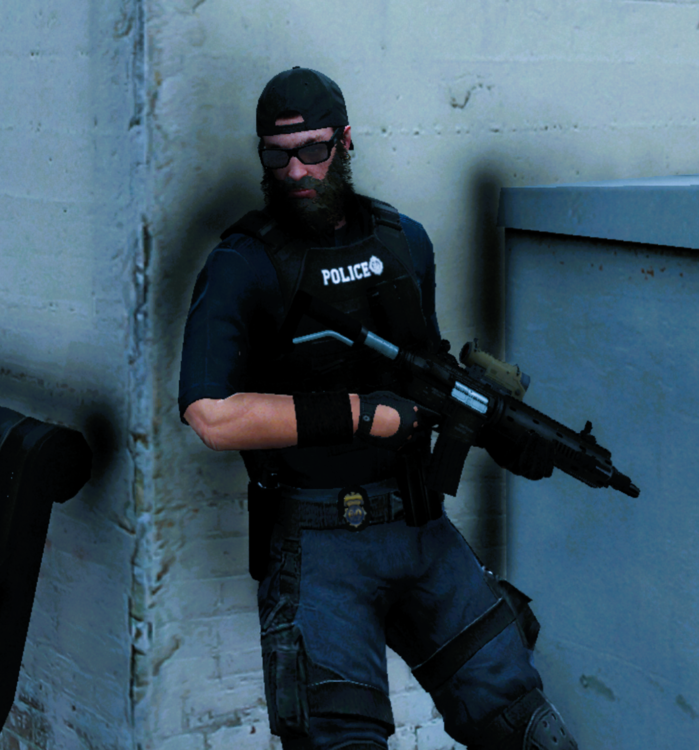
Im using trevors beard. Why isn't there much facial hair mods?
-
 Thanks Brodie, Happy new year god bless
 -
-
-
 I love your plugin. But i had to turn it off. A bit difficult as the AI is fearless and aim is pretty solid
- 633 comments
- 58 reviews
-