
Zia Fleet Supply
Members
-
Joined
-
Last visited
Everything posted by Zia Fleet Supply
-
 Amazing mod. Is there any way that we can control the animations and also control how DLS responds? I've noticed that since using your mod, if I press the traffic stop button and wait for a good place to pull them over, your plugin enables my TA diverge on DLS which makes the vehicle pull over in unsafe areas. When I press the shift key to pull them over I wait for a safe spot before turning on my lights. Any way we can control this?
- 39 comments
- 5 reviews
-
-

- 1
-
-
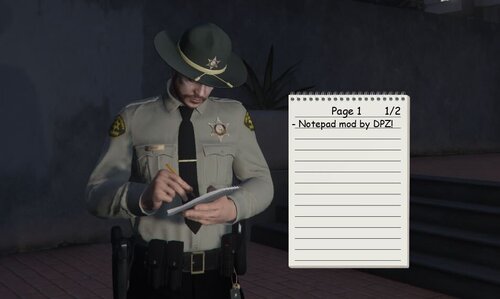 All in all, a great plugin. I have a tiny suggestion. I no longer use Stop The Ped and transitioned to Policing Redefined. Either way, when I press ENTER from a menu while the notepad is open, the notepad will prompt me to write something, and maybe I just want to get the individuals' answers before writing on the notepad but just want the notepad animation present. That said, is there any way you can add a lock function like ELS where you press Scroll Lock and it will either disable or enable keybinds for the system? This would be a great implementation so we can disable the notepad to ask questions whilst still having the notepad animation, and then I can press a key to unlock the notepad to write again. That and/or we can customize the key to write if we want another key other than Enter.
 -
-
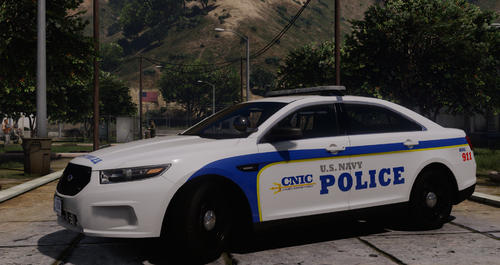 Been waiting for something like this. Nice job!
 -
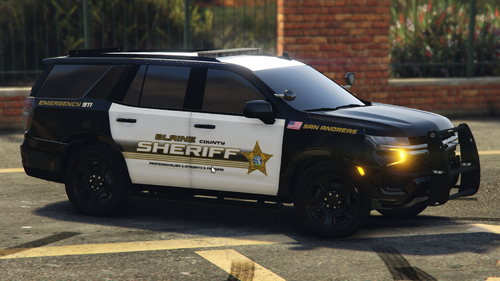 After an issue Fenario came upon, Barsotti has taken over the development of the DASO pack. The first release should be around Q4 of this year or Q1 next year. Not sure.
 -
Some SFPD, NM liveries that I've made.
-
From the album: Santa Fe Police
-
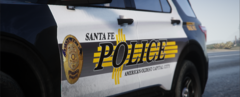
From the album: Santa Fe Police
-
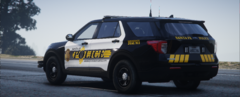
From the album: Santa Fe Police
-
From the album: Santa Fe Police
-
From the album: Santa Fe Police
-
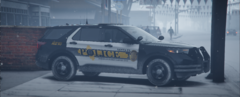
From the album: Santa Fe Police
-
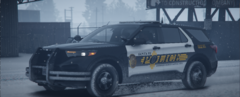
From the album: Santa Fe Police
-
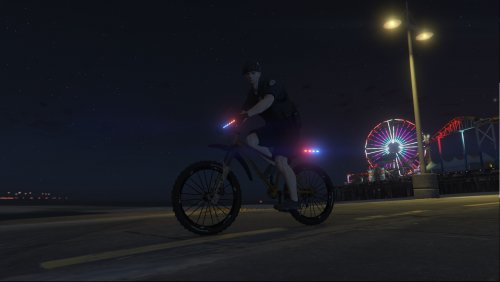 I know this is a few years old but I am having trouble with the texture. In-game, the body of the bicycle keeps glitching textures.
- 19 comments
- 2 reviews
-
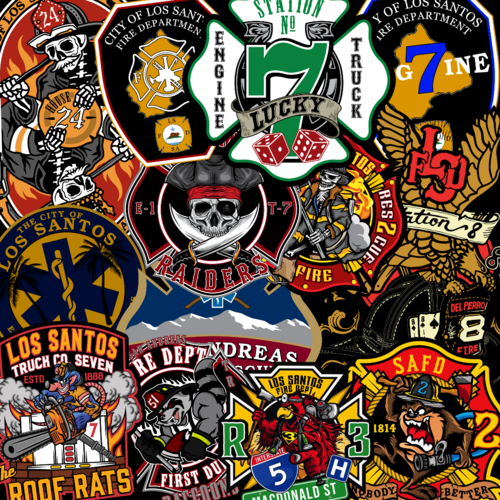 These are very good.
 -
-
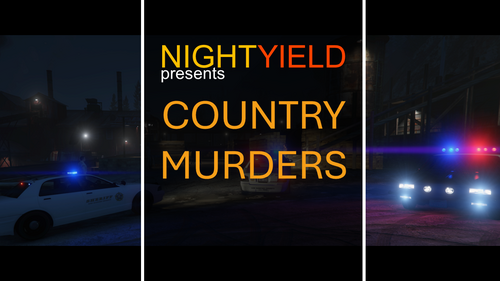 Very good callout. You put a lot of work in this callout, with the amount of detail put into the callout. Hopefully there will be more callouts in the future.
- 59 comments
- 10 reviews
-
-
- 1
-
-
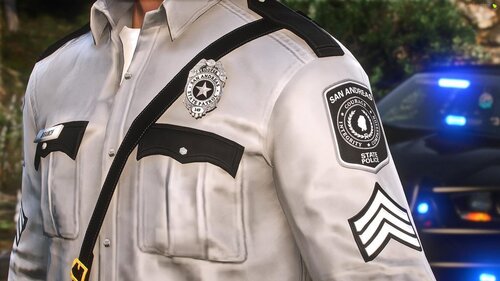 I got this because I needed a suicide strap for my New Mexico State Police uniform thank you
- 2 comments
- 2 reviews
-
-
-
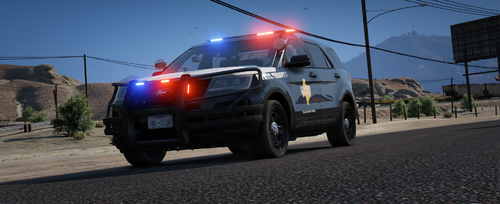 This Texas DPS (Department of Public Safety) skin pack for GTA V brings a realistic Texas DPS experience to LSPDFR. I created it with attention to detail. The pack includes meticulously created skins for various vehicles commonly used by the Texas DPS, with more to come. Models Used: - 2016 Ford Police Interceptor Utility (Kane104) - 2020 Ford Police Interceptor Utility (Kane104) - 2020 Tahoe PPV (Dan with da van) Texas DPS Skins: - 2016 Ford Police Interceptor Utility (Marked) - 2020 Ford Police Interceptor Utility (Marked & Fictional as I know of) - 2020 Tahoe PPV (Marked) - 2020 Tahoe PPV (K9 Slicktop) Credits: All skins were created by FederalFreedom. Special thanks to the following creators for their models: - Kane104 for the 2016 and 2020 Ford Police Interceptor Utility models - Dan with da van for the 2020 Tahoe PPV model I also recommend using the following vehicle pack, which is Whelen outfitted with Whelen Legacy lightbars, what Texas DPS uses on their vehicles. These skins are compatible with the pack: Future Updates: I'm committed to adding more skins in the future. If someone has already made better ones than the ones I made in the future, though, I won't be making them anymore. Each skin is based on real-life Texas DPS vehicle decals, ensuring a high level of accuracy and immersion. Please refer to the README file included with the pack for credits, terms of use, and additional information. Your feedback is welcomed and appreciated! Thank you for choosing this Texas DPS skin pack.
 -
 I like it, good mod. I can still get out of the vehicle though, I am not sure if it is a bug or might have something to do with simple ctrl
- 44 comments
- 70 reviews
-
-
 Very good callout mod. Not sure if you know already, but if someone becomes hostile from the code karen callout in the gun store, if you use lethal or non-lethal the dude will start to shoot you.
- 356 comments
- 25 reviews
-