


orso
Members
-
Joined
-
Last visited
Everything posted by orso
-
I see you have installed gta5 with epic games. try this: To get RPH working, you'll first have to start GTA V into Story Mode. Then tab out of the game and run RAGEPluginHook.exe.
-
I don't know if this could help: Try re-installing BodyCam plugin HeliTaxi you're missing a file (ACSPatch.asi) install it from here Error while loading plugin D:\SteamLibrary\steamapps\common\Grand Theft Auto V\Plugins\Common.dll. Seems you're missing this file: Assembly Common.dll Try this, if it doesn't work screenshot your plugins folder
-
You are missing the CalloutInterfaceAPI file, you need to download calloutinterface plugin and move the CalloutInterfaceAPI.dll to the main gta folder. CalloutInterface-1.4.1 -> Grand Theft Auto V -> Click calloutinterfaceapi.dll and move it to the main gta 5 folder
-
no problem 😄
-
Can you please send the new log?
-
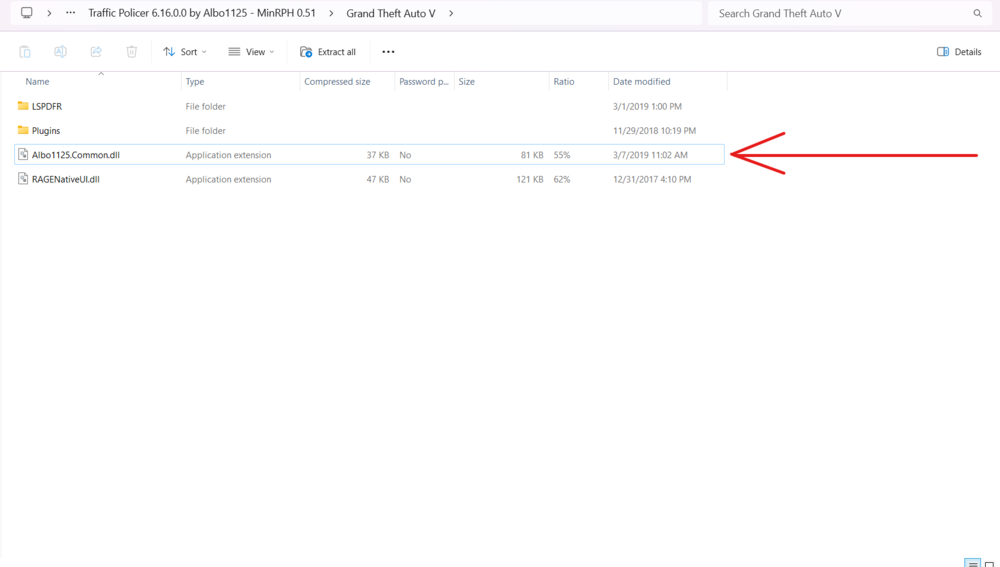
Yes, i'm gonna take a look When you installed traffic policer, did you moved also Albo1125.common.dll file? If you didn't move it on the main gta5 folder. Try installing a new version of ragenativeui here: https://github.com/alexguirre/RAGENativeUI/releases/tag/1.9.2
-
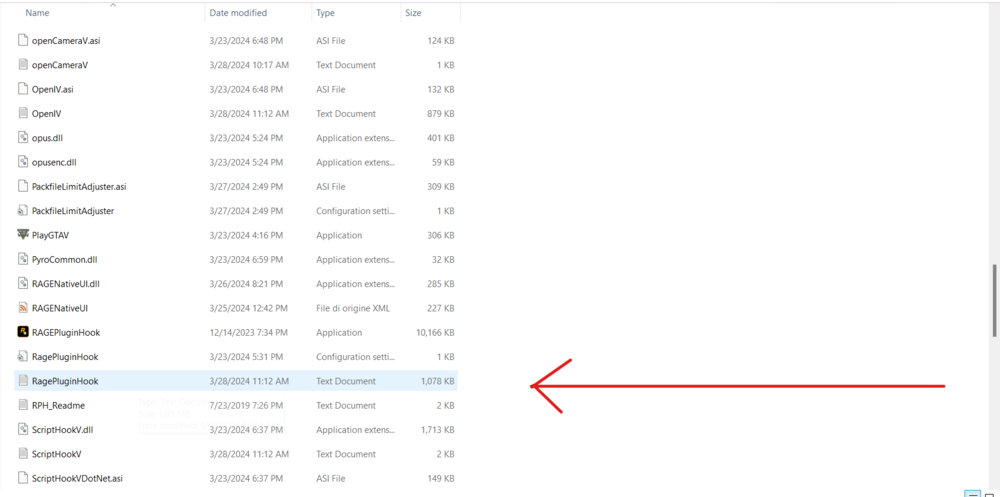
Please attach here the ragepluginhook log, it's located in your gta main directory not in the logs folder
-
Hi, please attach this file:
-
-
Please attach the ragepluginhook log here. It's located in your main gta5 directory NOT in the logs folder
-
Can you screenshots the main directory
-
Uninstall LoreCallouts and try again, also update SimpleCTRL
-
I think it's a callout in the plugin: Active Shooter - Neutralize a Suspect who is discharging a weapon at random.
-
then it's a mod problem, try installing the mods one by one to see what's causing the crash
-
Attach here the ragepluginhook log it's located in your main gta directory
-
YobbinCallouts to work fine need UltimateBackup and especially CalloutInterface because you need the CalloutInterfaceAPI dependence Try it and update me
-
Hi did you installed any mods? If yes rename the mods folder to _mods this will disable all the mods you installed
-
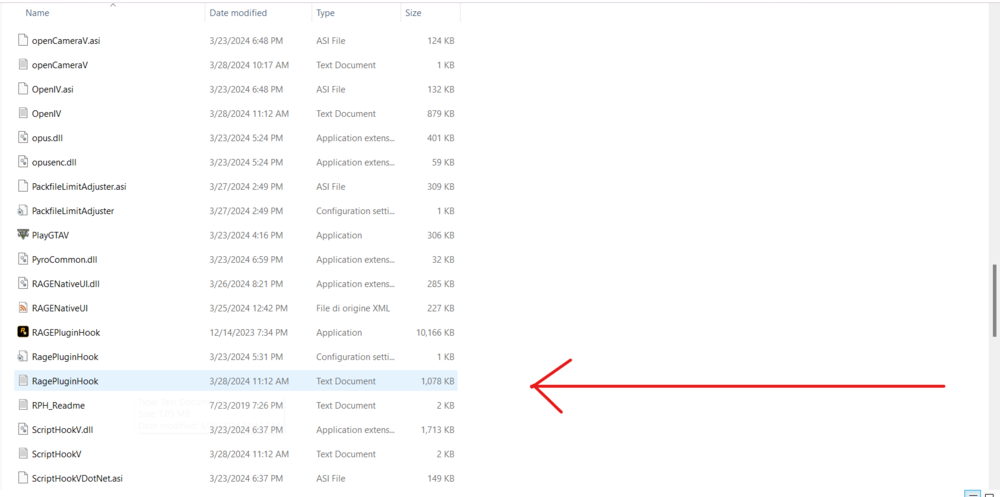
Hi, please attach the log that's located in your gta main directory
-
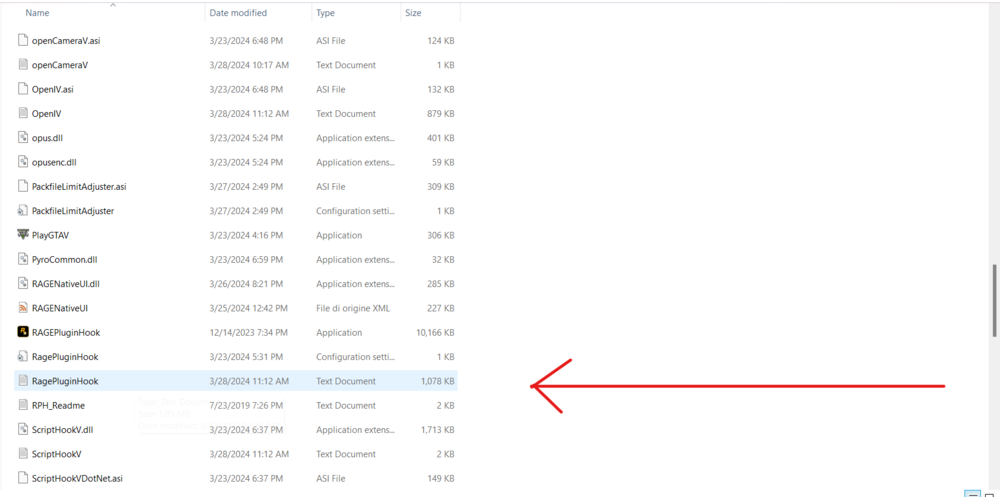
Hello, please attach the ragepluginhook log here
-
Please attach the ragepluginhook.log here, it's in yout main gta folder
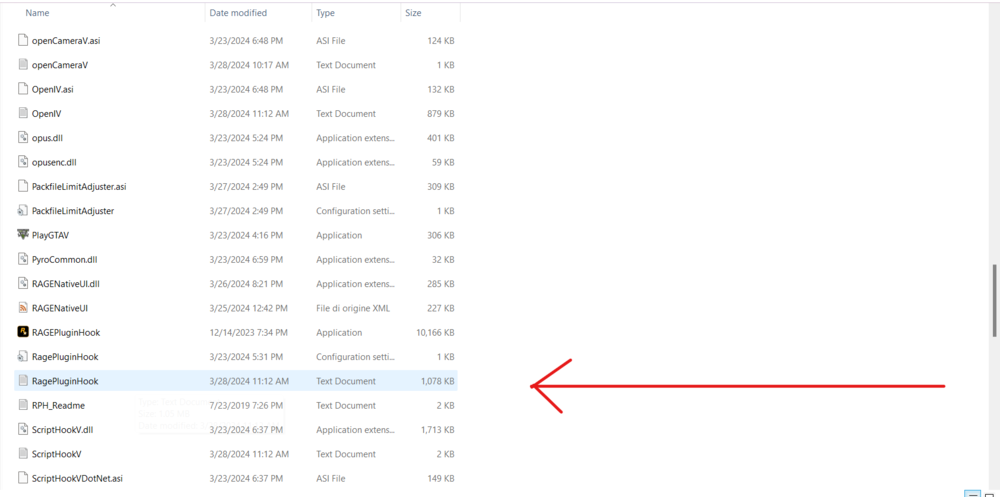
-
No, i mean send the log here
-
screenshot the plugin folder
-
Hello,download GameConfig, HeapAdjuster and packfilelimit adjuster
-
Attach the RagePluginHook log
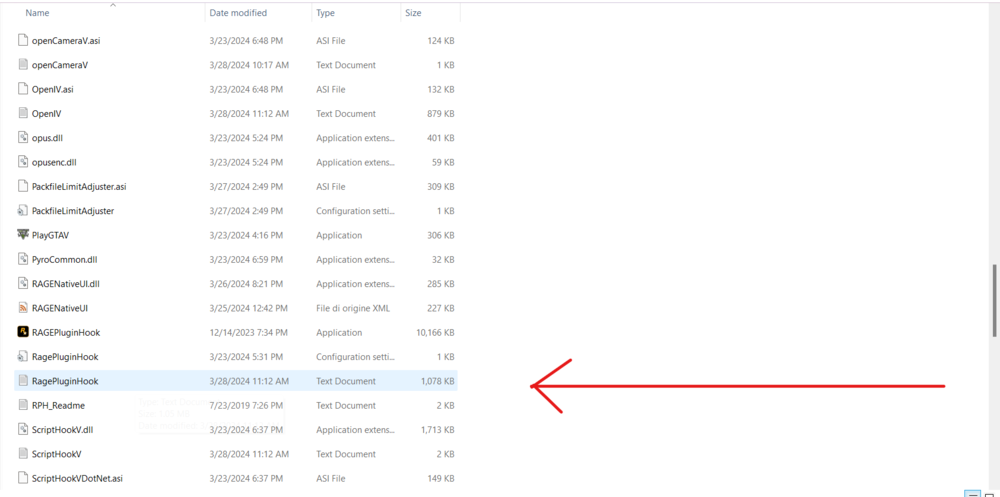
-
The log says you have calloutmanager installed




