




Chippy
Members
-
Joined
-
Last visited
Everything posted by Chippy
-
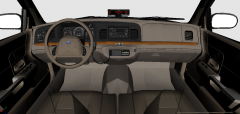 Yeah EVI's is 05-11
 -
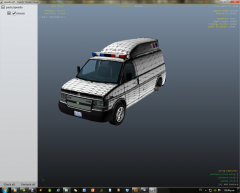 That will defiantly work, remember to add +livery to the vehicles.ide file. Nice work on the template.
 -
 hehehe... :)
 -
From the album: Chippy's WIPs
-
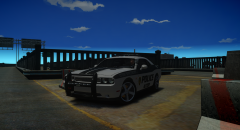
From the album: Chippy's WIPs
2011 Dodge Challenger SRT/8 Converted by Chippy -
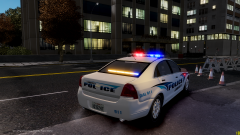 Nice Matt!
 -
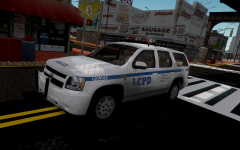 Impala wheels, eh?
 -
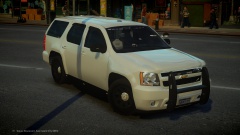 Just the right amount of lights. Excellent work
 -
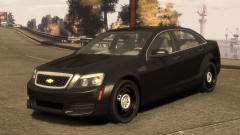 Love it, Kevin
 -
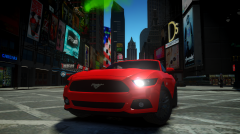 Nope. Straight from NFS: Rivals
 -
From the album: Chippy's WIPs
-
-
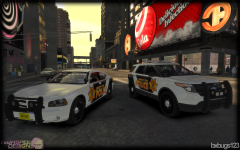 Love'em Bugs. Excellent work.
 -
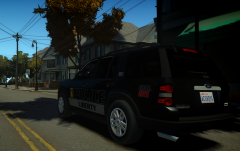
From the album: Chippy's WIPs
The only thing that's holding me from release is the fact the interior is very bad. For those interested here's a template. -
 Thank you. It is indeed a WIP still need to sort some stuff out.
 -
From the album: Chippy's WIPs
-
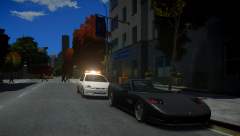
From the album: Chippy's WIPs
2002 Dodge Neon from D:SF converted, templated, and edited by Chippy -
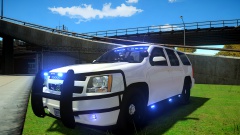 Looks great, Nick!
 -
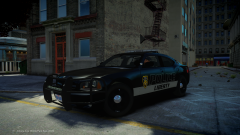
From the album: Chippy's WIPs
Constructive criticism is always appreciated. -
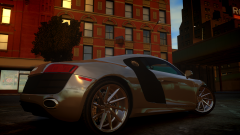
From the album: Chippy's WIPs
-
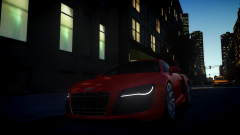
From the album: Chippy's WIPs
Audi R8 V10 -
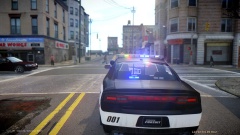 Very nice.
 -

From the album: Chippy's WIPs
What do you guys think? -
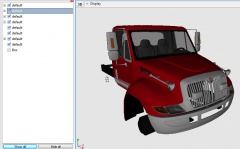 Looking good, Jason
 -
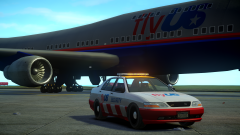
From the album: Chippy's WIPs
Should I do more? Give me some ideas!


