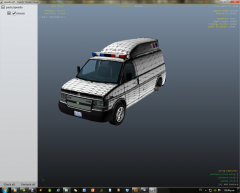
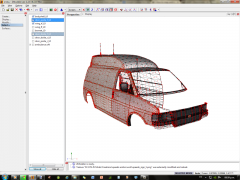
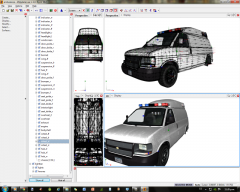
WIP Ambulance Speedo Share https://www.lcpdfr.com/gallery/image/27844-wip-ambulance-speedo/ Share on Facebook Share on X {lang="reddit_text" More sharing options... Followers Finally i have learned how to map it correctly, now i'm gonna need to learn how to make it multi-livery enabled as it only supports one. Gonna try adding the other paintjobs as _sign_1 to sign_4. Do you think that is gonna work? Thanks to LCPD_OFFICER for the tips :-)
Chippy Members January 28, 201412 yr Author stats That will defiantly work, remember to add +livery to the vehicles.ide file. Nice work on the template.
Sheriff Van Dyck Members January 28, 201412 yr Author stats That will defiantly work, remember to add +livery to the vehicles.ide file. Nice work on the template. Thank you! I'm already trying to fix an Rc20 ERROR, hope it will get fixed soon





Recommended Comments
Join the conversation
You can post now and register later. If you have an account, sign in now to post with your account.