Chippy
Members
-
Joined
-
Last visited
Everything posted by Chippy
-
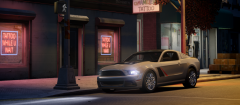
From the album: Chippy's WIPs
Coming soon -
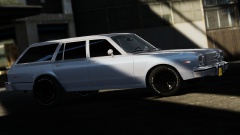 That's badass
 -
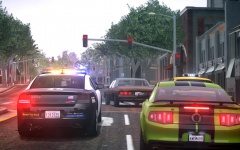 Wouldn't they be responding code 3?
 -
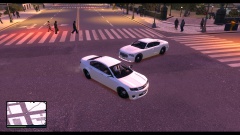 They both look bad ass!
 -
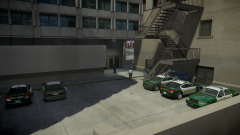
From the album: Chippy's WIPs
Any suggestions, comments, or ideas? -
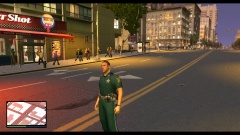 I'm quite interested.
 -
 I usually don't like the older stuff but I like this one a lot. Nice work!
 -
 As I recall no one hated on it, someone simply gave criticism.
 -

From the album: Chippy's random pictures
-

From the album: Chippy's WIPs
Corvette ZR1 by Heisenberg -
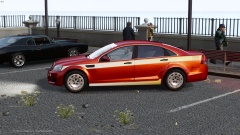 Definitely looks better in game. MOAR
 -
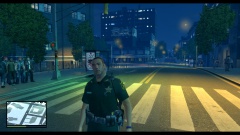 Looks awesome as always, EVI!
 -
2011 Ford Police Interceptor Wheel by Criterion Games Ripped by SRaSer Converted to GTA IV by Chippy DO NOT REUPLOAD ANYWHERE ELSE
-
http://www.lcpdfr.com/page/tutorials/index.action/_/vehicle-modification-tutorial/how-to-map-and-make-templates-for-gta-iv-models-r1
-
-
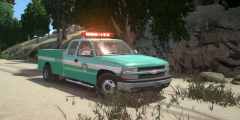
From the album: Chippy's WIPs
Thanks to KevinDV for the Federal Signal Aerodynic -
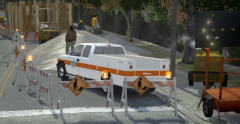
From the album: Chippy's WIPs
-
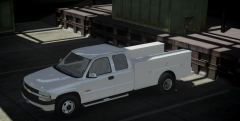
From the album: Chippy's WIPs
-
![Nissan Silvia K's [S13]](//s3-gallery.int-cdn.lcpdfrusercontent.com/gallery/album_1170/sml_gallery_61676_1170_1046074.jpg) Thats super nice!
Thats super nice! -
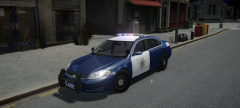 Yeah I've always liked the blue too. I'll make a SJPD pack if enough people are interested!
 -
From the album: Chippy's WIPs
-
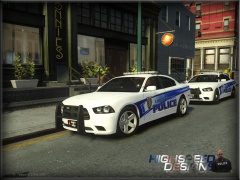 I like those a lot
 -
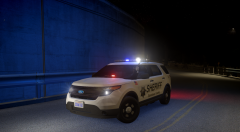
From the album: Chippy's WIPs
-
-
 So pretty



![Nissan Silvia K's [S13]](http://s3-gallery.int-cdn.lcpdfrusercontent.com/gallery/album_1170/sml_gallery_61676_1170_1046074.jpg)