




Chippy
Members
-
Joined
-
Last visited
Everything posted by Chippy
-
-
-
______________________________________________________________________________________________________ MODEL OVERVIEW - NAME: 2013 Dodge Charger Pursuit "LCPD" - VERSION: 2.4 - MOD STATUS: CLOSED _______________________________________________________________________________________________ FILES INCLUDED: - Vehicle - Extras - ELS INI - Readme ___________________________________________________________________________________________ DO NOT REUPLOAD, REDISTRIBUTE, OR EDIT ANY TEXTURES WITHOUT PERMISSION. ____________________________________________________________________________________________ Enjoy, Chippy.
- 11 comments
- 5 reviews
-
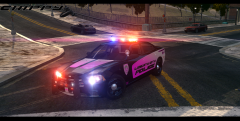
From the album: Chippy's WIPs
Releasing within in a few days -
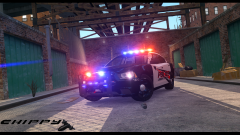
From the album: Chippy's WIPs
-
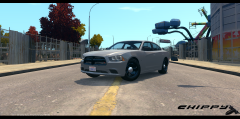
From the album: Chippy's WIPs
Converted by Chippy Wheels by BxBugs123 http://imgur.com/a/n93pB -
-
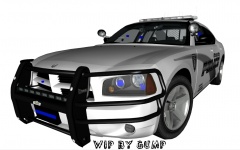 There's no dispute at all. He's free to release with them.
 -
-
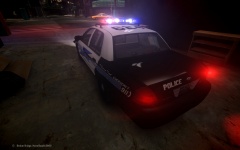 The hierarchy is set up correctly for DROT but everything is attached together.
 -
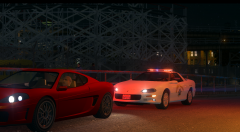
From the album: Chippy's WIPs
Still need to configure the correct lighting setup and add some details. Thanks to Sgt.Kanyo for helping me out. -
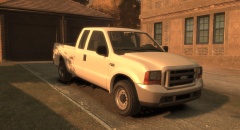 I love you Kevin.
 -

From the album: Chippy's WIPs
Police version coming soon. -
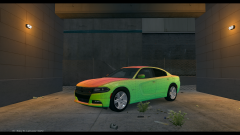 Lot's of trial and error.
 -
From the album: Chippy's WIPs
I've been working on this the past few days. I though I would share my progress. -
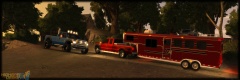 That red one is gorgeous.
 -
![LCPD Highway Patrol SEU - [FINAL] Dodge Challenger SRT8 Shot #2](//s3-gallery.int-cdn.lcpdfrusercontent.com/gallery/album_3066/sml_gallery_29300_3066_742115.png) I might be willing to do that for you. PM me if you'd like.
I might be willing to do that for you. PM me if you'd like. -
-
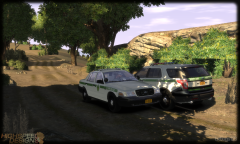 Love the skins
 -
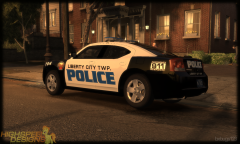 Interesting ALPR placement
 -
![[WIP]2008 F 450 Fire Rescue V2.0](//s3-gallery.int-cdn.lcpdfrusercontent.com/gallery/album_722/sml_gallery_3386_722_289991.jpg) God damn that's sexy as hell.
God damn that's sexy as hell. -
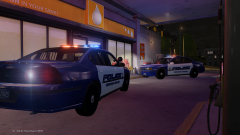
From the album: Chippy's WIPs
Release or naw? -
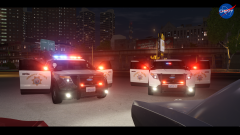 I hadn't thought of that. I'll definitely consider it.
 -
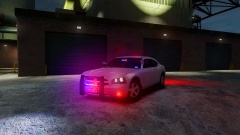 Tires seem a bit too big, and maybe scale the rims up a bit too.
 -
Absolutely.



![LCPD Highway Patrol SEU - [FINAL] Dodge Challenger SRT8 Shot #2](http://s3-gallery.int-cdn.lcpdfrusercontent.com/gallery/album_3066/sml_gallery_29300_3066_742115.png)
![[WIP]2008 F 450 Fire Rescue V2.0](http://s3-gallery.int-cdn.lcpdfrusercontent.com/gallery/album_722/sml_gallery_3386_722_289991.jpg)
