


nasirouting
Members
-
Joined
-
Last visited
Everything posted by nasirouting
-
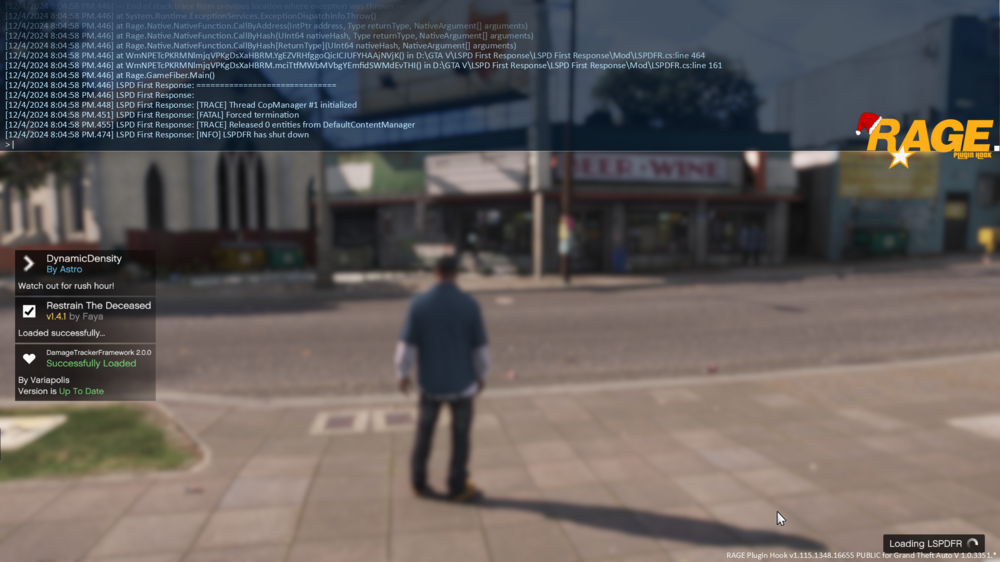
i change it to f5 console lspdfr loading then crash.and i get this message can someone please help.
-
i change it to f5 console lspdfr loading then crash RagePluginHook.log
-
When game load up I press f4 the game crash. I try figure out the problem can’t find it RagePluginHook.log
-
when the game load up . click f4 the load up then it crash. it say check my graphics card. or plugins RagePluginHook.log
-
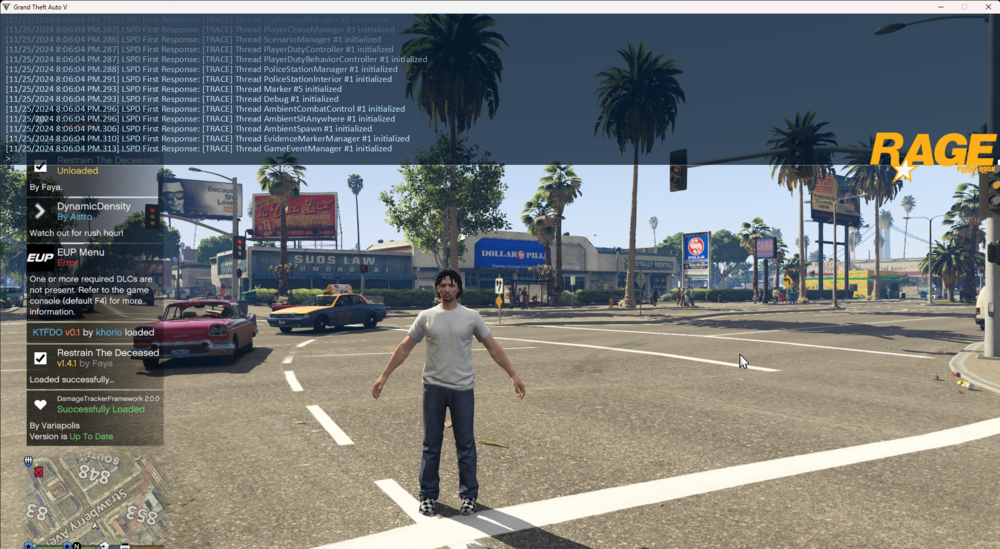
i install it after done that my eup not loading and game keep crashing, plugins or graphic card RagePluginHook.log
.thumb.png.2a5964e73c45e94e1e650ffc17f1216c.png)
-
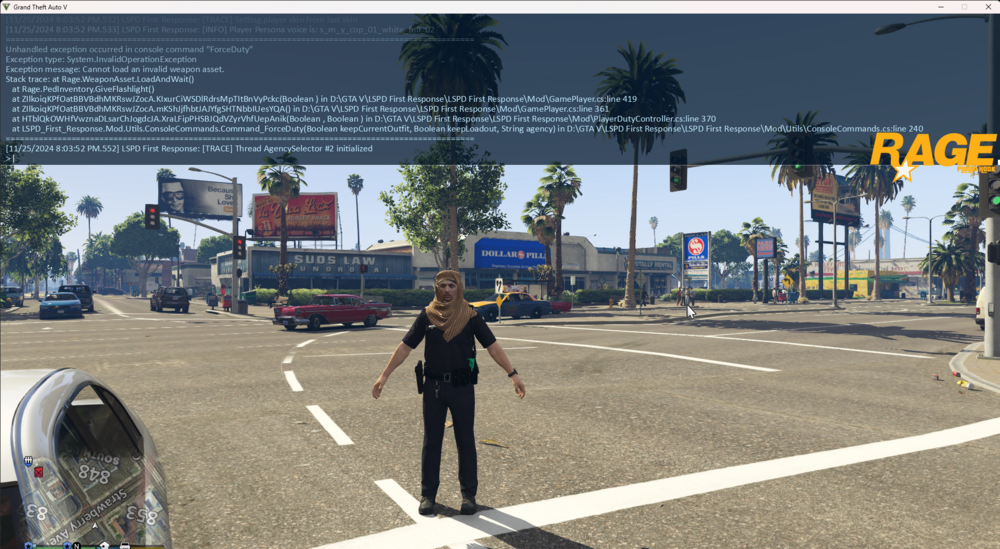
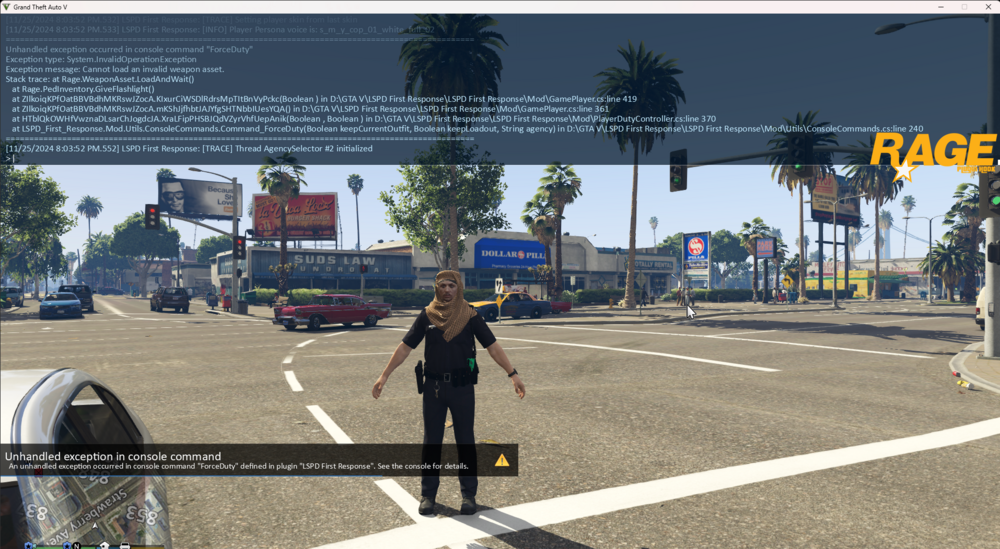
i go on duty tell me that my plugin not working
-
i install it after done that my eup not loading and game keep crashing, plugins or graphic card RagePluginHook.log my plugins wont work at all can someone help me
-
 so reason every time i go in pursuit and call for transport my game crash every time, it a cool mod but it got a lot of troubles and fix bad.
- 646 comments
- 51 reviews
-
How do i fix it
-
Every time while on patrol my game crash say check graphic card etc. i don't know why i have check everything i can't fix the problem it happens every 15min. can someone please help me. RagePluginHook.log
-
when im in the middle of a called or driving to it lspdfr crash i dont know why . i fix my mod folder. RagePluginHook.log
-
-
 where is the els file
 -
-
My Game keeps crashing, keep say bad graphics or check plugings i never had this problem. Some one help me RagePluginHook.log
-
when on duty playing for 10min then it crash RagePluginHook.log
-
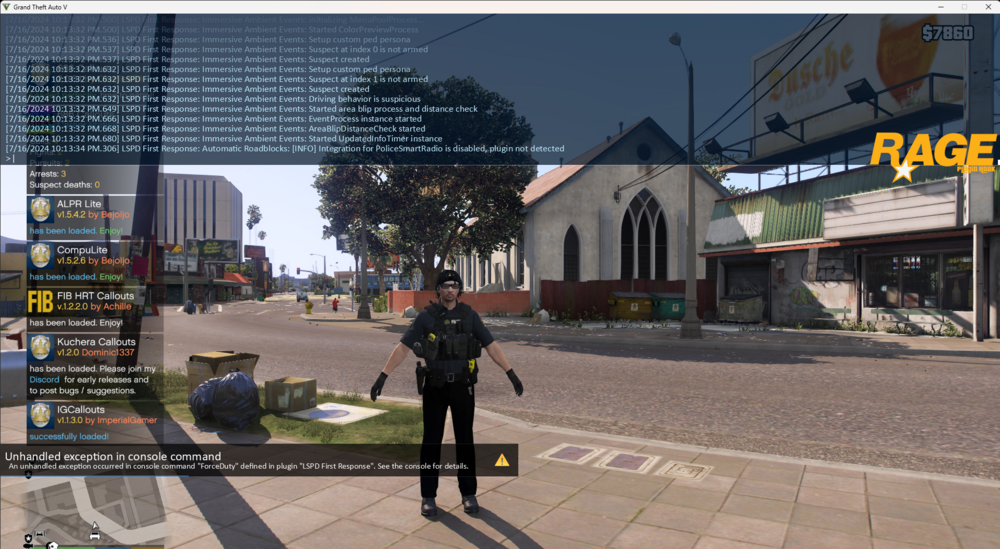
EVERYTIME TYPE FORCEDUTY SAY UNHANDLED EXCEPTION IN CONSOLE COMMAND . I dont know how to fix it,all my plugins not work like stop the ped, rest of them RagePluginHook.log
-
still getting same problem . Do anyone what is it. It crash I press f4 bottom to load plugin ,it just crash say antivirus or check my graphics card . The Game load up find no crashing , when I press F4 on keyboard to load my plugin it crash ,is it possible what plugin I got in my game. Please Help Me
-
okay thank you
-
yes i got gameconfig.xml and latest lspdfr and latest gta 5. im using window 8
-
RagePluginHook.log i get this every time i load up rph and gta5
-
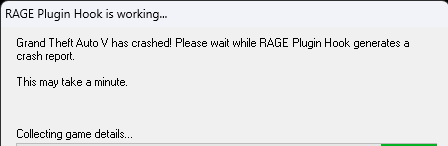
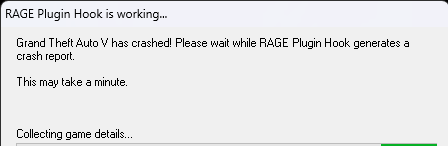
when i start up rph take while to load up just a black screen . then it crash say gta has crashed please wait rph generates at crash report ,when do that it still loading and the game. someone please help me. i start gta 5 without rph the game start up find .when i start rph it crashes soon it load up. please help i done everything post to do . i re start my computer and game i re download gta 5 it and the mods and rph . still not fix i even change mods to mods_. still getting the same problem RagePluginHook.log
-
yes i click on f4 still do i dont got rph
-
yes
-
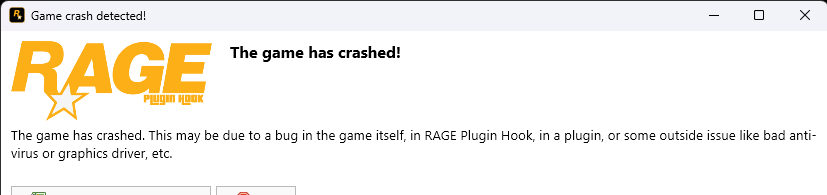
i download my game fix my mod folder and everything openiv Trun everything off I done everything i can do find the problem still not solving my problem i keep getting this message i dont know what to do RagePluginHook.log

.png.14e746d181abcef2741732232a84abac.png)




