


nasirouting
Members
-
Joined
-
Last visited
Everything posted by nasirouting
-
no it dont.
-
yes
-
So when I’m driving why my game just stop playing I got restart the game
-
RagePluginHook.log
-
Hello I’m problems with Lspdfr every time I go to a callout,like few seconds just crash.i don’t know why it doing that everything update,and the correct folder.
-
Hello I’m problems with Lspdfr every time I go to a callout,like few seconds just crash.i don’t know why it doing that everything update,and the correct folder.
-
thank you it work
-
yes i got that one RagePluginHook.log
-
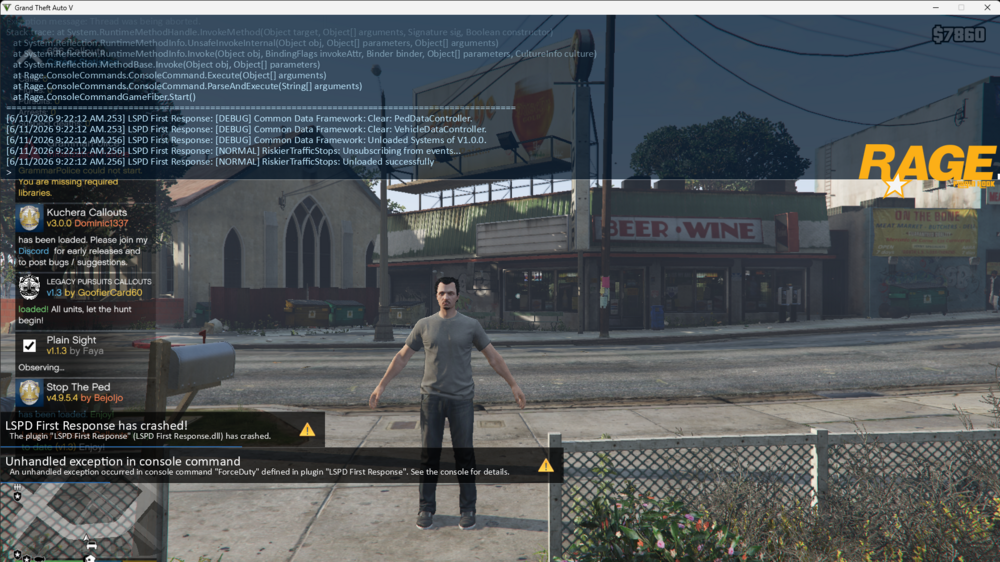
12/12/24 the latest one? ask got one latest say this year i update it still the same issue even the eup still doing samething
-
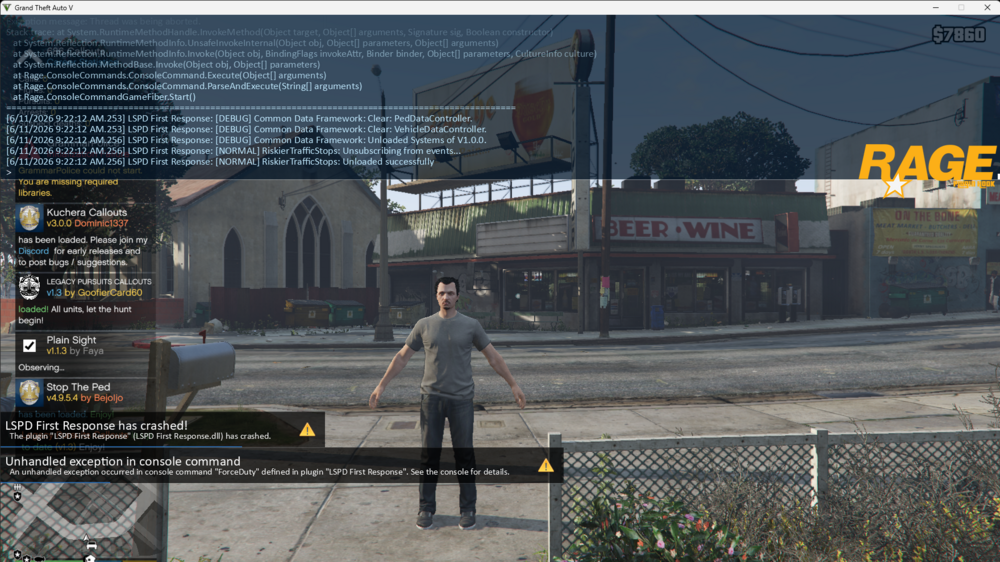
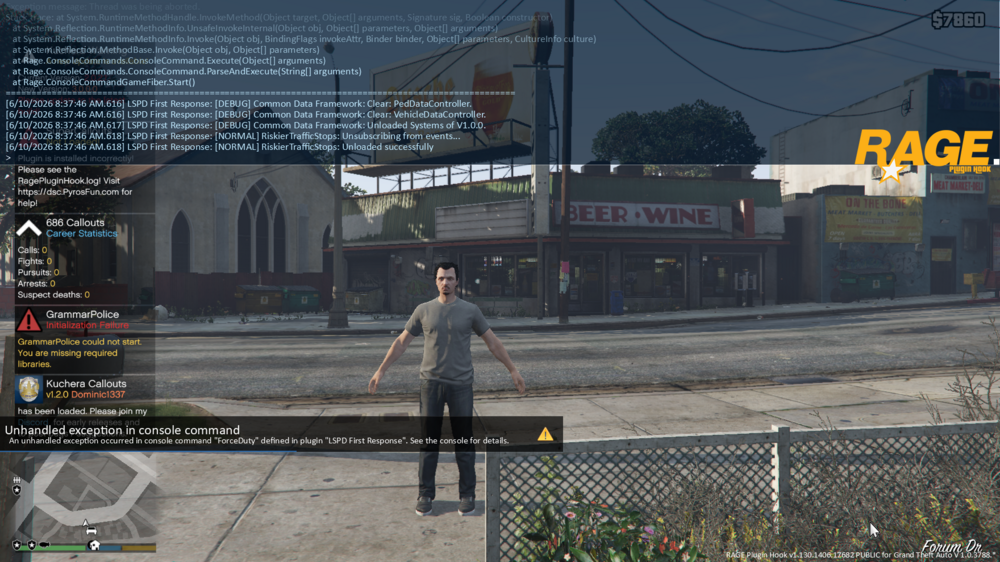
it still crashing and lspdfr is too RagePluginHook.log
-
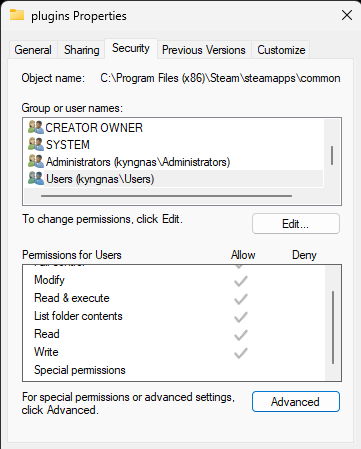
is this right before i start it
-
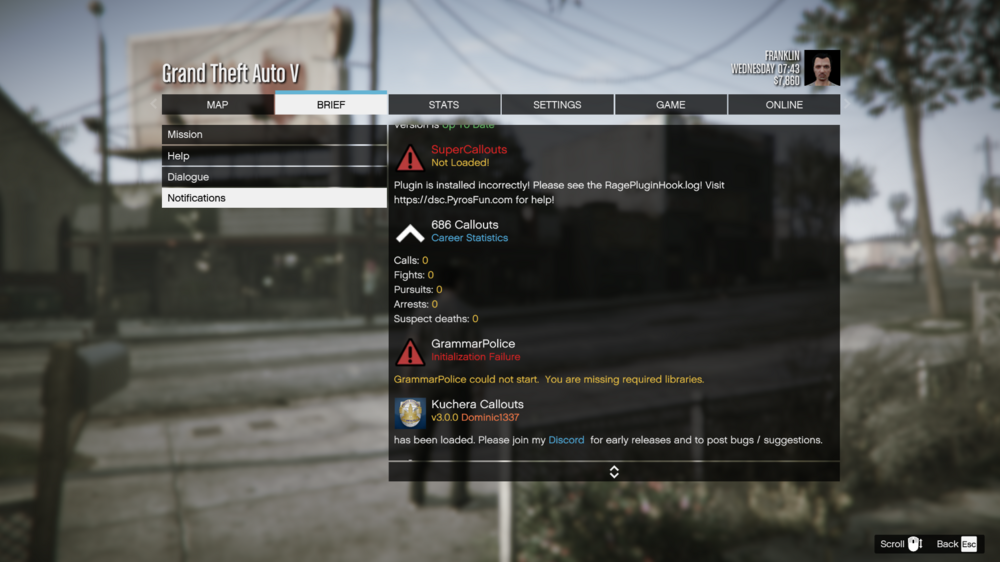
i done the runtime and language still come up the same. my eup menu i try every way fix not working need help RagePluginHook.log
-
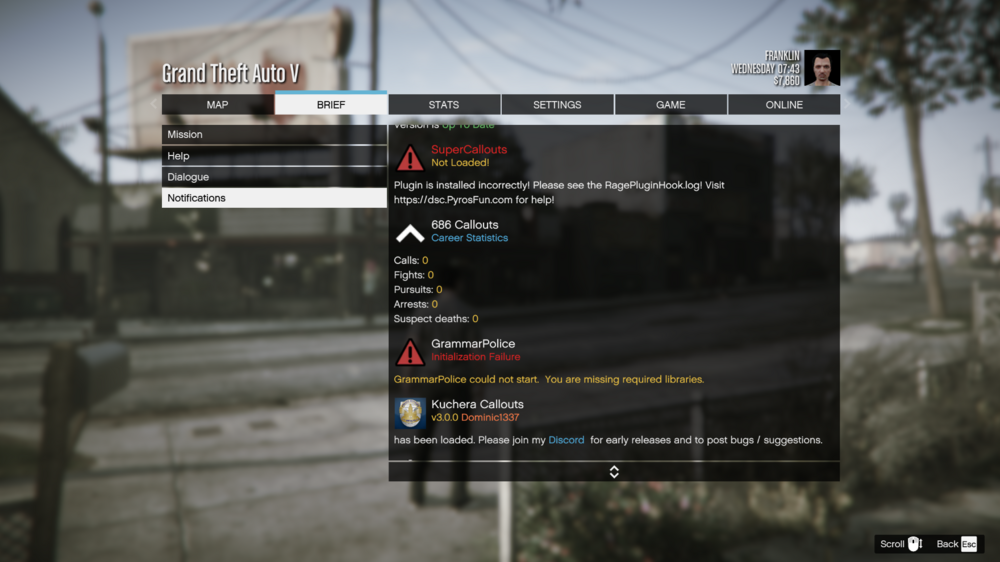
i reinstall still doing same thing idk what i done wrong,even my grammer police mess up and supercallout
-
What you mean need ensure that my user group have full read/write permissions for the game folder
-
i try screen shot it RagePluginHook.log
-
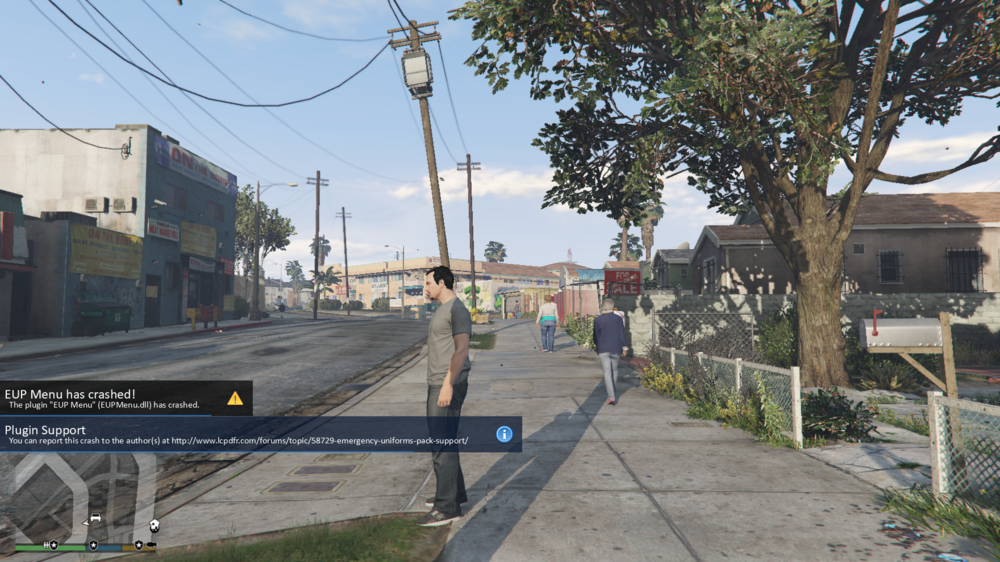
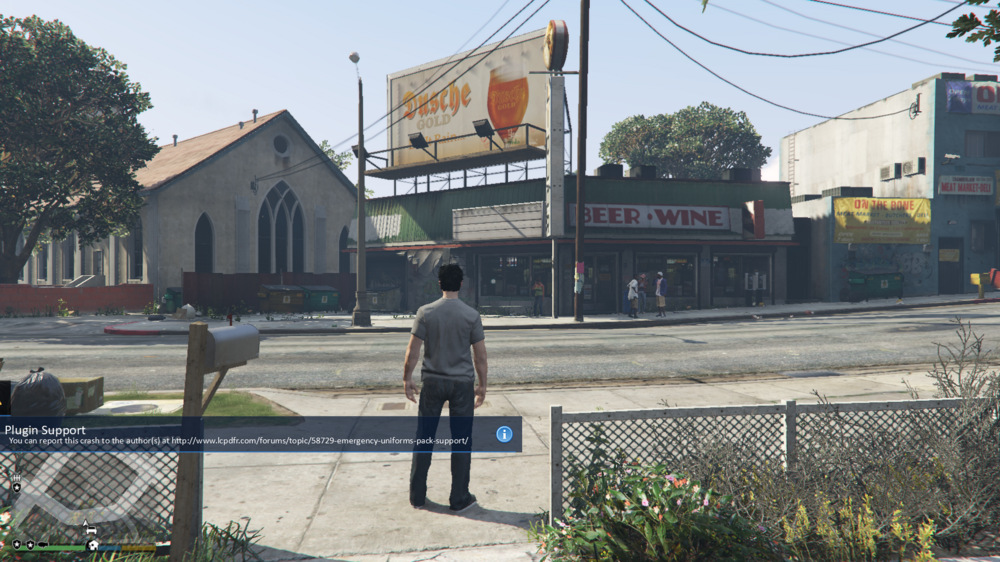
this what i get every time i click F11 for my clothes it just ,crash i put the plugin the right spot, can anyone tell me what's going on. and my Rage plugin hook keep saying some apps block wish to unblock it, thta never happen to me ,
-
-
Okay even with the plugins too
-
no everything fine now thank you so much for your help. only thing gotta do is put my mods and plugins back in
-
-
I dont think soo .
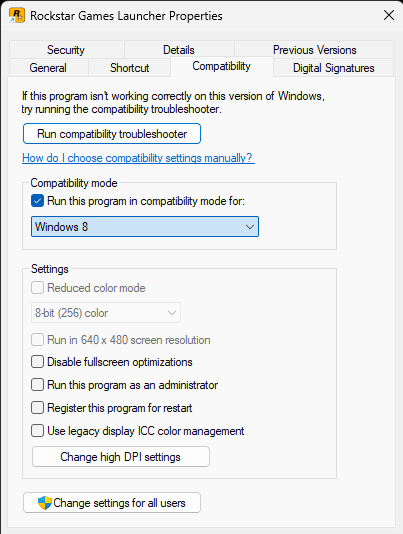
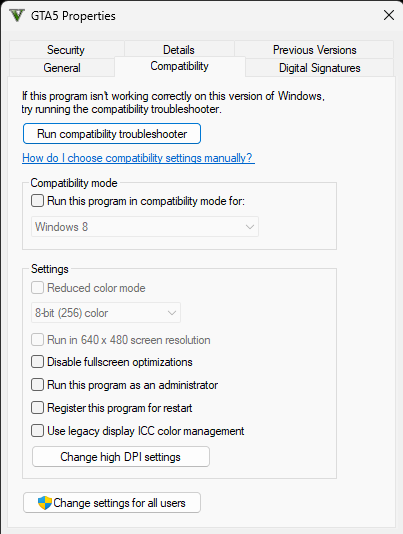
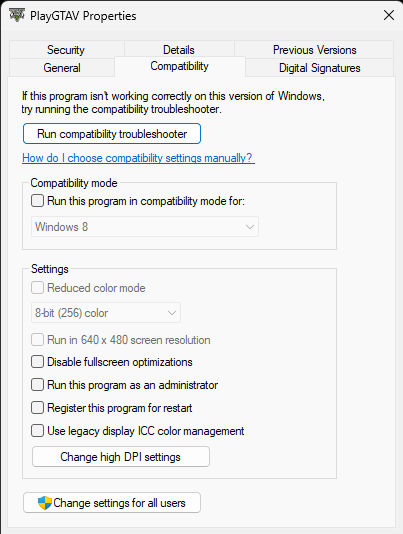
-
is this right what i do next
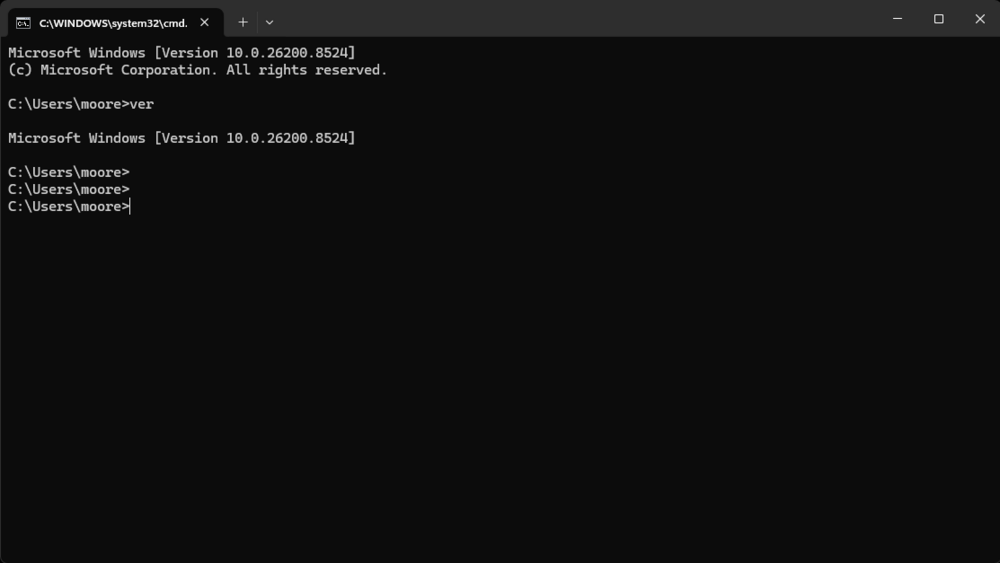
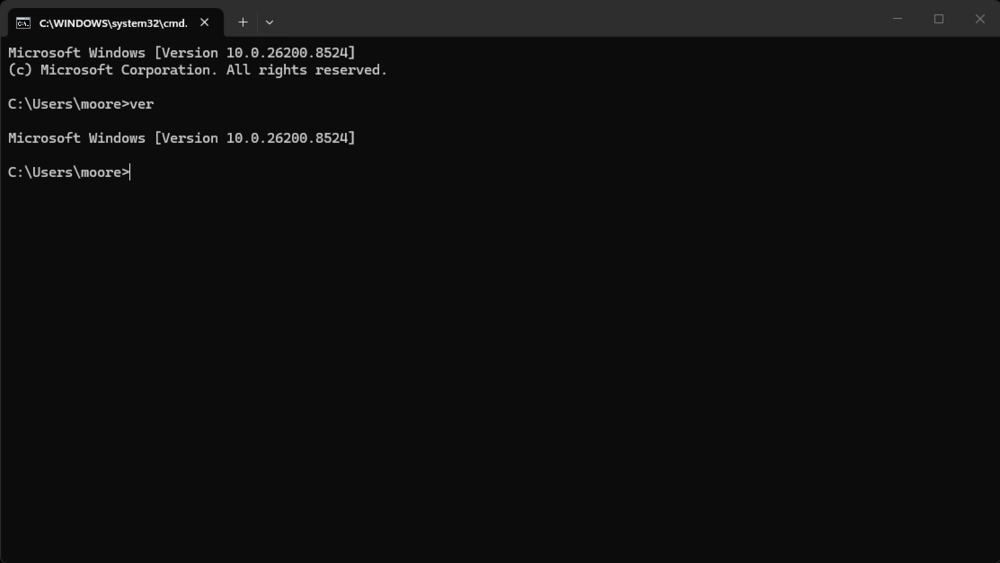
-
I’m do that . I done that what post to happen next
-
When do that what post happen
-
OK when I do it, do the box need to be highlighted or un highlighted What about that the path message I’m getting I don’t understand why do that.



