Skip to content
View in the app

A better way to browse. Learn more.

LCPDFR.com

A full-screen app on your home screen with push notifications, badges and more.

To install this app on iOS and iPadOS
  1. Tap the Share icon in Safari
  2. Scroll the menu and tap Add to Home Screen.
  3. Tap Add in the top-right corner.
To install this app on Android
  1. Tap the 3-dot menu (⋮) in the top-right corner of the browser.
  2. Tap Add to Home screen or Install app.
  3. Confirm by tapping Install.

Chris Wolfgang

Members
  • Joined

  1.    Chris Wolfgang reacted to a comment on a file: Tactical Weapon Holding Animations
  2.    Chris Wolfgang reacted to a comment on a file: Tactical Weapon Holding Animations
  3. Making it simple, this modifies the "<MotionClipSetHash>" of the weapons listed in the description, replacing them with others, so if you want help to integrate the modified weaponsanimations.meta that you already have, contact me in Discord: chriswolfgang, and I can maybe help you with it :)
    • 1,256 downloads
    • Version 1.2
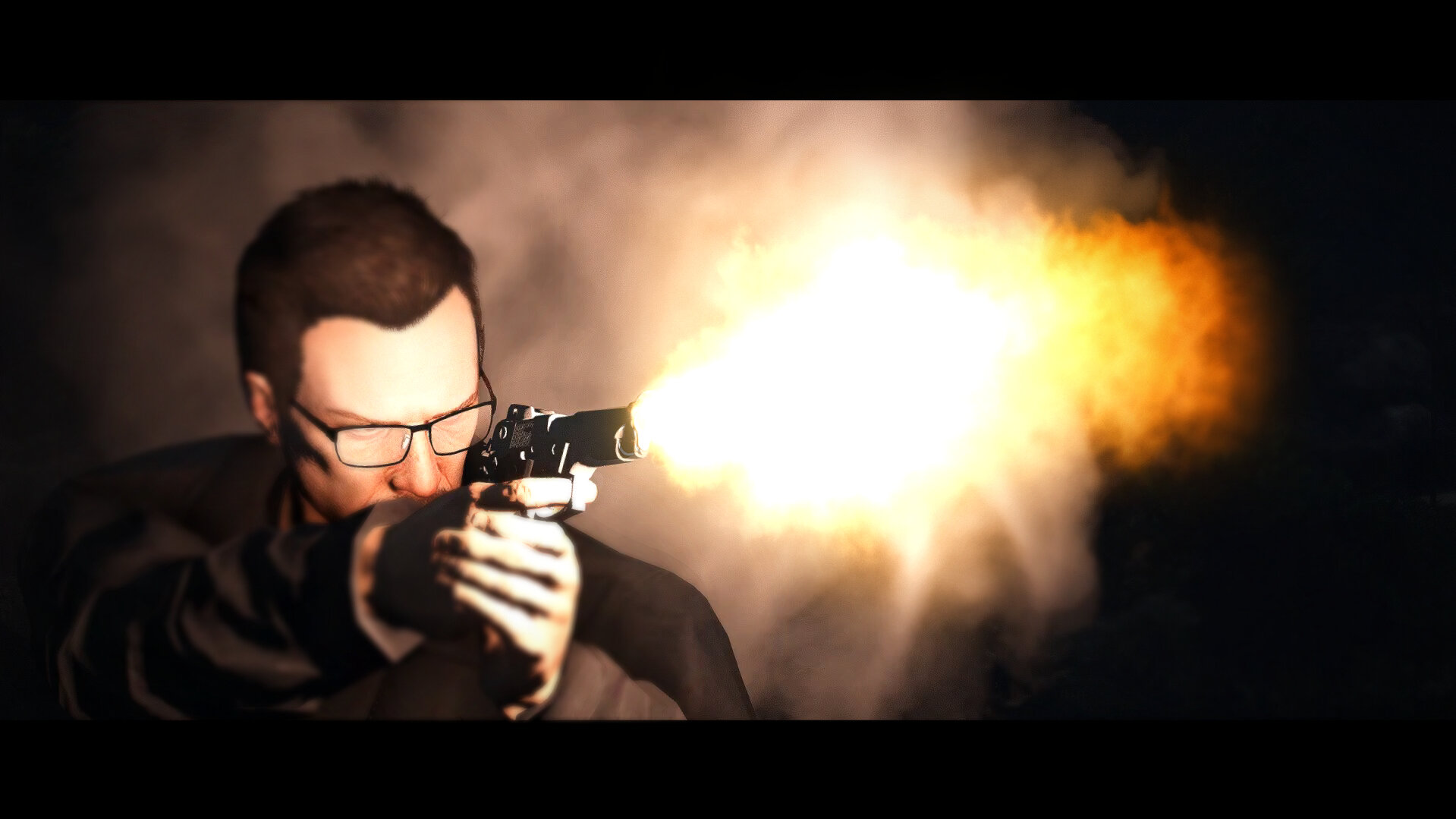
    This mod changes the handling/holding/grip of several weapons in the game when you are idle, walking, or running. (The mod modifies your weaponsanimations.meta, so it's recommended to back up your files before installing it. The mod includes a backup, but it's from the vanilla game.) The following list is of the weapons that change their handling/grip when the mod is installed: • PISTOL • PISTOL_MK2 • COMBATPISTOL • PISTOL50 • APPISTOL • STUNGUN • HEAVYPISTOL • VINTAGEPISTOL • MACHINEPISTOL • SMG • ASSAULTSMG • COMBATPDW • MINISMG • PUMPSHOTGUN • PUMPSHOTGUN_MK2 • SAWNOFFSHOTGUN • ASSAULTSHOTGUN • BULLPUPSHOTGUN • DBSHOTGUN • ASSAULTRIFLE • CARBINERIFLE • CARBINERIFLE_MK2 • ADVANCEDRIFLE • COMPACTRIFLE • MG • COMBATMG • GUSENBERG • SNIPERRIFLE • HEAVYSNIPER Notes: If you're having trouble with the female MP or others not using the animations on some weapons, do this: Menyoo > Player Options > Movement Styles > Weapon Animations (All Below) > Default. (Female and Ballistic works as well.) The person who discovered this is jjj777. Go to their profile and check it out. OIV Installation: 1) Open the .oiv file located in the "OIV" folder, and open it after that. Click on "Install" and then select the "Mods" option, if available. 2) You finished downloading the mod, enjoy... Manual Installation: 1) Go to C:\Program Files (x86)\Steam\steamapps\common\Grand Theft Auto V\mods\update\update.rpf\common\data\ai (With OpenIV.) 2) Go into editing mode. Drop the files located in the folder named "Manual" into it. 3) You finished downloading the mod, enjoy... Recommended to use with the mod: NPC Style Cover Animations By Hanako
  4. Chris Wolfgang changed their profile photo
  5. Chris Wolfginstan     Finished responding to a [DC] Bank Robbery in Pillbox Hill, Vespucci Boulevard
  6. Chris Wolfginstan     Responded to a [DC] Bank Robbery in Rancho, Innocence Boulevard
  7. Chris Wolfginstan     Arrested Jeremiah Johnson in Rancho, Innocence Boulevard
  8. Chris Wolfginstan     Performed a traffic stop on a Silver Buffalo with registration 82NZX181 in Maze Bank Arena, Davis Avenue
  9. Chris Wolfginstan     Went on-duty at Los Santos Intl. Airport Field Office in Mission Row, Atlee Street
  10. Chris Wolfginstan     Responded to a [DC] Gang Driveby in Sandy Shores, Marina Drive
  11. Chris Wolfginstan     Finished responding to a [DC] Store Robbery in Sandy Shores, Alhambra Drive
  12. Chris Wolfginstan     Responded to a [DC] Store Robbery in Sandy Shores, Panorama Drive
  13. Chris Wolfginstan     Performed a traffic stop on a Black Asea with registration 21AJM054 in Gd. Senora Desert, Route 68
  14. Chris Wolfginstan     Performed a traffic stop on a Black Steal Emperor with registration 83WSR113 in Gd. Senora Desert, Route 68
  15. Chris Wolfginstan     Performed a traffic stop on a Black Steal Emperor with registration 83WSR113 in Gd. Senora Desert, Route 68
  16.    Chris Wolfgang reacted to a comment on a file: Virus City Postal Code Map
  17. Chris Wolfginstan     Went off-duty at Downtown Police Station in Mission Row, Atlee Street
  18. Chris Wolfginstan     Responded to a [DC] Bank Robbery in Pillbox Hill, Elgin Avenue
  19. Chris Wolfginstan     Responded to a [DC] Gang Shootout in Davis, Innocence Boulevard
  20. Chris Wolfginstan     Responded to a [DC] Store Robbery in Chamberlain Hills, Strawberry Avenue
  21. Chris Wolfginstan     Finished responding to a Kidnapping in Progress in El Burro Heights, Fudge Lane
  22. Chris Wolfginstan     Finished responding to a [DC] Emergency Assistance in El Burro Heights, Fudge Lane
  23. Chris Wolfginstan     Responded to a Shooter At Work Place in La Puerta, Alta Street
  24. Chris Wolfginstan     Finished responding to a [DC] Shots Fired in Los Santos International, Pista 1
  25. Chris Wolfginstan     Responded to a [DC] Shots Fired in Los Santos International, New Empire Way
  26. Thanks to this mod, I now enjoy LSPDFR much more. TYSM.
  27.    againstallodds reacted to a comment on a file: Kuchera Callouts
  28. The calls are bugged, well some of them but the ones I tried I don't think were good enough but some still look good🙂.

Account

Navigation

Search

Search

Configure browser push notifications

Chrome (Android)
  1. Tap the lock icon next to the address bar.
  2. Tap Permissions → Notifications.
  3. Adjust your preference.
Chrome (Desktop)
  1. Click the padlock icon in the address bar.
  2. Select Site settings.
  3. Find Notifications and adjust your preference.