


bdavis94
Members
-
Joined
-
Last visited
Everything posted by bdavis94
-
 This plugin is amazing. Your tutorial was amazing and very detailed. Keep more projects coming. This plugin is so immersive and my favorite out of all plugins. Appreciate your work alot.
- 1,365 comments
- 87 reviews
-
-

- 1
-
-
 The work is good my friends. No problems in my first chase. Police did things I never expected. Appreciate the work. Keep the mods coming!! Huge fan of all you guys and work.
- 6 comments
- 1 review
-
-
 Thank you for this mod. Wish you safe patrols as a trooper and appreciate having a real officer make lspdfr more immersive.
 -
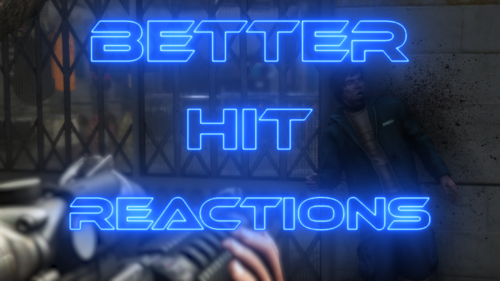 Finally got my lspdfr working great and will give this a shot. Thank you guys for your hardwork on improving playing experience for us lspdfr players.




Account
Navigation
Search
Configure browser push notifications
Chrome (Android)
- Tap the lock icon next to the address bar.
- Tap Permissions → Notifications.
- Adjust your preference.
Chrome (Desktop)
- Click the padlock icon in the address bar.
- Select Site settings.
- Find Notifications and adjust your preference.
Safari (iOS 16.4+)
- Ensure the site is installed via Add to Home Screen.
- Open Settings App → Notifications.
- Find your app name and adjust your preference.
Safari (macOS)
- Go to Safari → Preferences.
- Click the Websites tab.
- Select Notifications in the sidebar.
- Find this website and adjust your preference.
Edge (Android)
- Tap the lock icon next to the address bar.
- Tap Permissions.
- Find Notifications and adjust your preference.
Edge (Desktop)
- Click the padlock icon in the address bar.
- Click Permissions for this site.
- Find Notifications and adjust your preference.
Firefox (Android)
- Go to Settings → Site permissions.
- Tap Notifications.
- Find this site in the list and adjust your preference.
Firefox (Desktop)
- Open Firefox Settings.
- Search for Notifications.
- Find this site in the list and adjust your preference.